


STOCK TRADING JOURNAL
The Stock Trading Journal for Reviewing What Really Works
Broker fills show what happened. A structured journal shows why it happened, which symbols and setups deserve another look, and where costs are eating into net results.
- Automatic and manual imports
- Symbol-level performance
- Long and short review
- Free forever plan
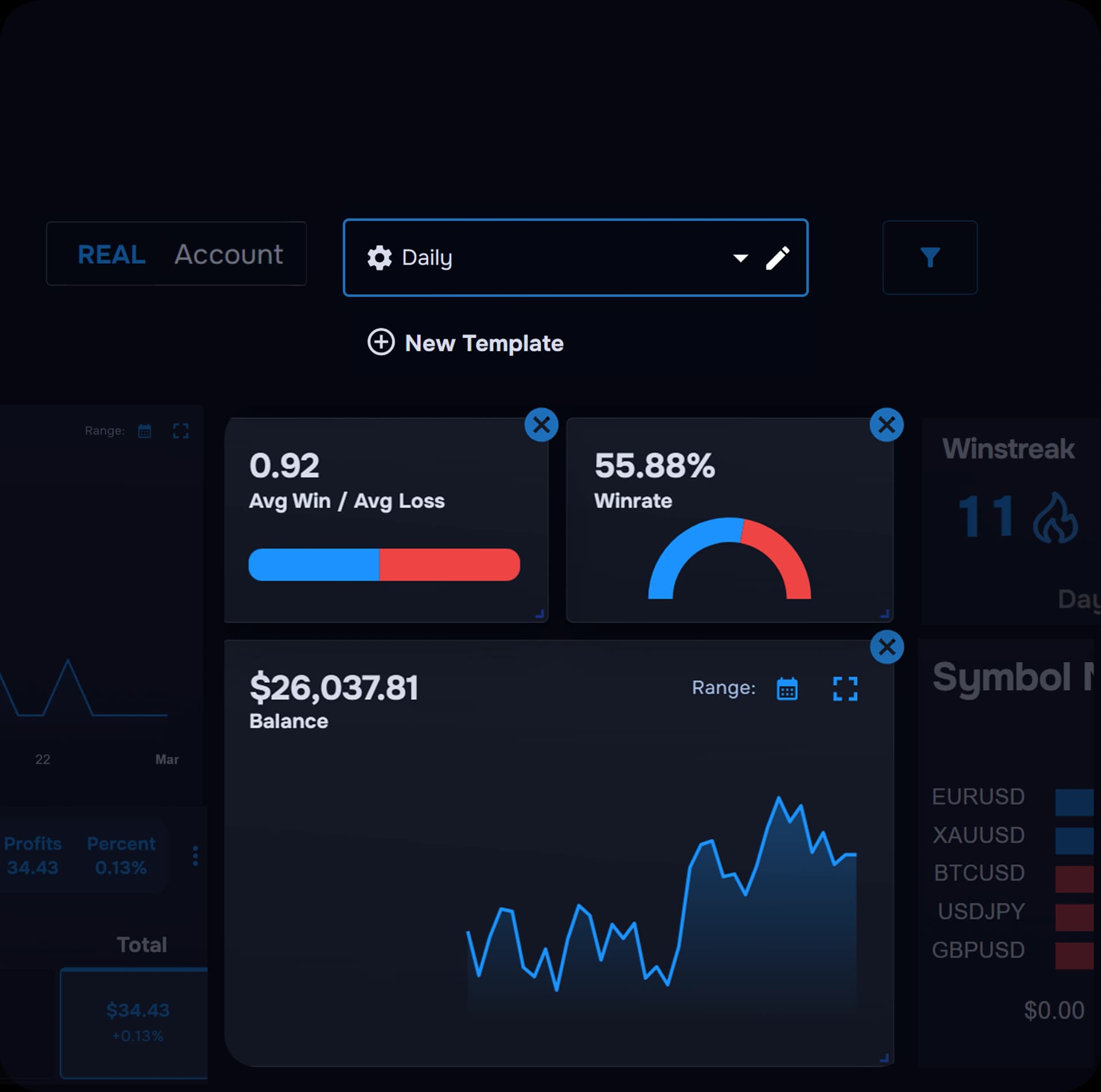
Why serious stock traders keep a journal
A list of fills does not explain the trade
Execution history shows prices and times, not the setup, catalyst, or plan behind the entry.
Results vary by symbol, direction, and hold time
One ticker can carry your week while another quietly drains it unless you review symbol by symbol.
Strategy and behaviour need to sit beside the outcome
Tags, notes, and screenshots connect the decision you made to the result you recorded.
Why use TraderWaves as your stock trading journal?
TraderWaves brings together the recorded trade, the financial result, and the context you add after the fact. Review what was traded, long or short direction, entry and exit, position size, holding time, commissions and fees, net result, and your strategy, mistake, and emotional tags.
Tools built around the way stock traders review performance
STOCK PERFORMANCE
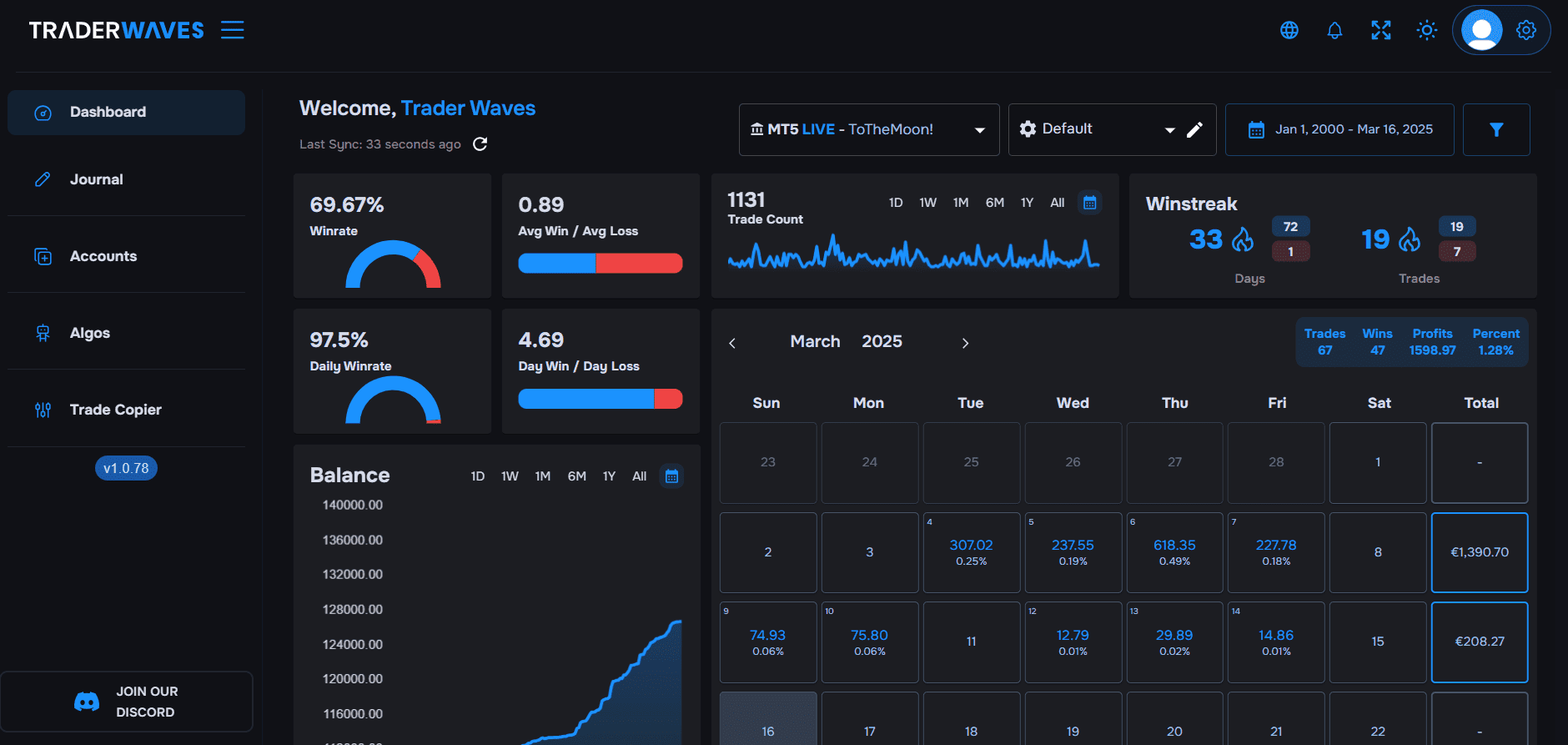
See which stock trades are actually driving your results
Break results down by symbol, direction, and holding time instead of relying on one account-level number.
- Performance by Symbol and long versus short
- Open and close times, holding time, and % gain
- Profit versus net profit after commission and fees
- Recorded stop-loss and take-profit levels
TRADE CONTEXT
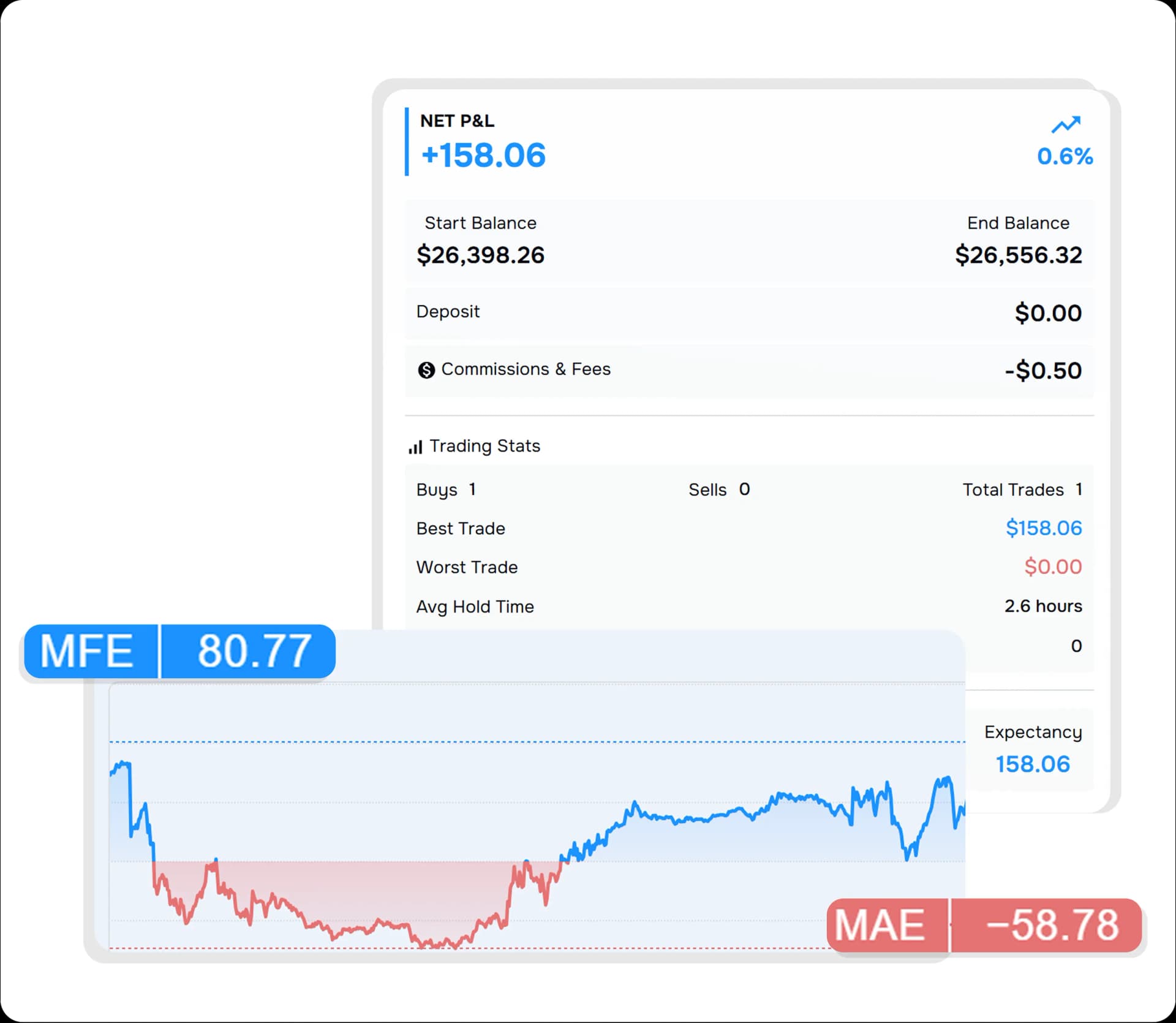
Keep the reasoning attached to the result
Add user-created tags such as Breakout, Pullback, Earnings, News, or Market Open alongside notes and screenshots. These labels are added by you, not detected automatically.
- Strategy Tags, Mistake Tags, and Custom Tags
- Star Rating and Emotional State
- Notes and screenshots for each trade
- Recorded stops and targets beside entry and exit
AI TRADING COACH
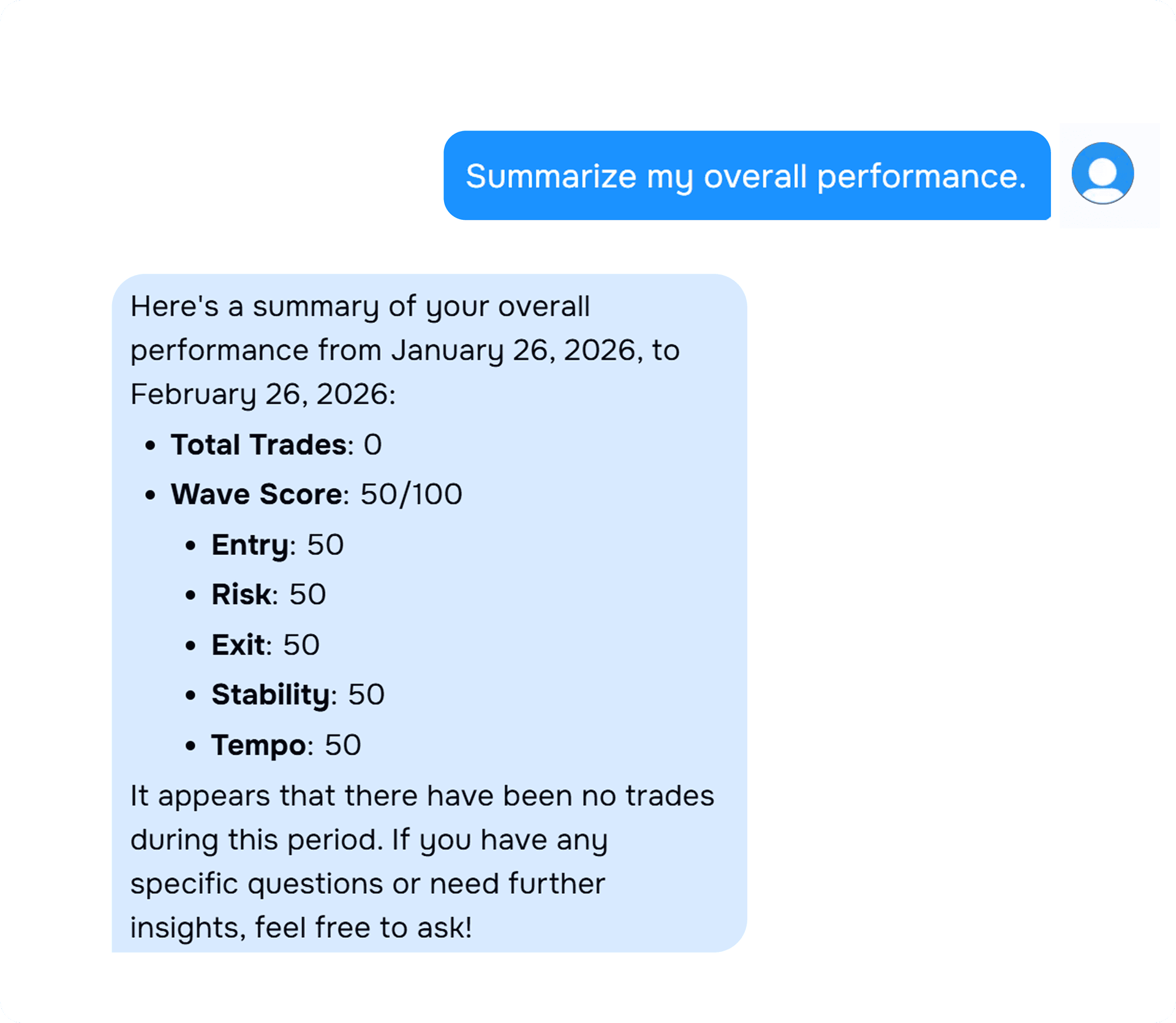
Ask better questions about your stock trades
WaveAI works from your own recorded trades, tags, notes, and screenshots. More complete journal context produces more useful answers.
- Which stock symbols produce my strongest net profit?
- Do I perform better long or short?
- Which strategy tags have the highest percentage gain?
- Which mistake tags cost me the most?
- Are highly rated trades more profitable?
From recorded trade to clearer next step
- 1
Connect or import
Use Interactive Brokers, manual entry, or CSV import.
- 2
Add journal context
Apply tags, ratings, notes, and screenshots after each trade.
- 3
Review performance
Filter by symbol, direction, hold time, costs, and tags.
- 4
Ask WaveAI
Ask questions from your own recorded journal data.
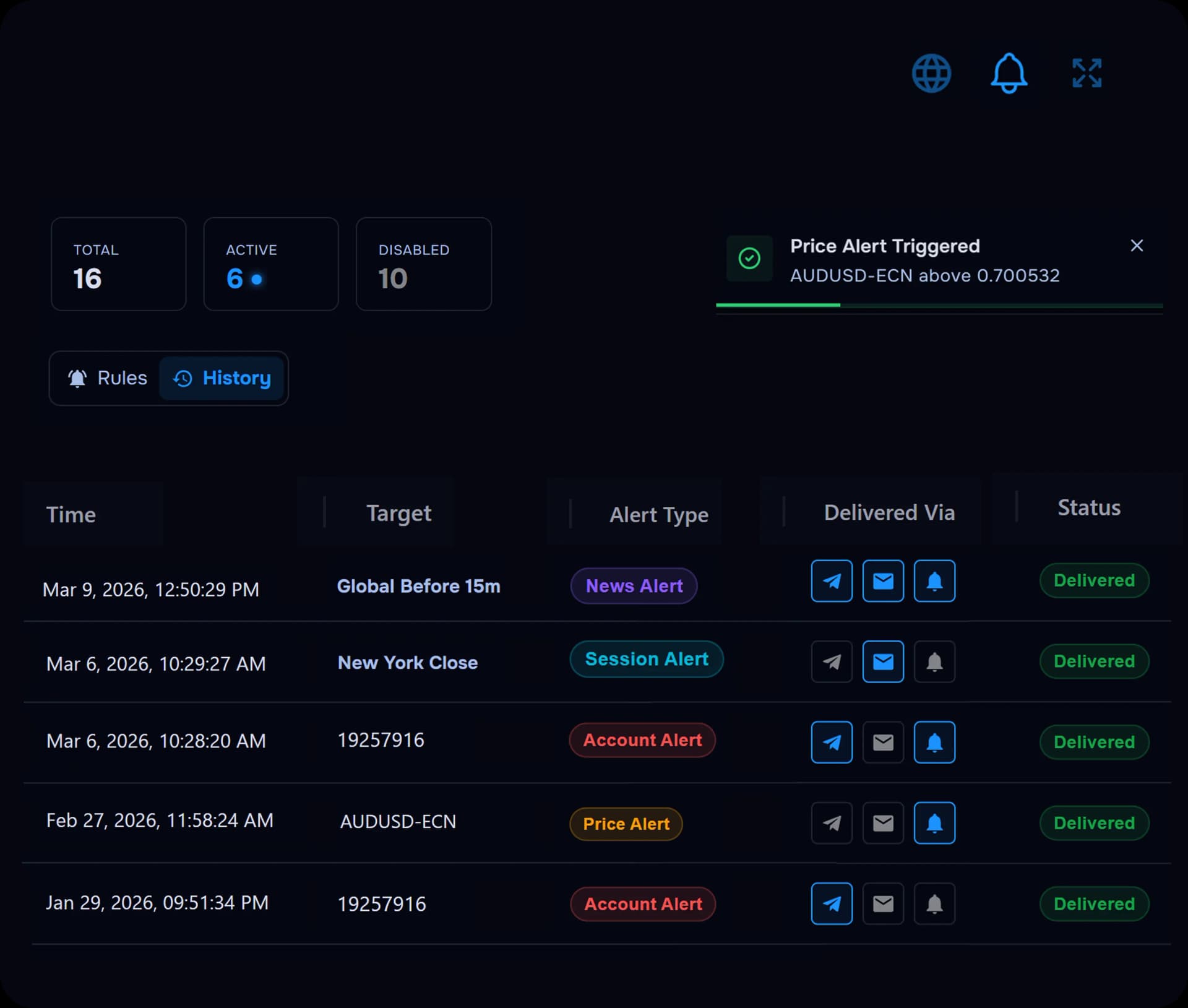
TRADING ALERTS
Follow price, trades and account risk without watching every chart
Use alerts to stay aware of price moves, trade activity, news, and account changes while you focus on execution and review.
- Price alerts and trade open or close notifications
- Session and news alerts
- Balance, drawdown, and profit target alerts
RISK PLANNING
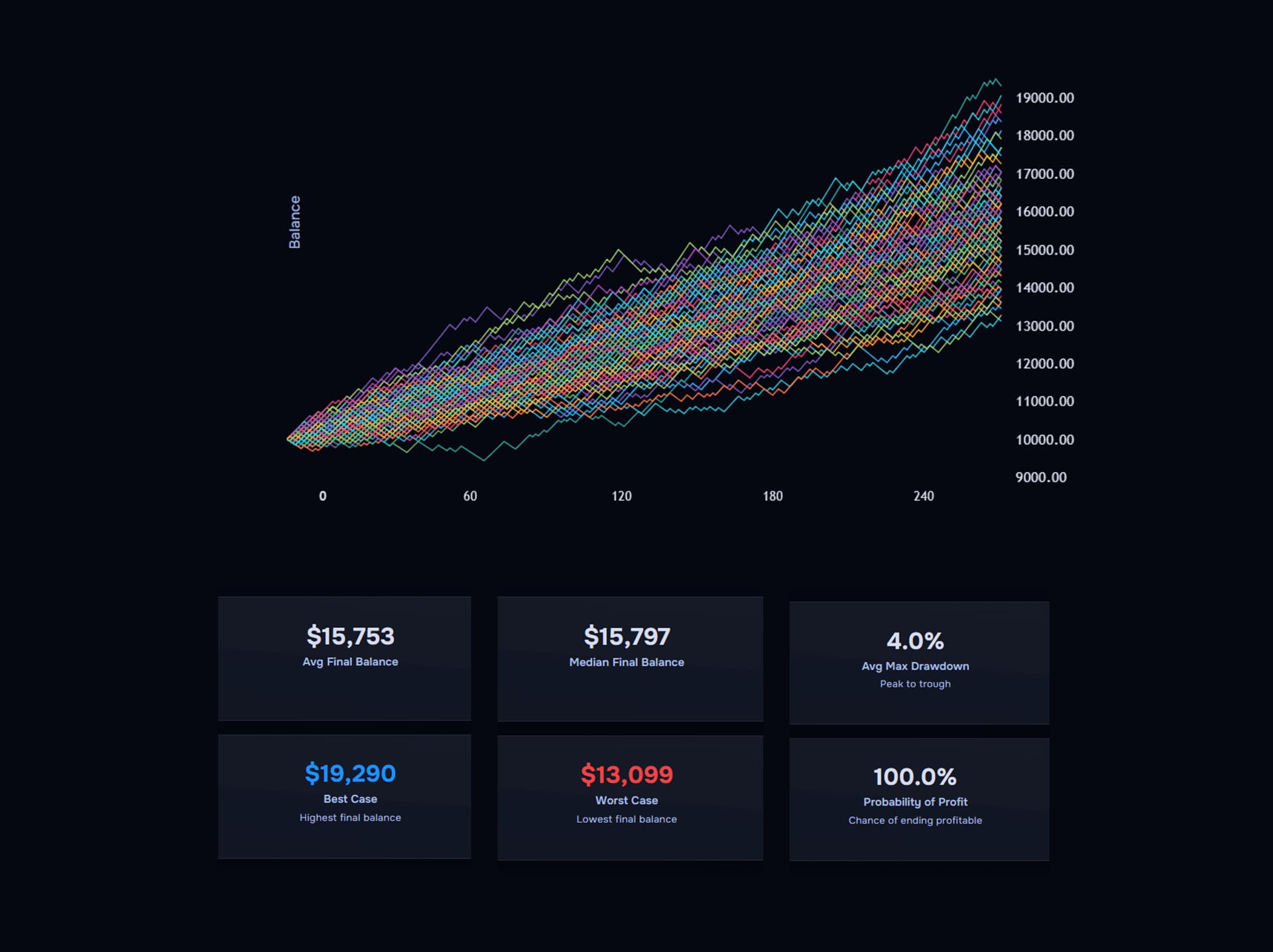
Size the trade before you take it
Plan position size and risk before the trade reaches your journal, then compare the plan with the recorded outcome.
- Position Size, Risk/Reward, Profit, and ATR Size
- Portfolio Risk and Drawdown calculators
- Plan the trade, execute through your broker, review the import
Bring your stock trades into TraderWaves
Automatic imports are available on popular platforms including Interactive Brokers, MetaTrader 5, and MetaTrader 4. Manual entry remains available when that suits your workflow. View all supported brokers and platforms



FAQs
Stock trading journal FAQ
Quick answers about the best stock trading journal workflow in TraderWaves.
What is a stock trading journal?
A stock trading journal records each trade with execution details, commissions, fees, net profit, and review context such as tags and notes.
Can TraderWaves import Interactive Brokers trades?
Yes. TraderWaves supports Interactive Brokers through the Flex Query connection guide.
Can I compare long and short stock trades?
Yes. Order Type records buy and sell direction so you can compare long and short results.
Can I add my own strategy and catalyst tags?
Yes. Strategy Tags, Mistake Tags, and Custom Tags let you classify trades yourself. Tags such as Earnings or News are not imported automatically.
Can WaveAI predict stock prices?
No. WaveAI analyses your own recorded journal data. It does not predict prices or provide financial advice.
Is the stock journal free?
Yes. TraderWaves offers a free forever plan with journal access and no credit card required.
Review every stock trade with the context it deserves
Free forever plan. No credit card required.
Also explore the main trade journal, trade analytics, and supported platforms.