TraderWaves Just Got a New Look and More Powerful Charts
TraderWaves has a new update. The headline is a clearer, more capable Charts workspace, with multi-chart trading analysis, more timeframes, and access to over 1,000 markets. Around that, the platform layout has been refreshed and new Reports are now available, so you can move more easily from reviewing trades to reading your results.
TraderWaves remains an all-in-one trading journal, analytics and backtesting platform, and it is free to start. Here is what this TraderWaves update helps you do.
A refreshed way to use TraderWaves
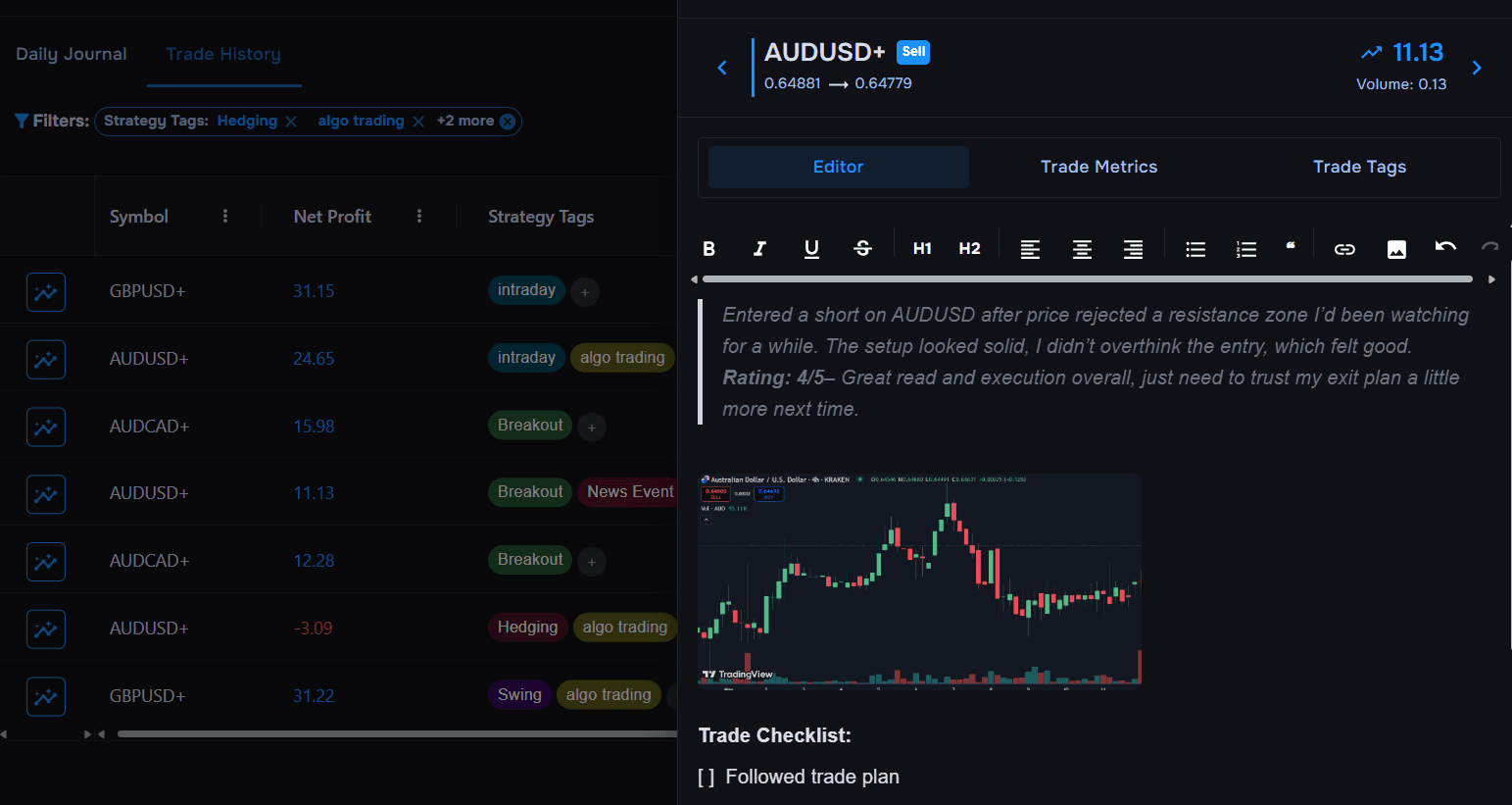
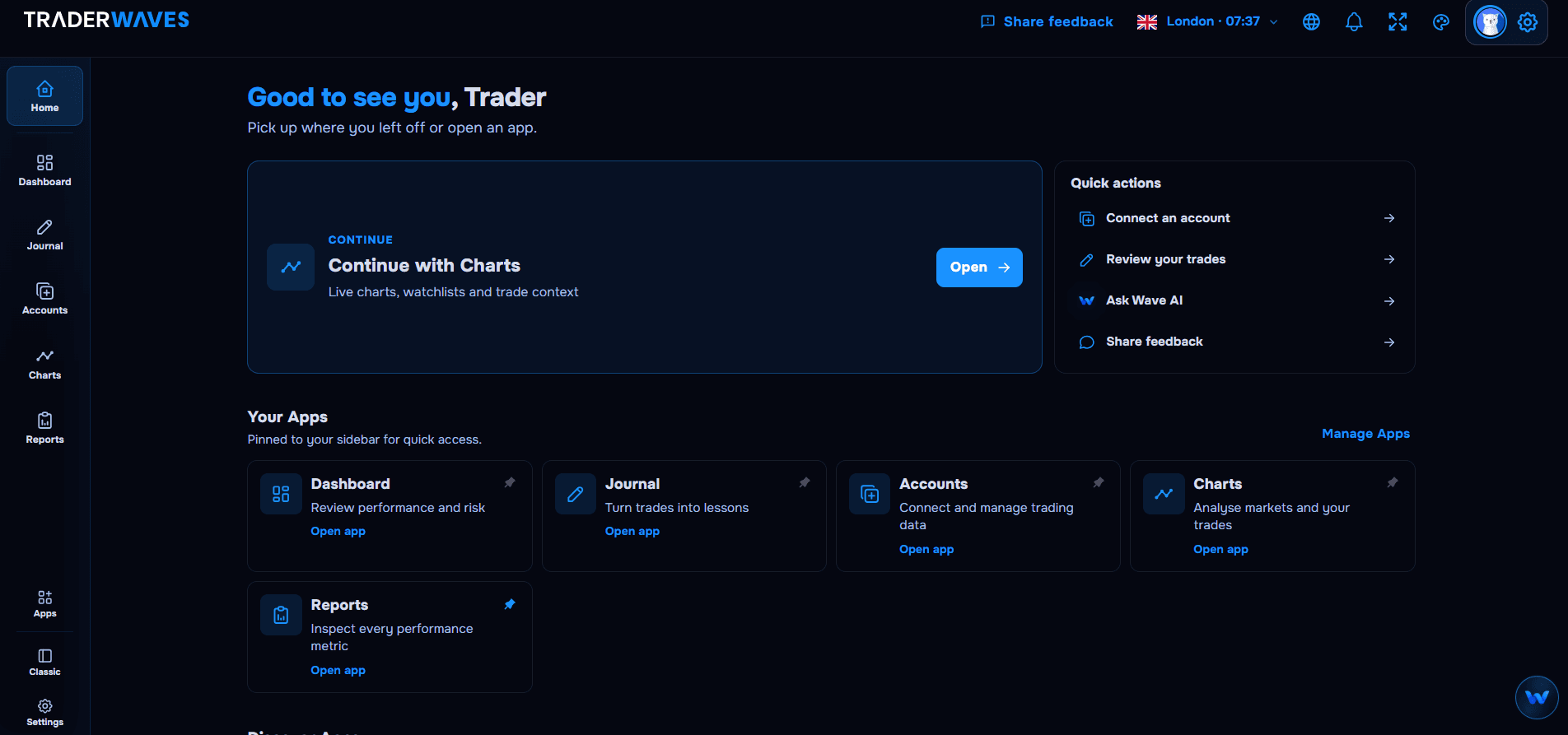
The new TraderWaves experience starts with Home, a central hub that you can shape around your own trading workflow. Pin the apps and tools you use most often for quick access, whether that is your trading journal, analytics, charts, accounts or reports.
Home also helps you pick up where you left off. You can return to your most recent activity, jump into common actions, or ask Wave AI for help without searching through the platform.
Want to see what else TraderWaves offers? Open Apps or select Manage Apps to explore the full toolkit and add new tools to your workspace. The result is a more personal workflow that keeps recording, reviewing and analysing your trades connected in one place.
Prefer the familiar setup? Classic is still available
A new look should not get in the way of a routine that already works. If you prefer the previous arrangement, the Classic layout remains available, so you can switch back and keep working the way you are used to.
Use the refreshed layout when you want the newer structure. Stay on Classic if that still feels quicker for your session.
Analyse more markets with multi-chart layouts
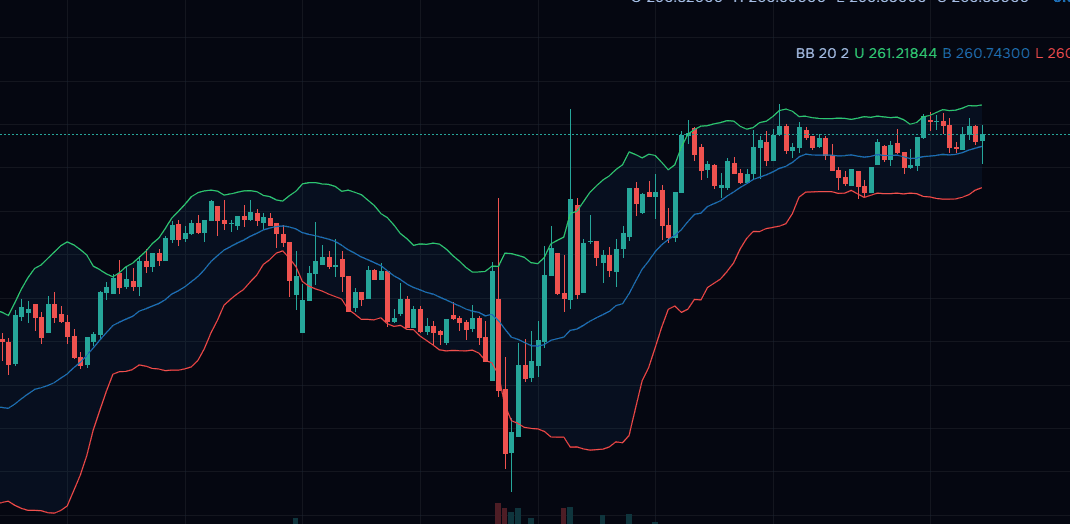
Charts are the centre of this update. You can now work with several trading charts at once, instead of flipping between symbols one at a time.
Choose a layout that matches how you analyse:
- One chart, when you want a single market in full view
- Two charts stacked vertically
- Two charts side by side horizontally
- Three charts
- A four-chart grid
That makes it easier to compare a higher timeframe with an execution timeframe, or to watch related markets together while you plan or review a trade. When you want to save or share what you see, you can download or copy a chart image without leaving the workspace.
More timeframes and over 1,000 markets
The improved Charts experience also gives you more timeframe choices, so you can move from a broad view of structure to a closer look at recent price action. Help for Charts already notes that you can change the interval from the timeframe selector above the chart.
You also have access to over 1,000 markets. Search for a symbol, open its chart, or add it to your watchlist, including markets you are not currently trading. That is useful when you want to compare setups, follow a related instrument, or review an older trade against the surrounding price action.
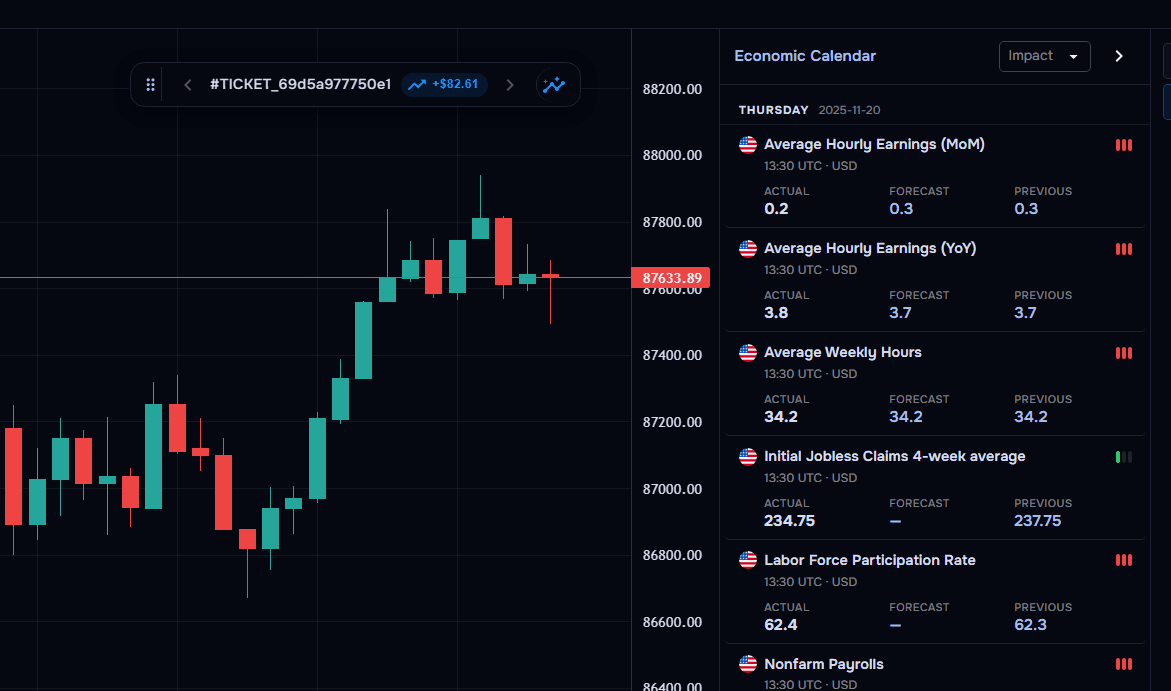
Charts still sit alongside the rest of the platform. You can review recorded trades in context, add journal notes from the chart workspace, and keep using the same TraderWaves account you already journal and analyse with. For a fuller walkthrough of chart tools, see the Charts page or Charts help.
Turn your trading data into useful reports
New Reports are now available as part of this TraderWaves update. They are there to help you turn the trades you already log into a clearer read of your results, so review is not limited to a single chart or a single day’s journal notes.
Use Reports alongside your journal and analytics when you want a structured view of performance. The exact report you open will depend on what you need to review, but the aim is the same: spend less time assembling the picture, and more time acting on it.
Explore the latest TraderWaves update
If you already have an account, open TraderWaves and try the new layout, Reports, and multi-chart layouts in a normal session. Switch back to Classic at any time if you would rather keep the familiar setup.
If you are new, you can create a free account and start with the journal, analytics and charts in one place. TraderWaves is free to start, with no credit card required. Compare what is included on the pricing page, then pick up the update from your dashboard.
Help shape what comes next
You can now share feedback directly inside TraderWaves. Select Share feedback from the top navigation to tell us what is working, what could be improved, or what you would like to see next. Your feedback helps us prioritise future improvements to the platform.
Can I still use the Classic layout?
Yes. The Classic layout remains available if you prefer the previous arrangement. You can use the refreshed layout or switch back to Classic.
What chart layouts can I use?
You can analyse with one chart, two charts stacked vertically, two charts side by side, three charts, or a four-chart grid. That lets you review several trading charts in the same workspace.
How many markets can I chart in TraderWaves?
WaveCharts™ gives you access to more than 1,000 markets. Use symbol search to open a chart or add an instrument to your watchlist.
Is TraderWaves still free to start?
Yes. TraderWaves is an all-in-one trading journal, analytics and backtesting platform, and it is free to start. You can create an account without a credit card.
Ready to journal?
Start Tracking Your Trades Today
Sign up now and access advanced trade journaling tools for free.
Start Free: No Credit Card