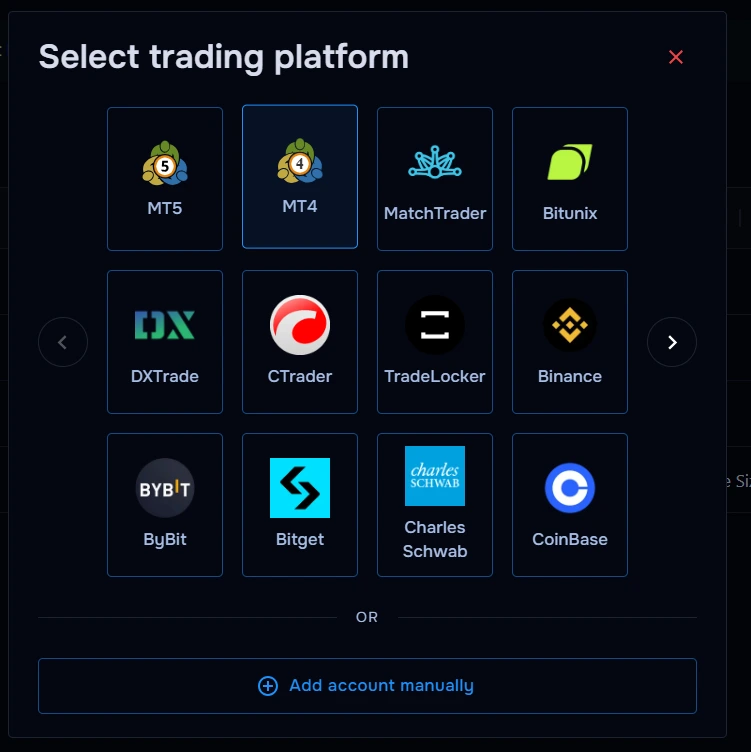
What you’ll need
Before you start
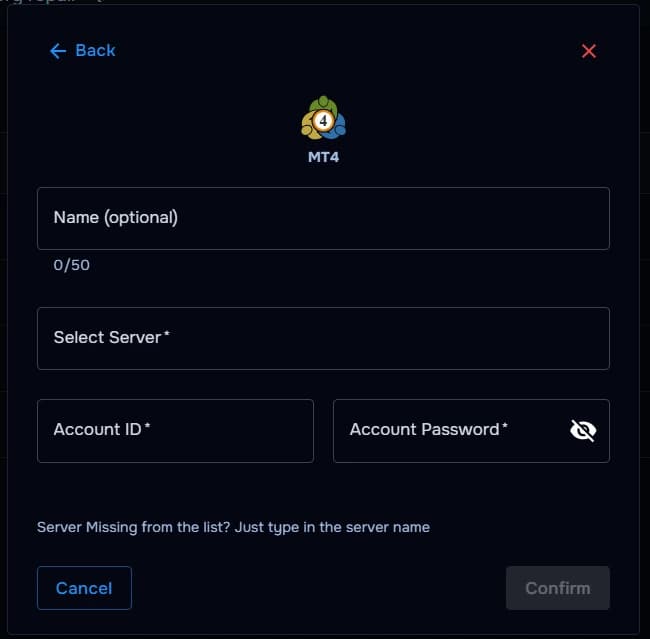
Account ID
Your MT4 account number used to identify the trading account.
Account password
The password linked to the account you want to sync.
Broker server
The server name provided by your broker or prop firm.
Optional: Name your account
Name your account in to easily identify it.
How the connection works
Overview
TraderWaves authenticates to your broker's MT4 server using account credentials, then imports eligible trade history into your trade journal.
For what is imported, how Auto Sync and the Sync button work, and what happens if a trade is missing, read the central syncing article.
Step-by-step setup
Walkthrough
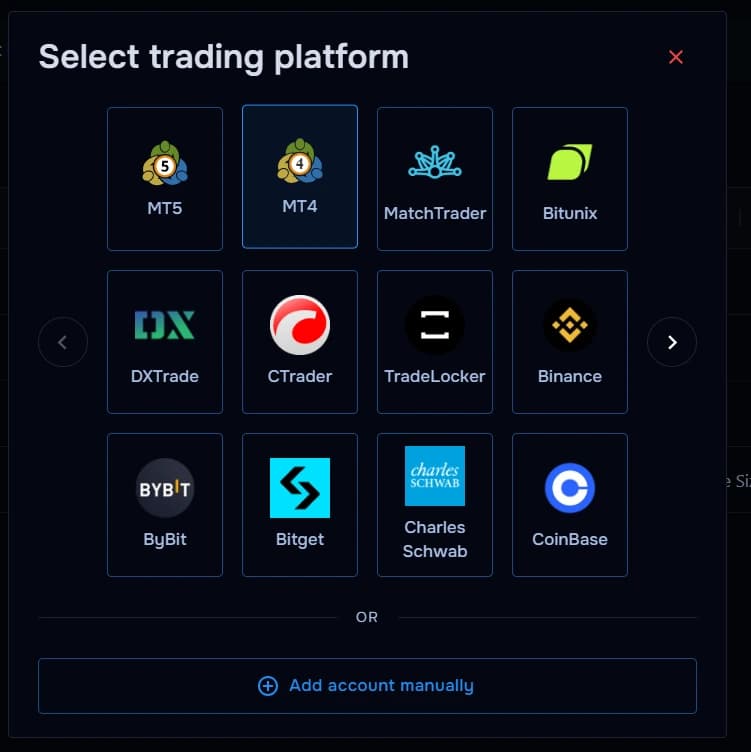
- Open TraderWaves and choose MT4.
- Pick the broker server string exactly as your server list (often visible in your MT4 terminal login).
- Enter your MT4 account ID and password.
- Optionally name your account in TraderWaves to easily identify it.
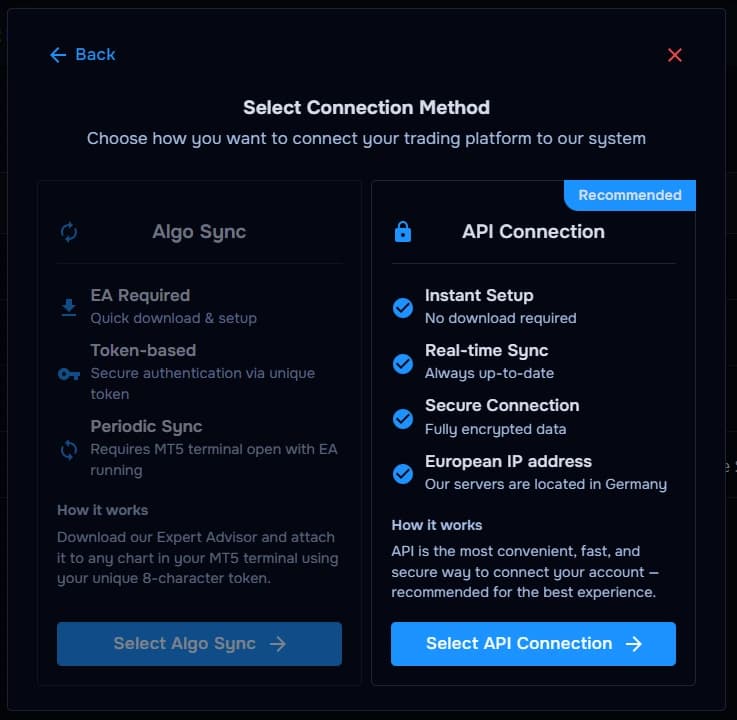
- Confirm and wait for connection validation plus initial sync.
What happens after connecting
After sync
Once connected, your MT4 trades automatically appear inside TraderWaves so you can review performance, analyse trading history, and track activity through your journal and analytics dashboard.
Security and permissions
Trust & access
Treat credentials like broker logins; prefer investor/read-only passwords when supported; rotate after suspicion.
Prefer manual trade tracking?
TraderWaves also supports manual trade journaling when you want full control over how trades are logged.
Troubleshooting
Common issues
Can I connect multiple MT4 accounts to TraderWaves?
Does TraderWaves support prop firm MT4 accounts?
Can I use an investor password with MT4?
Can I manually journal MT4 trades instead?
FAQs
Quick answers
Can I connect multiple MT4 accounts?
Yes — repeat setup per login/server pair.
Do prop firm accounts work?
Often yes when brokers expose standard MT4 servers.
Investor password?
Use read-only credentials when your broker supports them for syncing.
Manual journaling?
Use /help/manual-trade-journal when you skip connectivity.


