


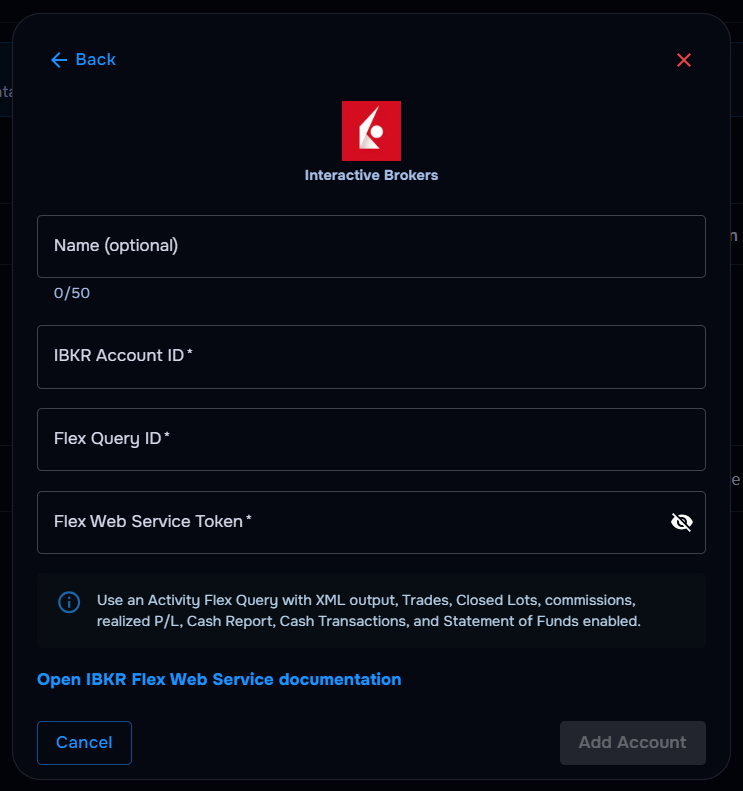
What you’ll need
Before you start
Note: Use an Activity Flex Query with XML output, Trades, Closed Lots, commissions, realized P/L, Cash Report, Cash Transactions, and Statement of Funds enabled.
IBKR Account ID
Your Interactive Brokers account number used to identify the account you want to sync.
Flex Query ID
The ID of your Activity Flex Query configured for trade and cash reporting.
Flex Web Service token
The token generated in IBKR Client Portal for Flex Web Service access.
Account name (optional)
A short label to identify this IBKR account in TraderWaves — optional, but helpful if you connect more than one.
How the connection works
Overview
TraderWaves uses your Flex Web Service token to request reports from your configured Flex Query, then imports eligible trades and activity into your journal for syncing and analytics.
For what is imported, how Auto Sync and the Sync button work, and what happens if a trade is missing, read the central syncing article.
Step-by-step setup
Walkthrough
- Sign in to IBKR Client Portal and open Flex Web Service settings.
- Generate a Flex Web Service token and copy it securely.
- Create an Activity Flex Query with XML output and the required trade, commission, and cash fields enabled.
- Note your Flex Query ID and IBKR Account ID.
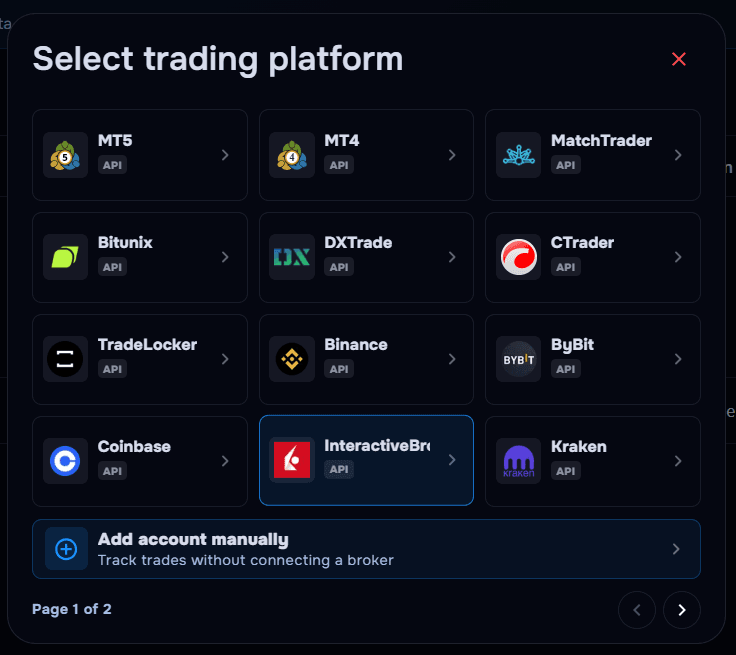
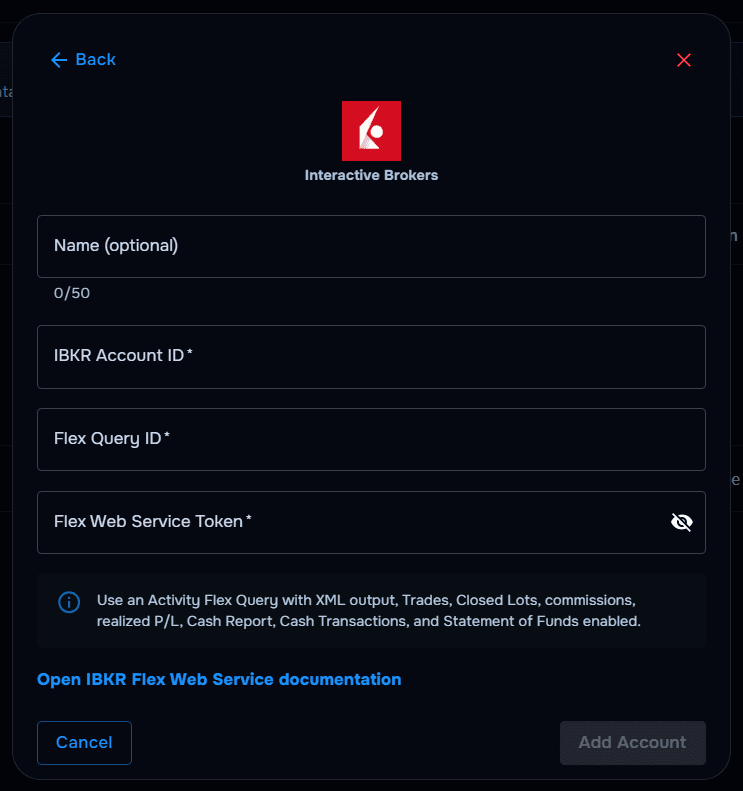
- In TraderWaves, select Interactive Brokers, optionally name your account, and enter all three credentials.
- Confirm and wait for your trade history to import.
What happens after connecting
After sync
IBKR activity flows into your journal; dashboards, charts, and alerts update as new Flex Query data arrives.
Security and permissions
Trust & access
Flex Web Service tokens are read-only for reporting — TraderWaves cannot place trades or move funds. Rotate tokens if you suspect they were exposed and revoke unused tokens in Client Portal.
Prefer manual trade tracking?
TraderWaves also supports manual trade journaling when you want full control over how trades are logged.
Troubleshooting
Common issues
Invalid Flex Web Service token
Likely cause: The token was mistyped, expired, or revoked in Client Portal.
Suggested fix: Generate a new token in IBKR and update TraderWaves immediately.
Flex Query returns no trades
Likely cause: The query is missing required fields or uses the wrong output format.
Suggested fix: Edit the Activity Flex Query to match the required XML fields and try again.
Account ID mismatch
Likely cause: The IBKR Account ID does not match the account covered by the Flex Query.
Suggested fix: Verify the account number and ensure the Flex Query targets the correct account.
Trades not syncing yet
Likely cause: Initial Flex Query pull delay or date filters excluding activity.
Suggested fix: Wait for sync to complete; verify date filters and account scope in TraderWaves.
FAQs
Quick answers
What credentials does TraderWaves need for Interactive Brokers?
Your IBKR Account ID, Flex Query ID, and Flex Web Service token are required. An account name is optional, but helpful for telling multiple IBKR connections apart in TraderWaves.
What should my Flex Query include?
Use an Activity Flex Query with XML output, Trades, Closed Lots, commissions, realized P/L, Cash Report, Cash Transactions, and Statement of Funds enabled.
Can TraderWaves place trades on my IBKR account?
No — Flex Web Service is read-only reporting. TraderWaves imports data for journaling and analytics only.
Can I use manual journaling instead?
Yes — use the manual trade journal guide anytime if you prefer not to connect Interactive Brokers directly.