What you’ll need
Before you start
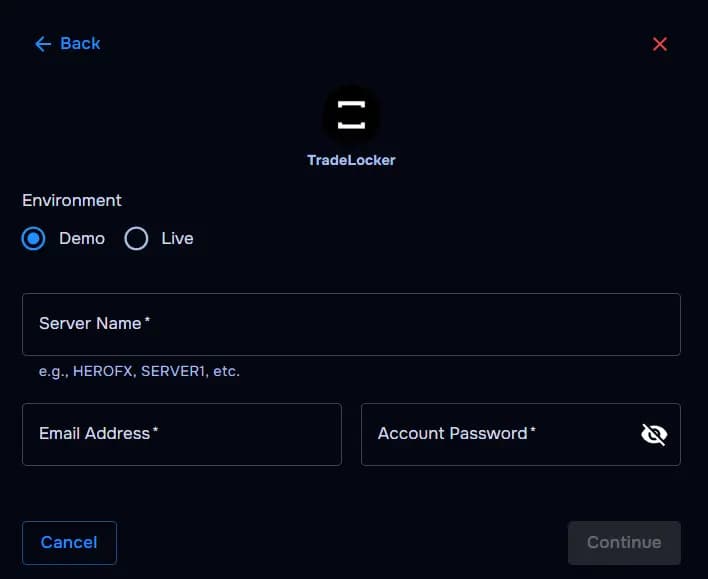
Demo or live environment
Choose demo or live trading before authentication completes.
Server name
Broker-provided TradeLocker gateway
Email login
TradeLocker username/email issued by your broker.
Password
Password tied to that TradeLocker profile.
How the connection works
Overview
TraderWaves authenticates against TradeLocker’s routing layer using your email/password pair plus server metadata, then streams eligible fills into your journal.
For what is imported, how Auto Sync and the Sync button work, and what happens if a trade is missing, read the central syncing article.
Step-by-step setup
Walkthrough
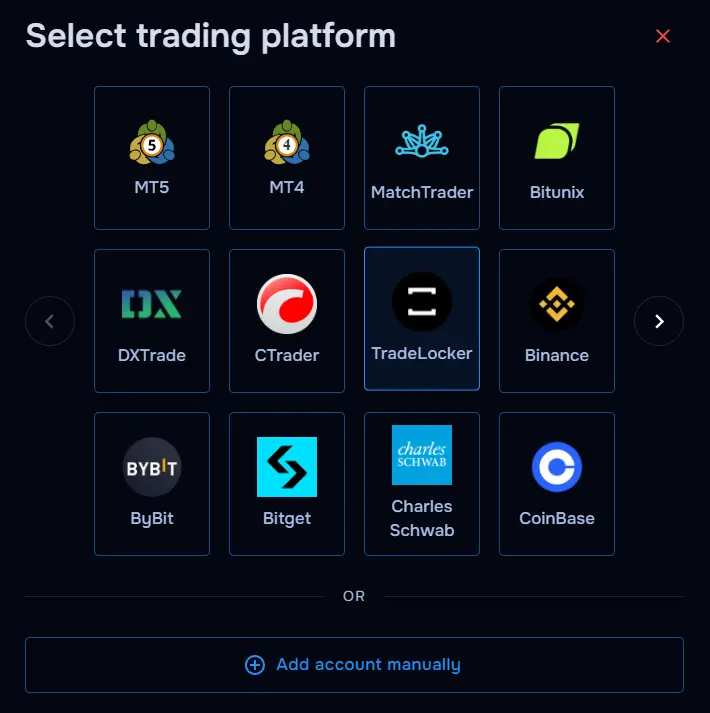
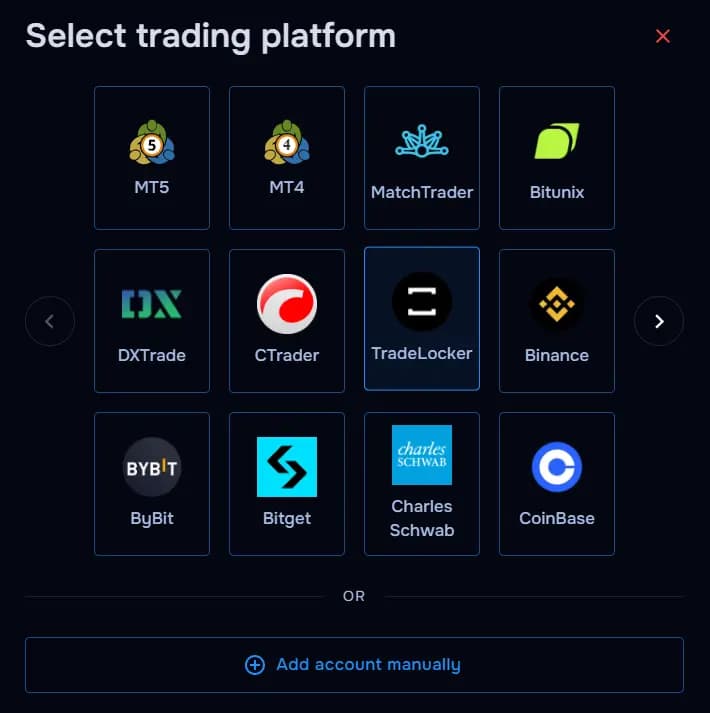
- Open TraderWaves and select TradeLocker.
- Toggle demo/live to mirror your funded status.
- Type server name exactly as broker specifies.
- Enter TradeLocker email/username.
- Enter TradeLocker password.
- Confirm connection and monitor initial sync.
What happens after connecting
After sync
Once connected, your TradeLocker trades automatically sync into TraderWaves so you can analyse performance, review positions, configure alerts, and track your trading activity alongside your other accounts.
Security and permissions
Trust & access
Your login credentials are securely encrypted and never shared outside of TraderWaves. For additional security, you can connect using investor credentials where supported.
Prefer manual trade tracking?
TraderWaves also supports manual trade journaling when you want full control over how trades are logged.
Troubleshooting
Common issues
Environment mismatch errors
Likely cause: Ensure the Demo or Live account matches your credentials.
Suggested fix: Align environment toggle with credential origin.
Unknown server name
Likely cause: Broker rebranded routing cluster.
Suggested fix: Download latest connection PDF from broker portal. Ensure you are using the correct spelling of the server name.
Auth loops
Likely cause: Stale TradeLocker sessions.
Suggested fix: Clear browser cookies or use incognito before reconnecting.
Trades not syncing
Likely cause: Pending broker approvals.
Suggested fix: Confirm prop desk activated TradeLocker API access.
FAQs
Quick answers
Can I connect both demo and live TradeLocker accounts?
Yes. You can connect supported demo and live TradeLocker accounts separately, then review each account inside TraderWaves.
Why are my TradeLocker trades not appearing yet?
Trades may take a short time to sync after connection. If they still do not appear, check that the correct account, server, and login details were used.
Can I use TradeLocker with a prop firm account?
Yes. Many traders use TradeLocker through prop firms. If your account uses TradeLocker login details, you can connect it to TraderWaves where supported.
Is my TradeLocker login information secure?
TraderWaves securely encrypts your login credentials and never shares them outside the platform.
Can I manually journal TradeLocker trades instead?
Yes. If you prefer not to connect your account, you can still add trades manually using the manual trade journal. We recommend using the automated sync to get the most accurate and up-to-date data.
What can I do after connecting TradeLocker?
Once connected, you can review trades, analyse performance, add journal notes, set alerts, and compare activity alongside your other accounts.


