NewPro plan is now live — unlock advanced trading analytics today

TraderWaves

Looking for a Free Notion Trade Journal Template?

Notion trading journal templates can help you start for free, but they still rely on manual entry, template setup, and limited analysis. TraderWaves gives traders a purpose-built journal that imports trades, analyses performance, supports backtesting, and helps you improve without building the system yourself.

Move beyond manual templates with a trading journal built for real trade review.

Trusted by 50k+ traders worldwide
4.8Community feedback

Short on time?

Notion Is for Notes. TraderWaves Is for Trading.

Notion is useful when you want a manual space for planning, checklists, and trade reflections. TraderWaves is built for traders who want more than a template, with connected imports, analytics, AI review, backtesting, alerts, and dashboards already built in. Start with the same free entry point, but move into a workflow designed specifically for trading improvement.

Choose TraderWaves if:

  • You want a purpose-built trading journal, not a general workspace app
  • You want trades imported instead of entered manually
  • You want built-in analytics without maintaining formulas or dashboards
  • You want AI review built for trading performance, not general workspace writing
  • You want backtesting, alerts, dashboards, and journal review in one platform
  • You want a free starting point without building the workflow yourself
Choose Notion if:

  • You mainly want a free place for notes, checklists, and planning
  • You already use Notion every day for life or business
  • You are already paying for Notion AI and want to keep using it in your workflow
  • You enjoy building your own system from templates and want full control over the layout
  • You aren't interested in trading tools and features like backtesting, leaderboards, and connected imports

Quick Comparison: TraderWaves vs Notion Template

FeatureTraderWavesNotion Template
Free PlanGenerous Free PlanFree/Paid templates
Built forTrading performance reviewNotes, tables, & checklists
Trade entryAuto broker imports & CSV importsManual entry
AnalyticsBuilt inManual setup
AITrading-specific AI CoachGeneral workspace AI
BacktestingIncluded-
AlertsIncluded-
MaintenanceLowHigh
Best forTraders who want a complete workflowTraders who want full control in Notion

* Features and availability are based on publicly available information at the time of writing. Notion templates vary by creator.

From Notion Trading Journal Template to TraderWaves

Manual templates can help you start journaling, but they become time-consuming as your trading grows. Every new trade means more data entry, copying, tagging, checking, and formula upkeep. TraderWaves replaces manual admin with a purpose-built workflow for trade review, analysis, and improvement.

Notion trade journal

Manual trade entry

You enter each trade by hand, update fields manually, and keep the journal organised yourself.

TraderWaves AI Trading Journal

Auto broker imports and CSV imports

Bring trade data into your journal with less manual work, so you can spend more time reviewing and improving.

Notion trade journal

Formula-based analytics

Performance review depends on templates, formulas, custom views, and dashboards you have to build and maintain.

TraderWaves AI Trading Journal

Built-in analytics and dashboards

Review performance with purpose-built dashboards, filters, calendars, and analytics already set up.

Notion trade journal

General workspace AI

Notion AI is useful for writing and productivity, but it is not designed as a trading review coach.

TraderWaves AI Trading Journal

AI built for trading review

Use AI trade insights and AI Coach to spot patterns, review decisions, and understand what to improve next.

If you want to stop maintaining the journal and start using it to improve, TraderWaves is the no-brainer switch.

TraderWaves workflow

From free template to purpose-built trading journal

A Notion trading journal template helps you record trades. TraderWaves helps you review performance, spot patterns, test ideas, set alerts, and improve with less manual work.

Instead of building and maintaining your own trading system, TraderWaves connects your journal to analytics, AI feedback, backtesting, alerts, and chart review.

Connected Imports Instead of Manual Entry

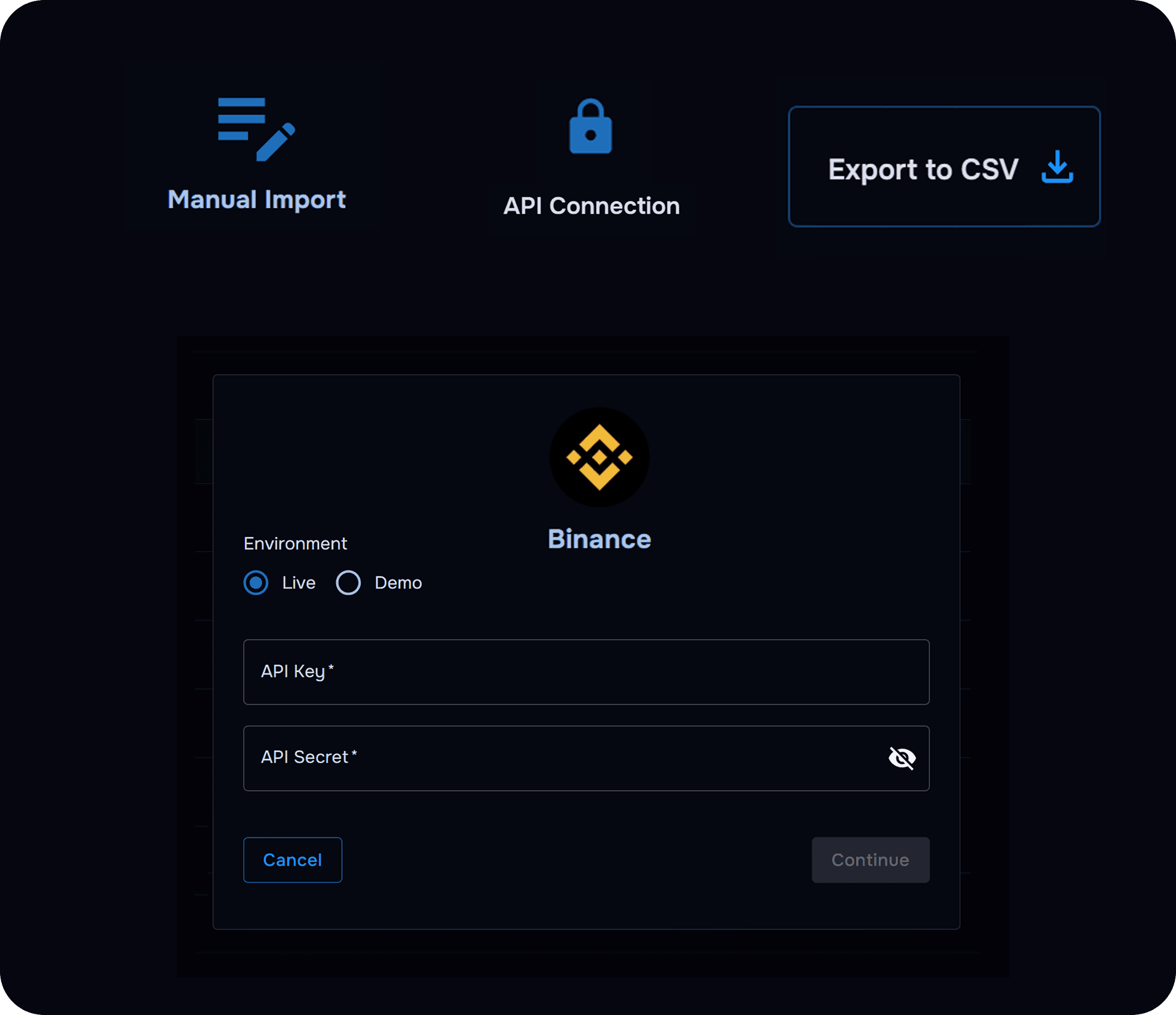
Bring trades into your journal with less copying and manual setup, so your review workflow starts with real trade data.

View supported brokers
TraderWaves connected imports bringing trade data into a trading journal
Connected imports reduce manual entry

Analytics Without Formulas

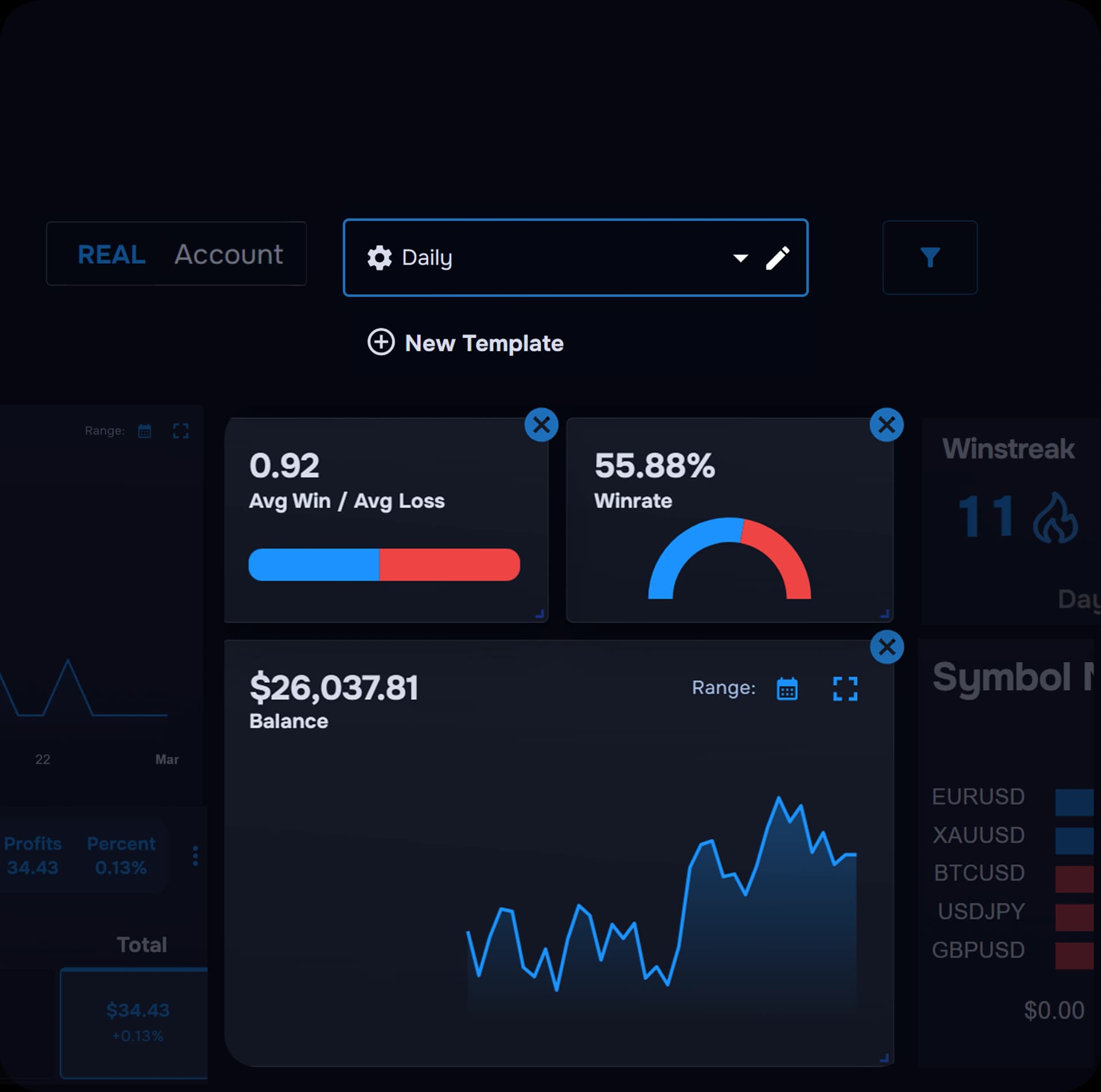
Review performance with built-in dashboards, charts, calendars, filters, and metrics instead of maintaining your own formulas and Notion views.

See analytics
TraderWaves analytics dashboard built for trading performance review
Built-in analytics, no formula upkeep

AI Built for Trading Review

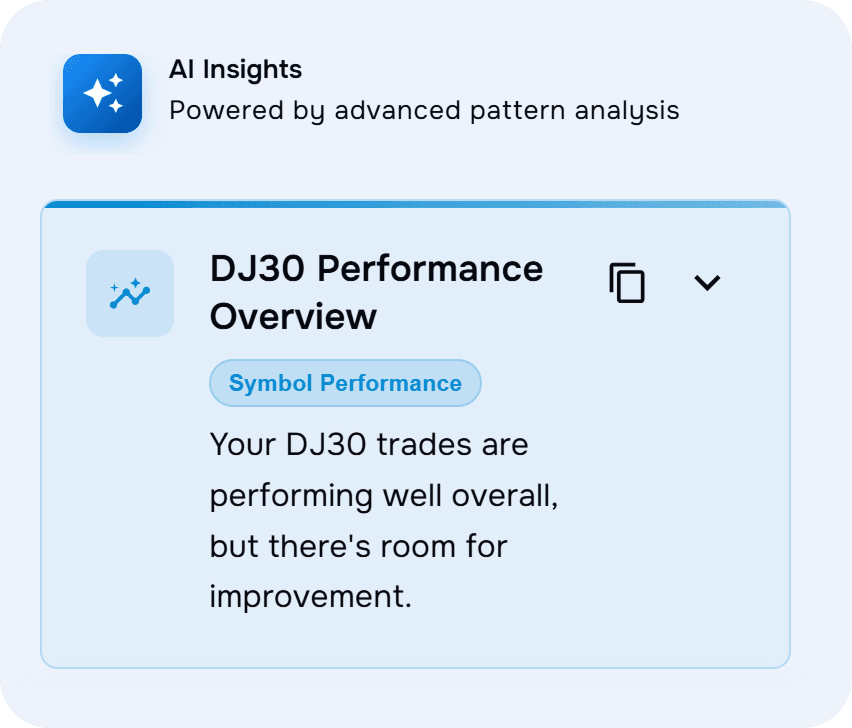
Use AI trade insights and AI Coach to analyse decisions, spot patterns, understand mistakes, and turn review into clearer next steps.

Explore AI coaching
TraderWaves AI review tools for analysing trading performance
Specialised AI for trading improvement

Backtesting Built In

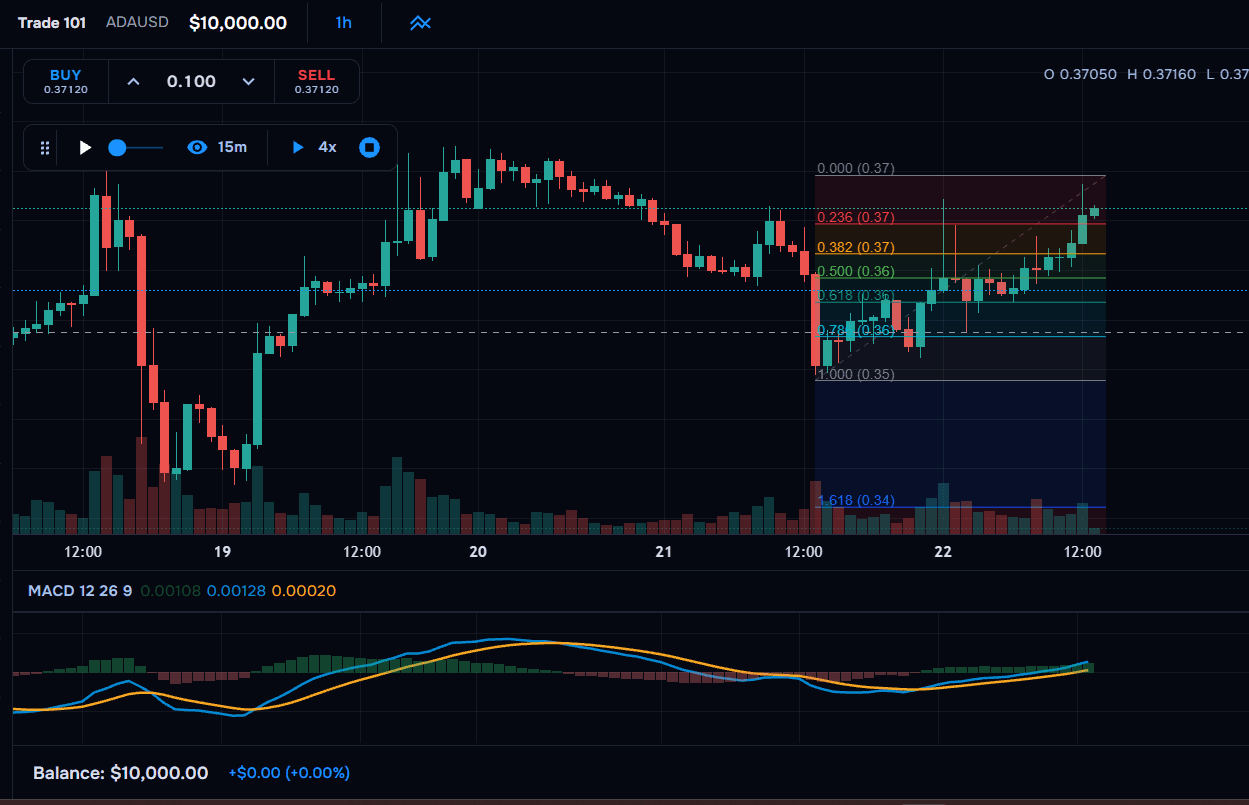
Move from reviewing past trades to testing ideas on historical data without leaving your trading workflow.

Try backtesting
TraderWaves backtesting tools integrated with trade journal workflow
Test strategy ideas where you review trades

Alerts Beyond the Journal

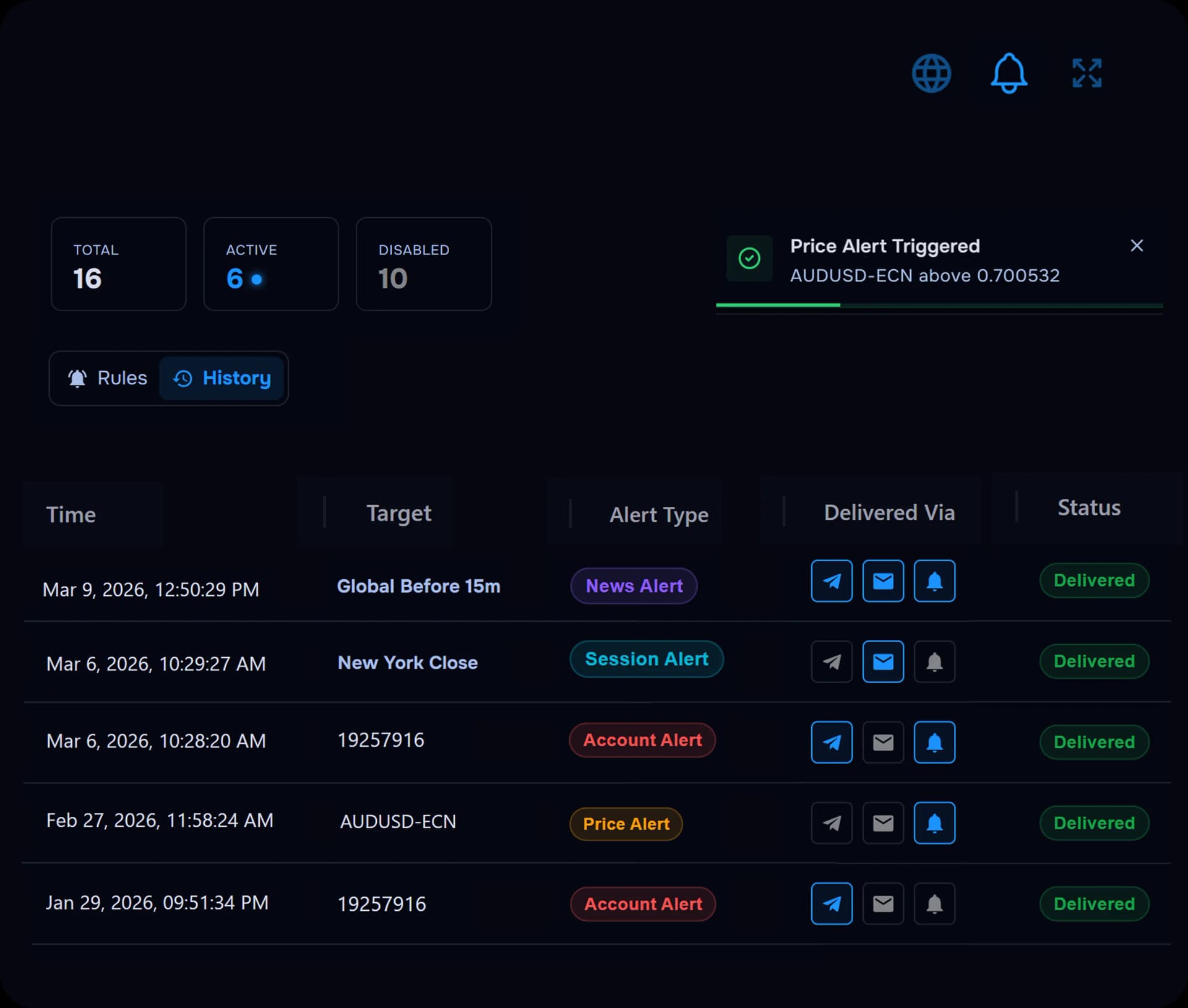
Set price, news, session, and account alerts so your journal connects to what happens before, during, and after each trading session.

Configure alerts
TraderWaves price, news, session, and account alerts
Alerts keep your review process connected to live trading

Community Features

Share progress, compare performance, and stay connected through community features built around trader improvement.

Start Free: No Credit Card
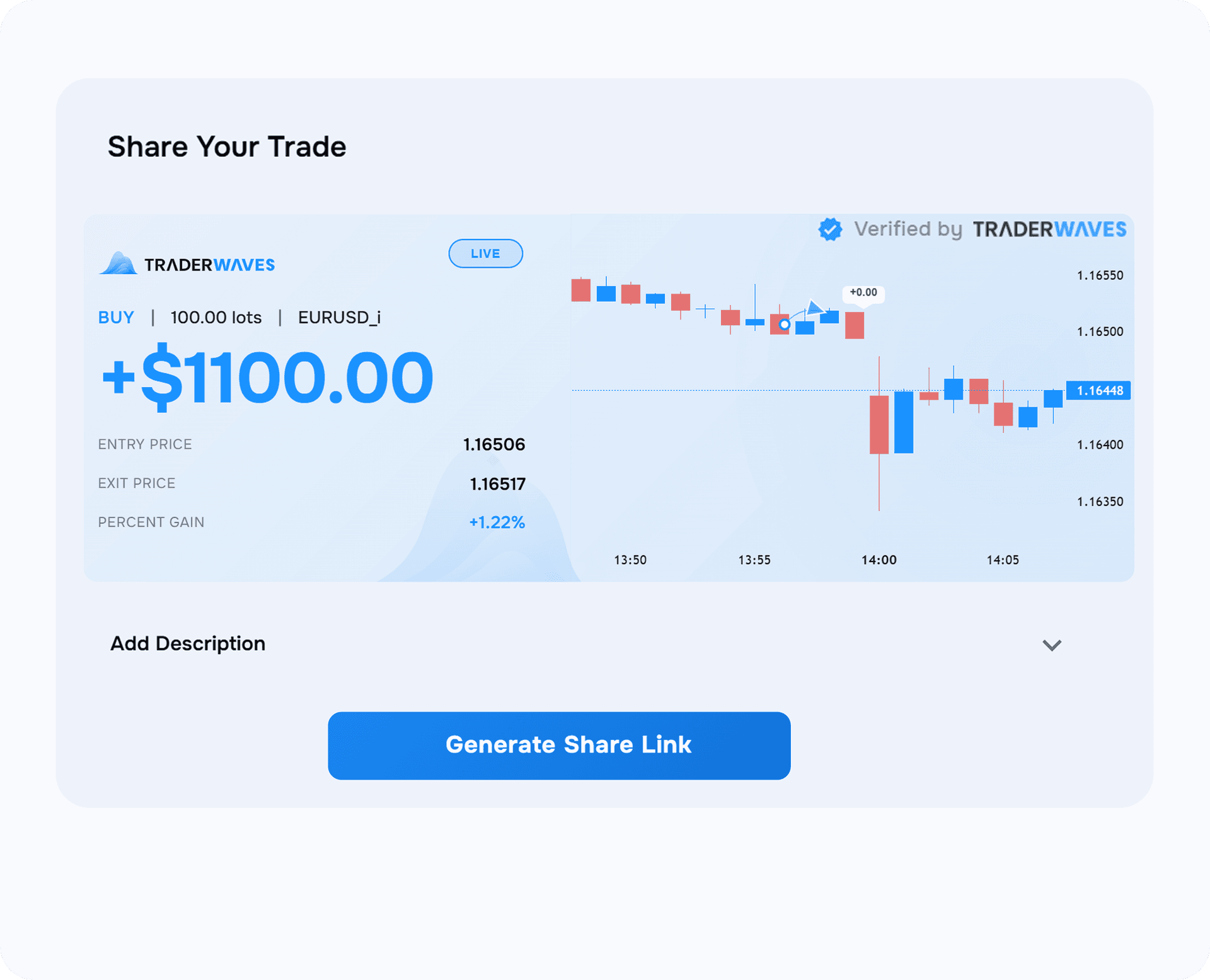
TraderWaves community and sharing features for trader improvement
Community tools built around trader growth

Pricing

Notion vs TraderWaves: Free & Paid Plans

Notion can be useful for notes, checklists, and planning, but it was not built to import trades, analyse trading behaviour, backtest ideas, or coach traders through performance review. TraderWaves gives traders a free starting point too, but with a purpose-built trading workflow already built in.

Recommended

Purpose-built trading journal

TraderWaves

Essential

Free

  • Purpose-built trade journal
  • Connect up to 3 trading accounts
  • Built-in analytics and customisable dashboard
  • Journal notes, screenshots, and setup tags
  • PnL calendar and chart review

Pro

$19.99/mo

Billed annually

  • Auto broker imports and unlimited accounts
  • AI trade insights and AI Trade Coach
  • Backtesting, alerts, and advanced charts
  • Wave Score and equity analytics
  • Built for any trading frequency, level, or asset class
Start Free: No Credit Card

General workspace app

Notion

Notion

$0/mo

  • Basic journaling databases
  • Manual trade entry
  • No broker sync
  • No built-in trade analytics
  • Template maintenance required

Notion AI Plan

$20/mo

Billed annually

  • Still no auto broker import
  • No pro trading tools (like backtesting)
  • General AI writing tools (not trading-specific)

* Notion pricing and feature availability may change over time. Please check Notion for the latest plan details before publishing or purchasing.

Notion trading journal alternative

Why traders choose TraderWaves

Notion trading journal templates are useful for getting started, but they still rely on manual setup and maintenance. TraderWaves gives traders a purpose-built workflow for journaling, analysing, testing, and improving without building the system themselves.

Ready-made trading journal

Start with a journal designed for traders, including trade notes, screenshots, setup tags, review fields, and performance context without building a Notion database from scratch.

Explore the journal

Analytics without formulas

Review performance with built-in dashboards, charts, calendars, filters, and metrics instead of maintaining formulas, relations, and manual Notion views.

See analytics

Connected imports

Bring trades into your workflow with less manual entry, so your journal is connected to real trade data instead of relying on copied fields and manual updates.

View supported brokers

AI Trade Coach

Use AI-powered review to spot patterns, understand mistakes, and get clearer next steps from your trading data.

Explore AI coaching

Backtesting and alerts

Move from trade review into strategy testing and proactive alerts, so your journal supports what happens before, during, and after each trading session.

Start testing

Community features

Share progress, compare performance, and stay connected through community features built around trader improvement.

Start Free: No Credit Card

Start free with a purpose-built trading journal

Built for traders who want to stop maintaining templates and start improving performance.

Start Free: No Credit Card

Frequently Asked Questions

Common questions traders ask when comparing free trading journal templates with TraderWaves.

Is a Notion trading journal template good for traders?

A Notion trading journal template can be useful for notes, screenshots, checklists, and simple tracking. It becomes limiting when you are ready to move beyond a manual journal, which is where TraderWaves is a better fit, with connected imports, trading analytics, AI review, backtesting, alerts, and a workflow built specifically for performance improvement.

Where can I find a free trading journal template?

There are many free trading journal templates for Notion, Excel, and Google Sheets. TraderWaves also gives traders a generous free plan, but with a purpose-built journal and trading tools designed for review, analysis, and improvement.

Why use TraderWaves instead of a Notion template?

TraderWaves gives traders a ready-made workflow built for trade review, not a blank workspace that needs constant upkeep. Instead of managing databases, formulas, manual dashboards, and generic AI tools, you can import trades, analyse performance, review patterns, and focus on improving your trading.

Does Notion AI work as a trading coach?

Notion AI is a general workspace AI for writing, search, notes, and productivity. It is not built as a specialised trading journal coach. TraderWaves AI is designed around trade review, performance patterns, decision analysis, and trading improvement.

Can I track trades for free with TraderWaves?

Yes. TraderWaves has a generous free plan with pre-made journal templates for a quick start, or custom journals if you prefer full control. Auto broker sync and imports reduce manual data entry, so you can journal, review, and analyse without building everything from scratch.

Can I switch from a Notion trading journal to TraderWaves?

Yes. Traders can switch from Notion to TraderWaves when they want a more structured trading journal with connected imports, analytics, AI feedback, backtesting, alerts, and a complete review workflow. Before switching, check your current trade history and export options.

Ready to move beyond manual templates?

Start with a purpose-built trading journal that imports trades, analyses performance, supports testing, and helps you improve without building the workflow yourself.

Start Free: No Credit Card
/alternative/notion-trading-journal
Free Trading Journal Template Alternative | TraderWaves