


MATCHTRADER TRADING JOURNAL
Bring Your MatchTrader Accounts Into One Clearer Journal
Automatically sync your trades, keep the same review process across accounts and turn scattered histories into performance insights you can use.
- Automatic trade syncing
- Multi-account review
- Unlimited journal notes
- Free forever plan
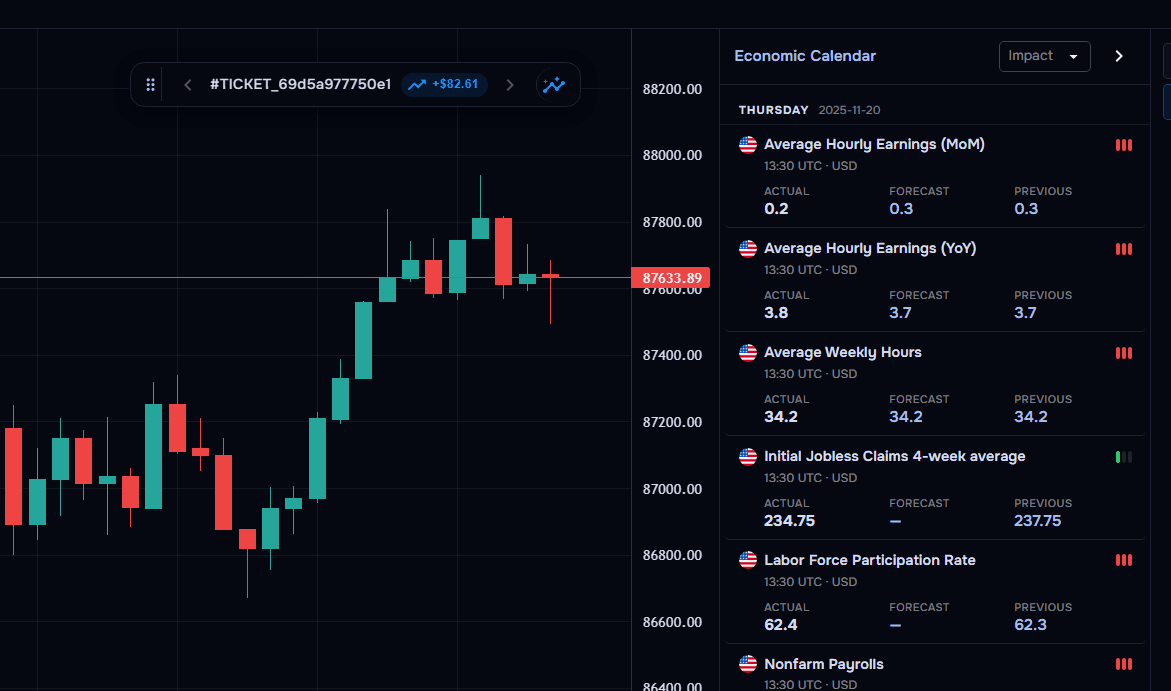
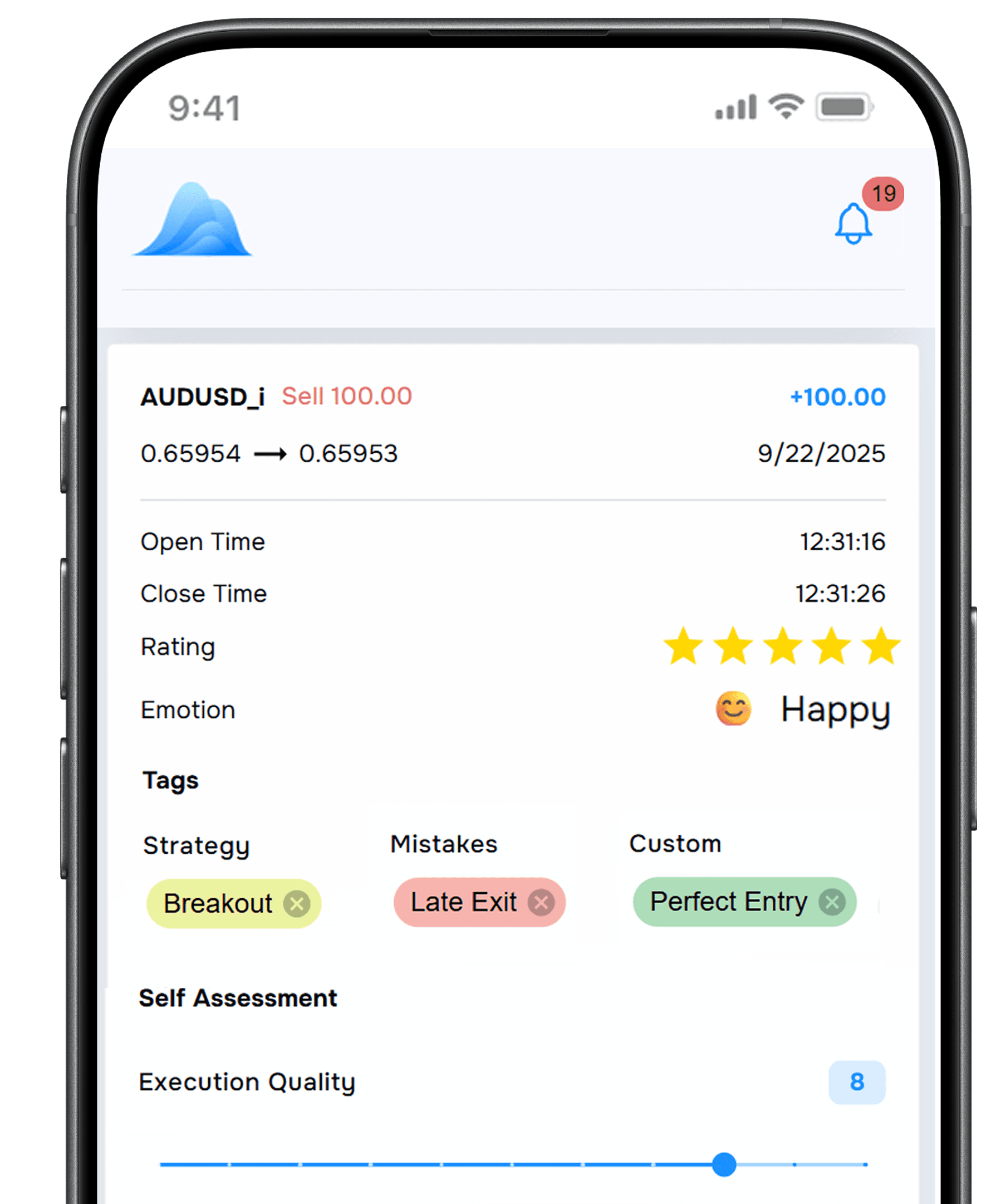
Example TraderWaves journal entry for an imported MatchTrader EUR/USD trade, with strategy tag London breakout, mistake tag Entered early, custom tag HTF bullish, London session, Asia range break setup, Calm emotional state, a 4 out of 5 rating, a journal note, and entry and exit chart screenshots.
- Symbol and direction: The traded instrument and buy or sell direction.
- Entry, exit and size: Recorded entry price, exit price and position size.
- Trade timing: Open time, close time and total holding period.
- Trading costs: Recorded fees and other transaction costs.
- Profit and net result: Trade results ready for journal and performance analysis.

One review process, even when accounts change
MatchTrader holds each account's history. TraderWaves connects the bigger picture. Automatically sync trades from supported broker and prop-firm accounts, apply the same notes and tags, and compare performance with analytics and Wave AI. Free to start.
SYNC WITHOUT THE SPREADSHEET
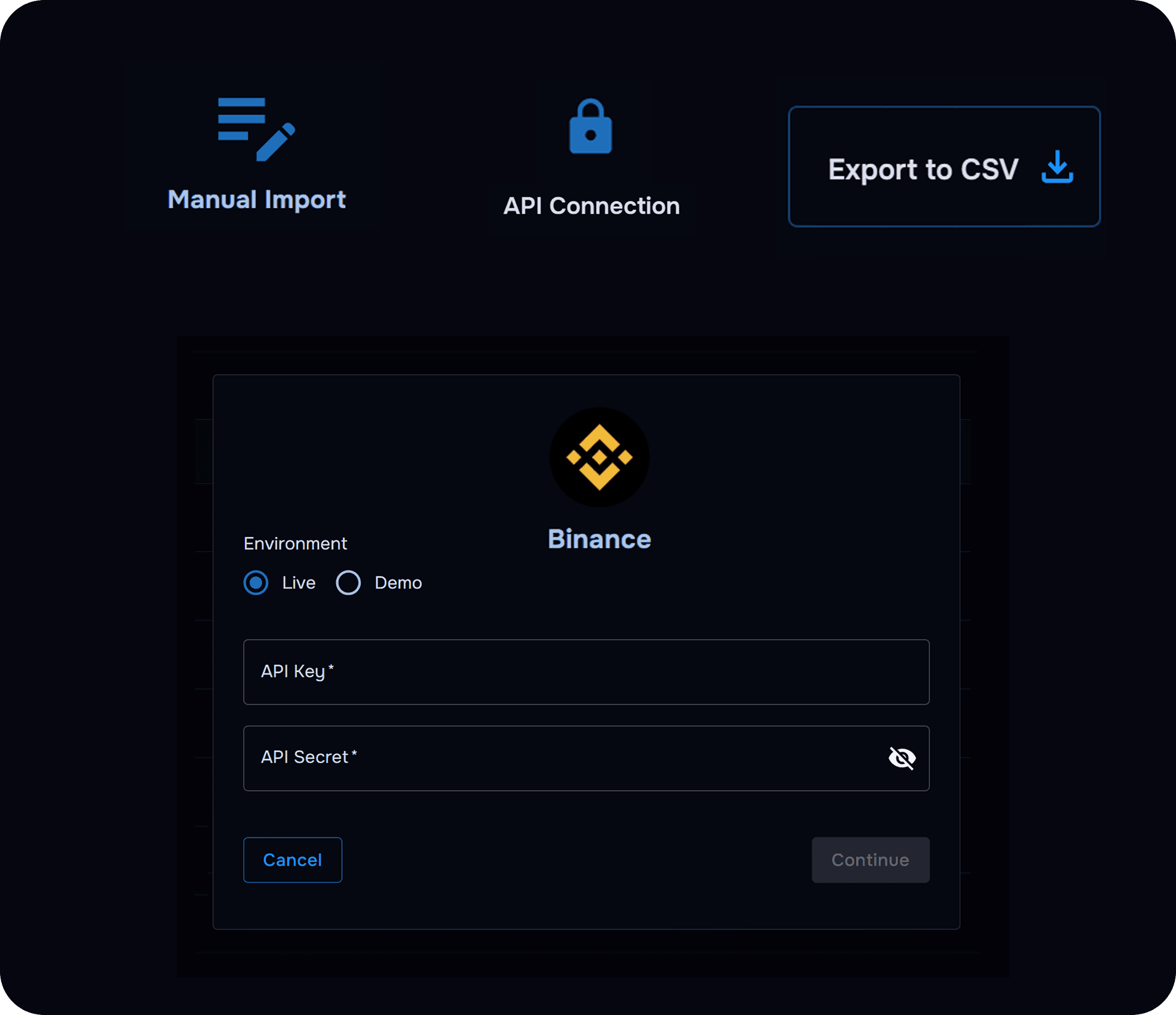
Bring MatchTrader history into TraderWaves
Connect a supported account and let TraderWaves handle the trade data while you focus on the review.
- Automatically sync your MatchTrader trades
- Keep your journal and analytics current
- Add notes, tags and screenshots after import
ADD THE WHY
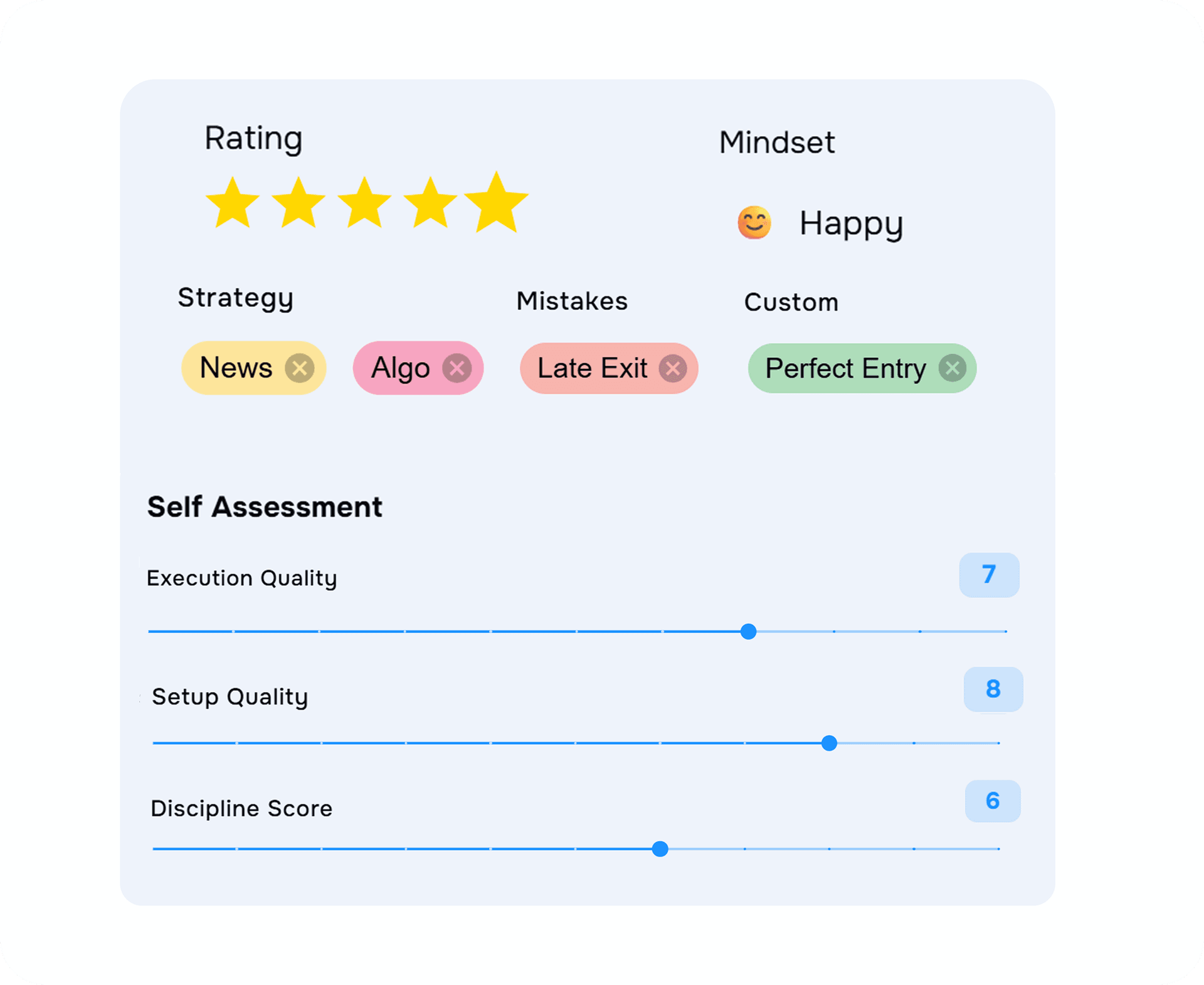
Give every MatchTrader trade a memory
Capture the thinking behind the trade so your review goes beyond entry, exit and P&L.
- Add notes, screenshots and journal templates
- Track strategies, mistakes and custom tags
- Record emotional state and trade ratings
FIND THE PATTERN
Compare accounts without comparing spreadsheets
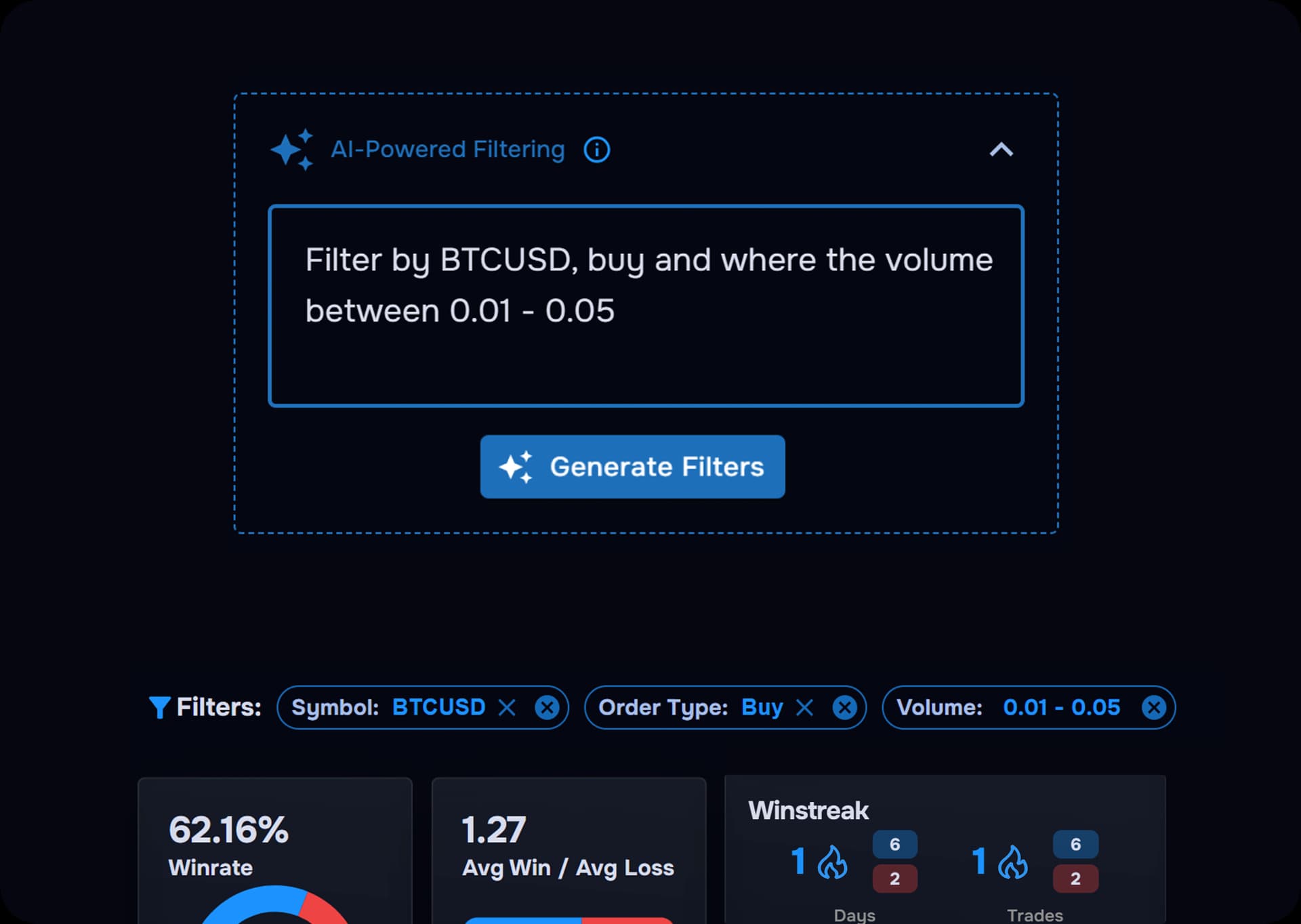
Use the same filters and metrics across your connected accounts to see what changes and what keeps repeating.
- Compare setups across different accounts
- Review results by symbol and session
- Spot repeated strengths and mistakes
ASK YOUR DATA
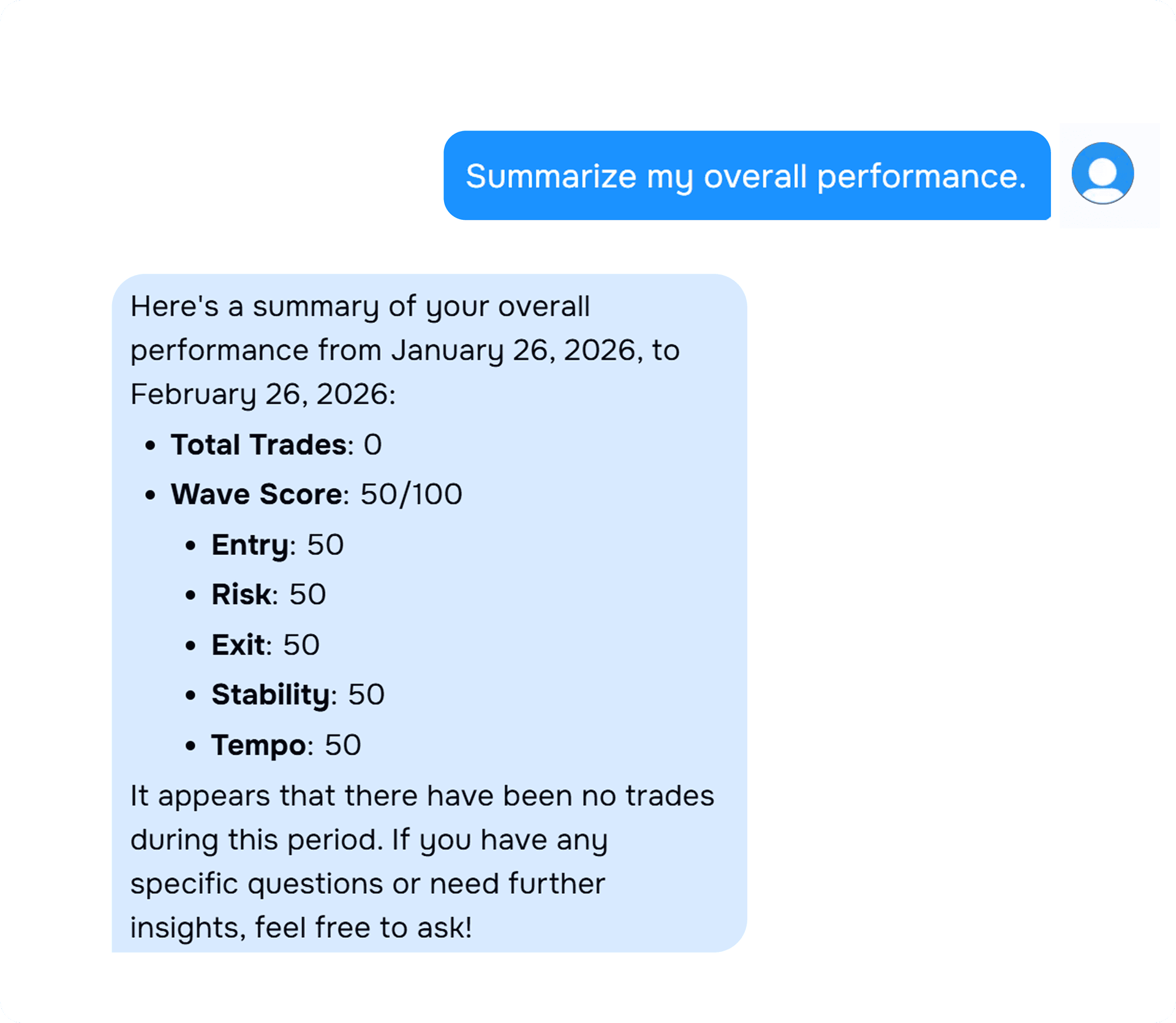
Turn journal history into better questions
Wave AI helps you explore the patterns building across your notes, tags and performance data.
- Compare funded and evaluation activity
- Investigate mistakes repeated across accounts
- Explore performance by setup or session
ONE TRADING WORKSPACE
Move from review to backtest without switching tools
Keep your journal, analytics, backtesting, charts and alerts together as your trading develops.
- Journal and analytics in one workspace
- Backtest and review trading ideas
- Access more than 700 broker connections
START WITHOUT PAYING
Build your MatchTrader journal for free
Use the Free plan, then upgrade when you need more accounts, Wave AI or additional analytics.
- No credit card required
- Unlimited journal notes and screenshots
- Connect up to three accounts on the Free plan
Traders are building better review habits
See how traders use TraderWaves to organise their trades, understand performance and keep a clearer record.
“They have a BEAUTIFUL product here, and offer a lot even on the free tier. I rarely leave reviews but this is the least I could do for a product I LOVE.”
TrustpilotTrustpilot review “The best site for checking your trading account. Very useful, especially the calendar part that calculates your performance on day, week, and month. I appreciate the team of TraderWaves for the hard work.”
TrustpilotTrustpilot review “These guys really deserve a 5 star rating. I paid premium amount to a well-known trading journal platform (Tradezilla). These guys provide the same for free. Huge shoutout to the team.”
TrustpilotTrustpilot review “This is by far the best free trading journal I’ve come across 🤟🏾”
TrustpilotTrustpilot review “the fact that this is free is crazy. I used to use tradezilla and this smacks it out the park.”
TrustpilotTrustpilot review “I tried several journaling apps and out of the 4 I have used none beats TraderWaves. I love the simple UI, account linking, and updates. A five star doesn't do it justice — I think a 10 star will.”
TrustpilotTrustpilot review “THE BEST TRADING JOURNAL I'VE EVER USED — MAKE SURE YOU TRY IT OUT.”
TrustpilotTrustpilot review “Awesome and amazed how they are providing this much completely free. Thank you TraderWaves!”
TrustpilotTrustpilot review “TraderWaves has completely transformed the way I organize and analyze my trades. It’s intuitive, clear, and comprehensive. The team behind TraderWaves shows real commitment and dedication.”
TrustpilotTrustpilot review “I can upload screenshots and input my data. It’s free and totally amazing experience as a beginner.”
TrustpilotTrustpilot review “It has the best journal experience compared to some premium journals out here.”
TrustpilotTrustpilot review “It’s free but still has all the features needed in a digital trading journal. I'd recommend it to anybody.”
TrustpilotTrustpilot review “Loving TraderWaves and its free platform! Looking forward to new premium features and the trade copier. Awesome experience!! 10/10”
TrustpilotTrustpilot review “TraderWaves helped me monitor trades and improve strategy. The free option makes it the best journaling tool for beginners. Thanks to the team behind it. God bless you all.”
TrustpilotTrustpilot review “So far it’s one of the best out there. Only recommendation for now would be like an actual App for iOS/android users.”
TrustpilotTrustpilot review
The trade data that comes with you
Imported MatchTrader trades populate your journal with the information recorded by the connected account.
Symbol and direction
The traded instrument and buy or sell direction.
Entry, exit and size
Recorded entry price, exit price and position size.
Trade timing
Open time, close time and total holding period.
Trading costs
Recorded fees and other transaction costs.
Profit and net result
Trade results ready for journal and performance analysis.
FAQs
MatchTrader Journal Questions
How TraderWaves helps you build a more consistent review process across MatchTrader accounts.
What is the best trading journal for MatchTrader?
TraderWaves is one of the best MatchTrader journal options for traders who want automatic syncing, multi-account analytics and flexible journaling in one workspace. Add notes, screenshots, tags and psychology, compare performance across accounts and explore patterns with Wave AI. TraderWaves is free to start.
Why use a separate journal for MatchTrader?
MatchTrader records orders and results, but a dedicated journal captures the decisions behind them. TraderWaves adds notes, screenshots, strategies, mistakes, psychology and ratings, helping you understand why a trade worked rather than only seeing the outcome.
Can I keep one journal across different MatchTrader accounts?
Yes. Connect each supported account separately and review them using the same notes, tags, filters and metrics. This helps you maintain a consistent process when moving between broker, evaluation and funded accounts.
What should I record in a MatchTrader trading journal?
Record the setup, reason for entering, market session, risk, mistakes, emotional state and what you would repeat or change. TraderWaves combines this context with imported trade data so similar decisions can be compared over time.
Can Wave AI help me compare MatchTrader accounts?
Yes. Wave AI uses your recorded journal data to help you explore patterns across accounts, setups and trading behaviour. It supports your review process but does not predict markets, provide financial advice or replace your judgement.
Can I use TraderWaves as a free MatchTrader journal?
Yes. The Free plan does not require a credit card. It includes automatic trade syncing, unlimited journal notes and screenshots, and up to three connected accounts. Upgrade when you need unlimited accounts, Wave AI or additional analytics.
Take your MatchTrader history further
Sync your trades, keep your review process consistent and uncover patterns across accounts. Start free with no credit card required.