


DXTRADE TRADING JOURNAL
The Trading Journal for Your DXtrade Trades
Automatically import DXtrade trades from supported broker or prop-firm accounts. Build a continuing journal with notes, analytics and Wave AI coaching as the history grows.
- Auto trade syncing
- Built-in analytics
- Notes, tags, and analytics
- Free plan
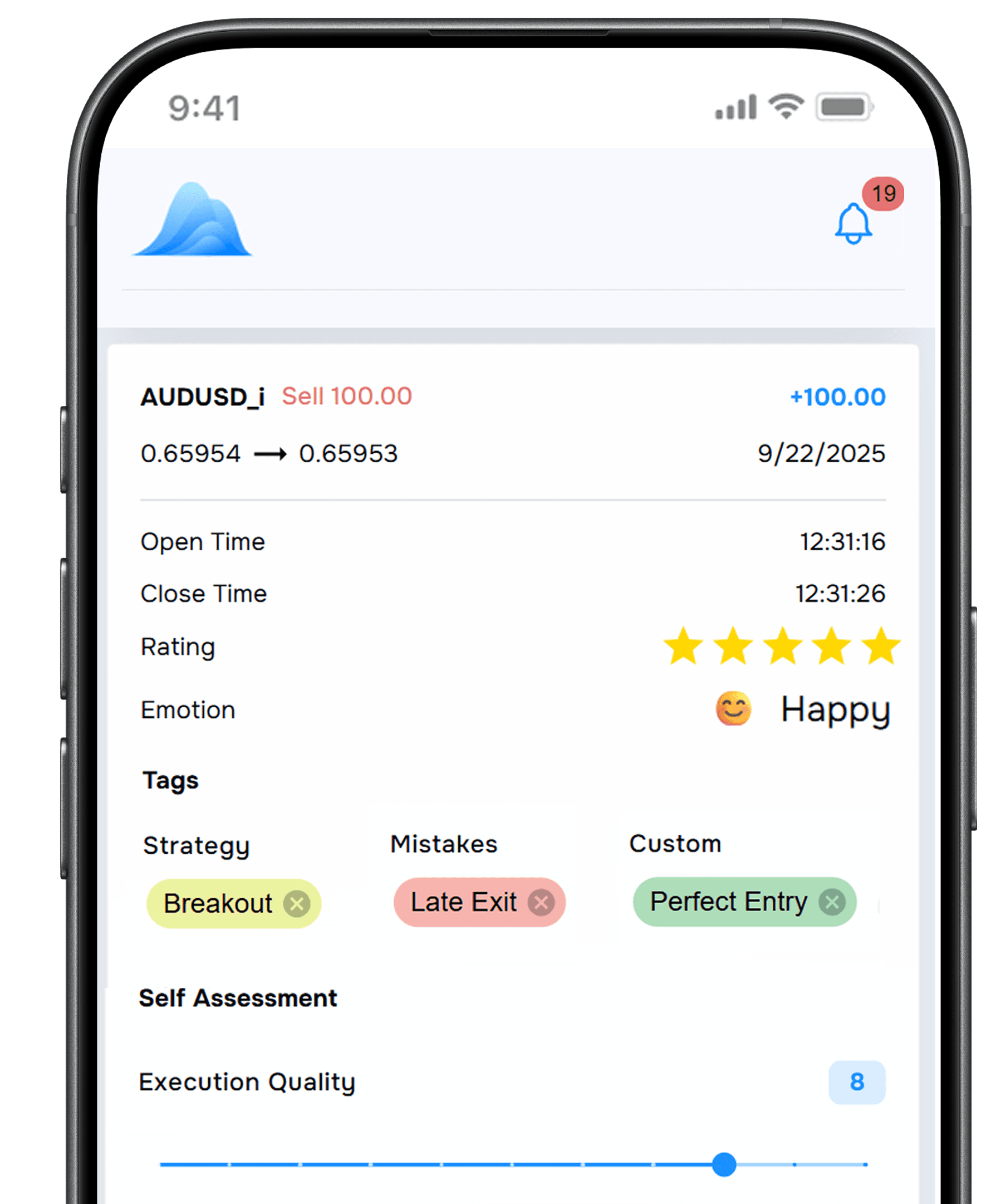
Example TraderWaves journal entry for an imported DXtrade EUR/USD trade, with strategy tag London breakout, mistake tag Entered early, custom tag HTF bullish, London session, Asia range break setup, Calm emotional state, a 4 out of 5 rating, a journal note, and entry and exit chart screenshots.
- Symbol and direction: The instrument and buy or sell direction on the imported trade.
- Entry, exit, and size: Fill prices and position size where provided.
- Open, close, and holding time: Timing fields that support review of how long trades stayed open.
- Fees and other recorded costs: Trading costs stored as separate fields on supported imports.
- Profit and net results: Results from recorded activity for period-over-period review in analytics.
- Context that accumulates over time: Strategy Tags, Mistake Tags, notes, screenshots, Star Rating, and Emotional State added after import, plus session filters once trades are in the journal.

Why use TraderWaves as your DXtrade journal?
DXtrade records the trade. TraderWaves helps you make sense of it. Automatically sync your history, add the thinking behind each decision and uncover patterns with analytics and Wave AI. It is all in one place and free to start.
AUTOMATIC TRADE SYNCING
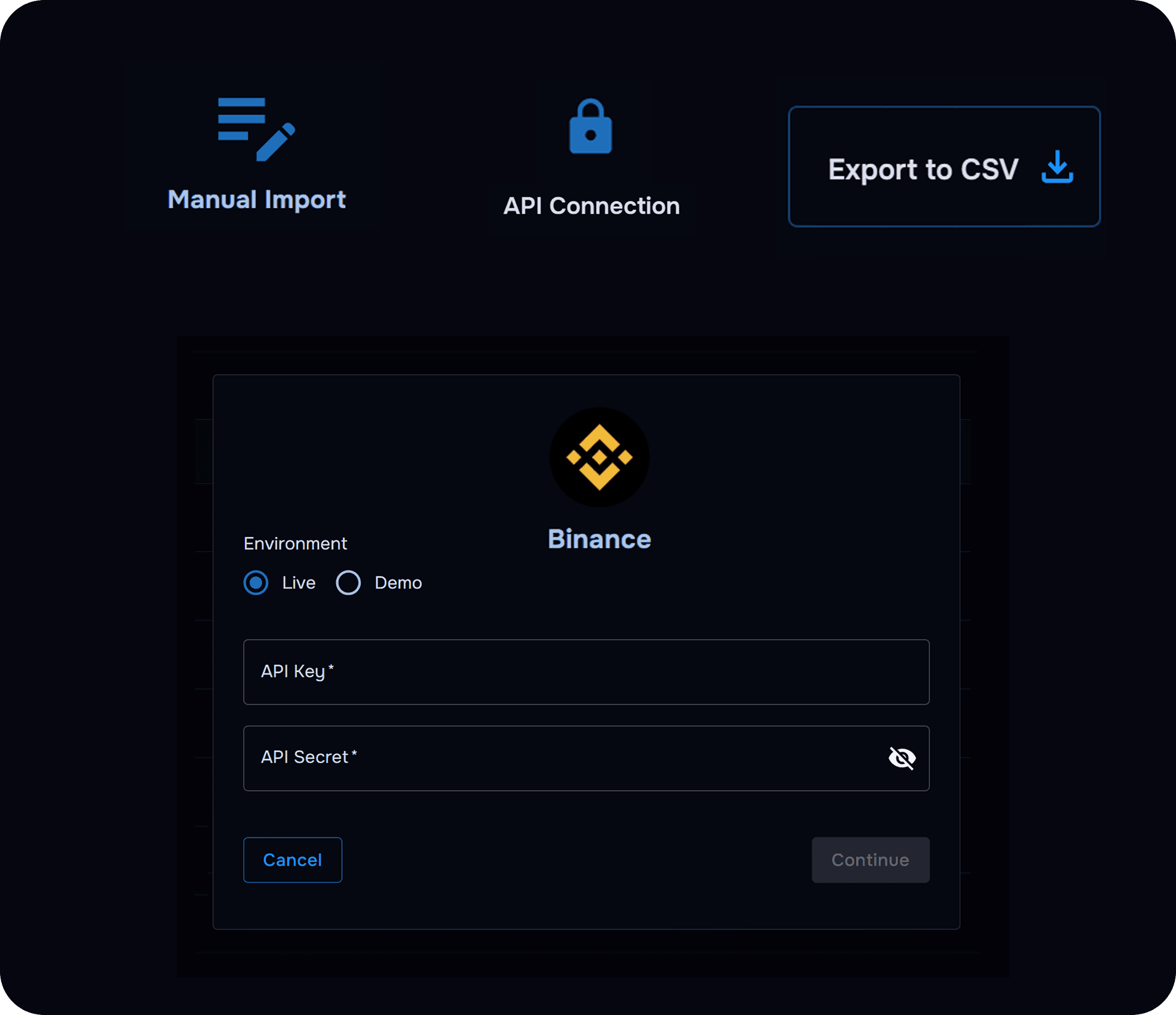
Connect once & skip manual entry
Quickly connect a supported DXtrade account. Your trade history syncs into TraderWaves, saving you from copying trades manually.
- Automatically sync your DXtrade trade history
- Keep your journal and analytics up to date
- Add notes, tags and screenshots after import
JOURNAL EVERY DECISION
Gain insights from your DXtrade trades
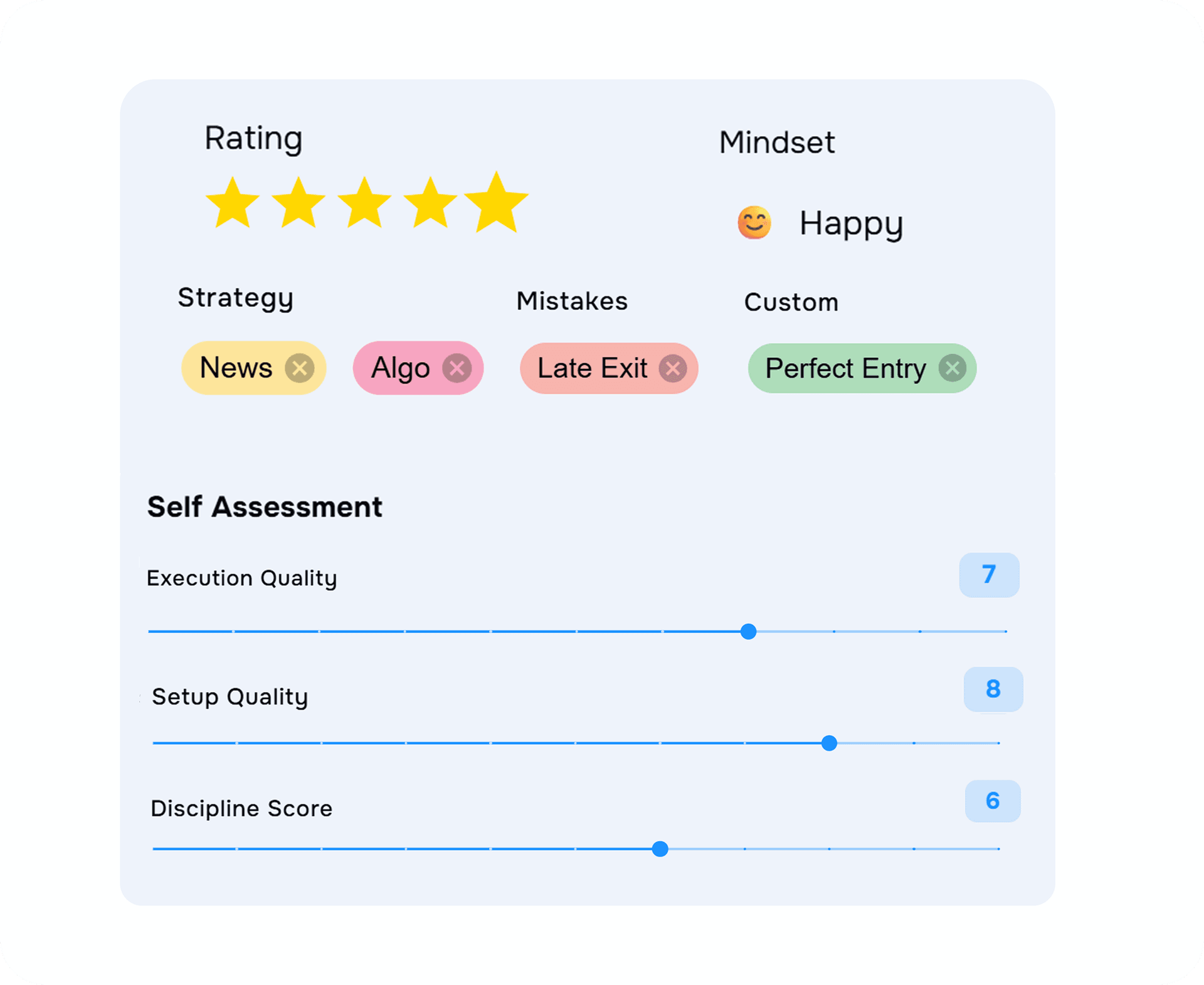
Add screenshots, tags and psychology as weeks accumulate so later reviews stay comparable with earlier months.
- Unlimited notes and screenshots on the Free plan
- Strategy, mistake and custom tags
- Emotional State, Star Rating and weekly templates
ANALYSE YOUR PERFORMANCE
See how your performance changes over time
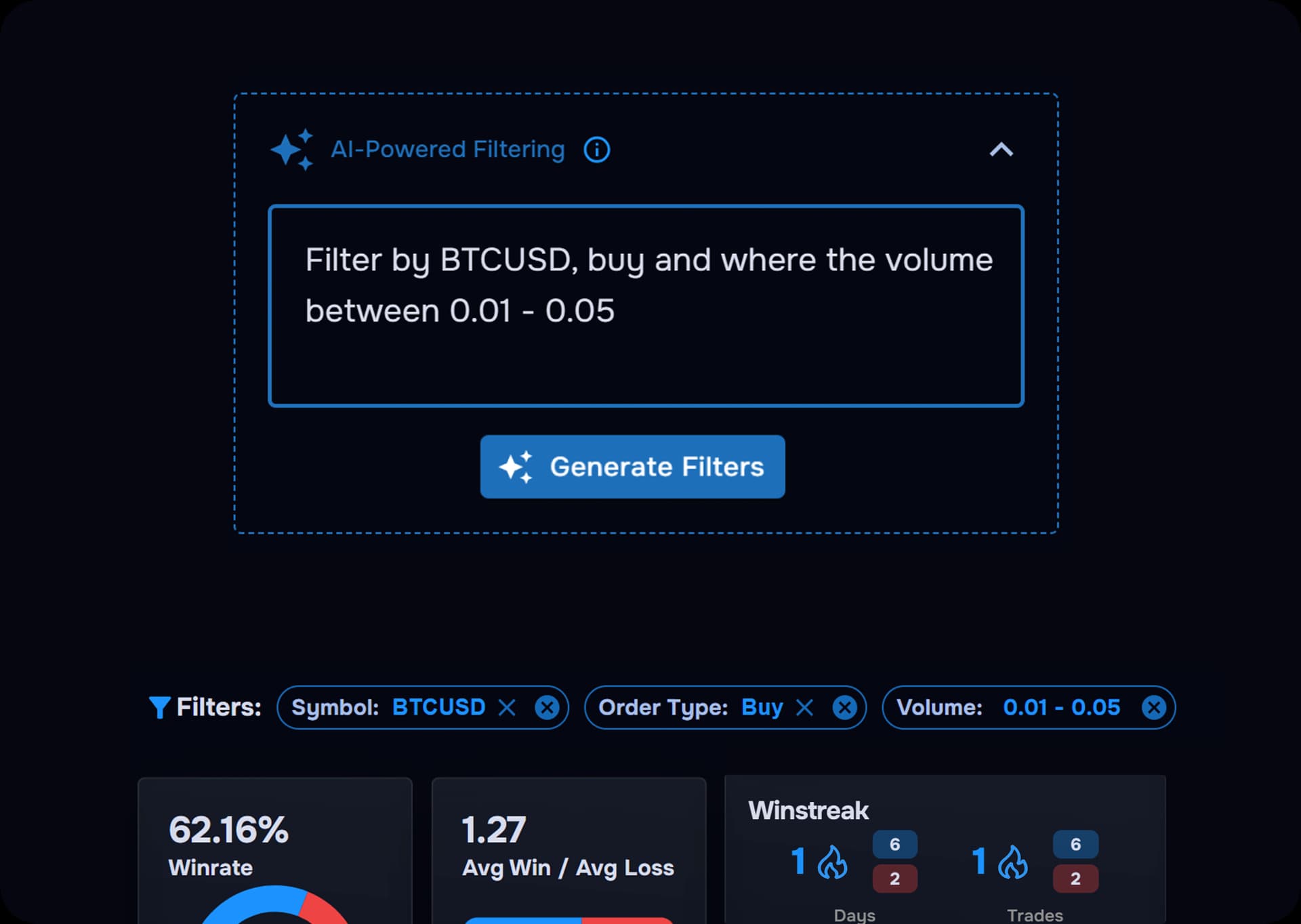
Compare results across symbols, sessions, direction, holding time and trading costs.
- Filter and compare similar trades
- Review winning and losing setups
- Identify repeated patterns and mistakes
REVIEW WITH WAVE AI
Ask better questions about your trading
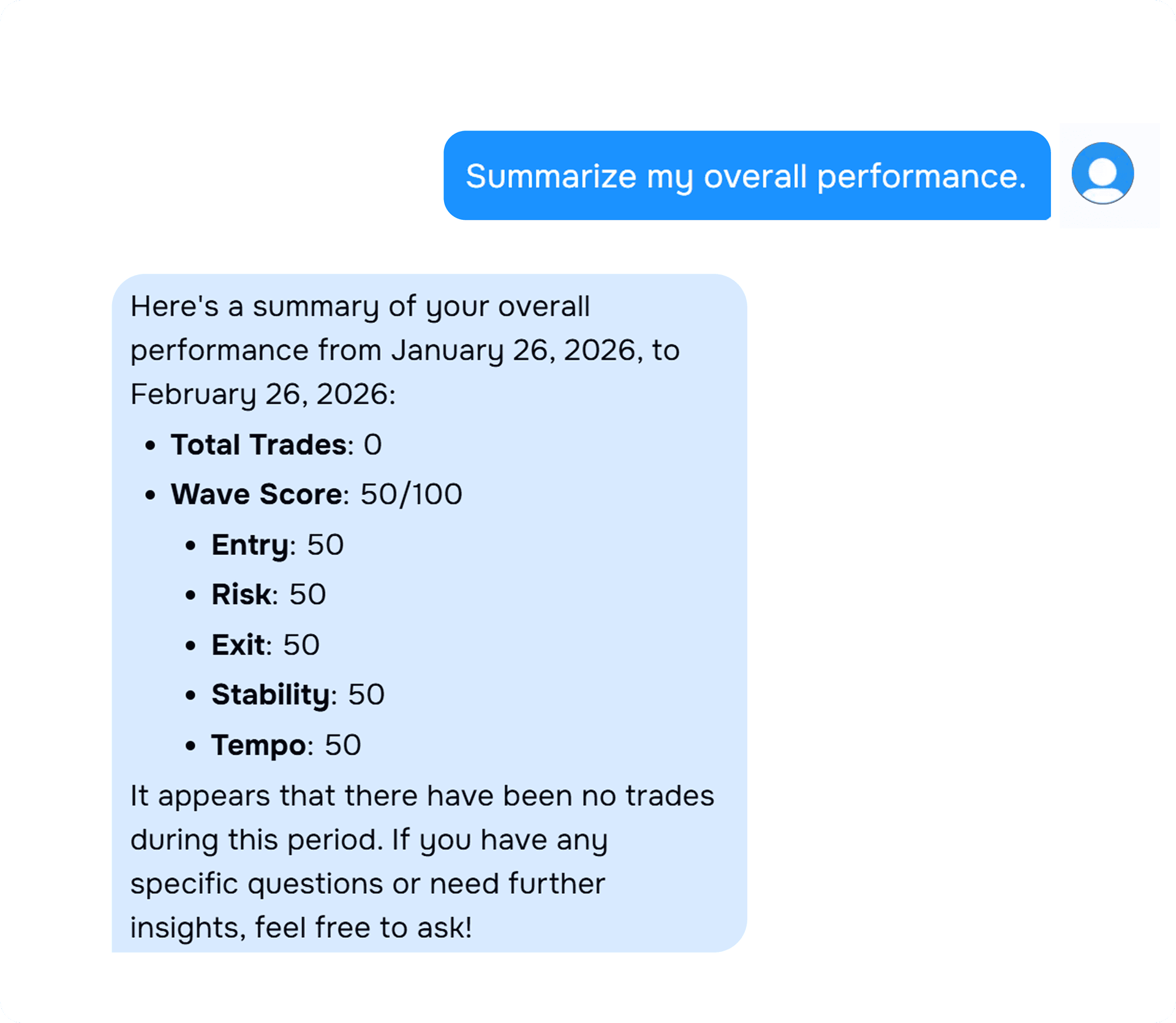
Wave AI helps you explore patterns in your recorded data and focus your reviews.
- Explore performance by setup or session
- Investigate repeated trading mistakes
- Review how patterns change over time
EVERYTHING IN ONE PLACE
Keep your trading workflow together
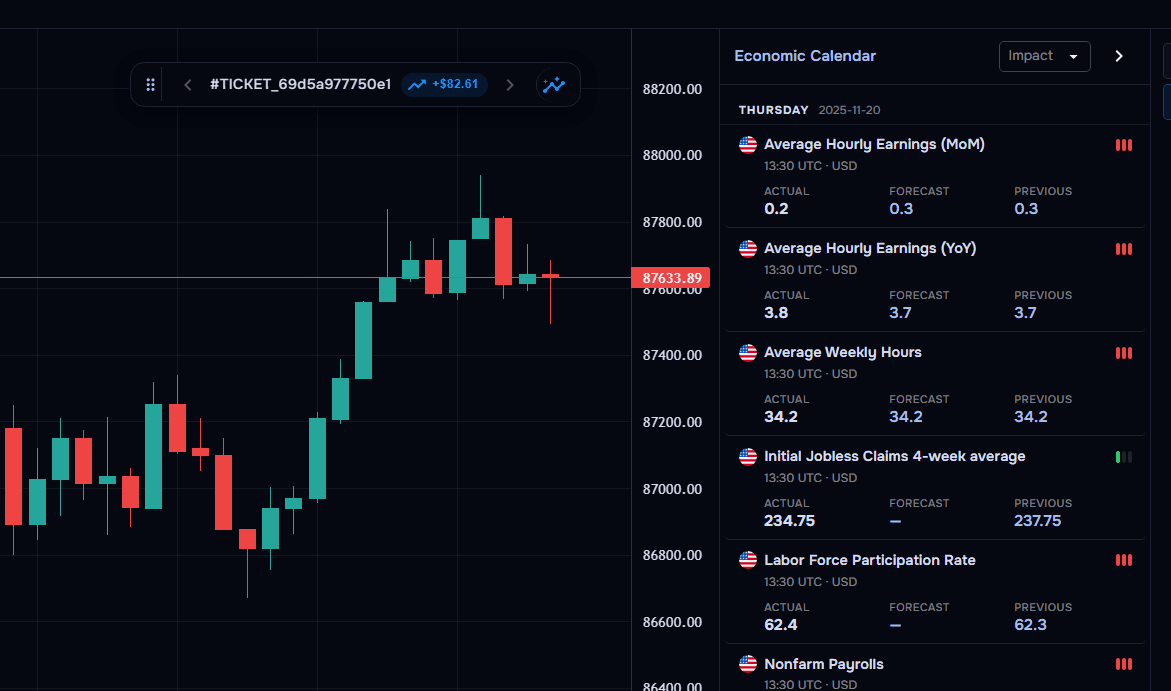
Journaling and analytics sit with charts, alerts and backtesting, so the workspace stays with you as the account grows.
- Charts and visual performance views
- Backtesting in the same account
- More than 700 broker connections in the directory
FREE TO START
Begin a DXtrade journal on the Free plan
Start free with automatic imports where supported, then upgrade when you need more accounts, Wave AI or additional analytics.
- Free plan, no credit card required
- Unlimited notes and screenshots
- Up to 3 connected trading accounts on the Free plan
What traders say about TraderWaves
Real feedback from traders using TraderWaves to journal, analyse and keep a clearer record of their trading.
“They have a BEAUTIFUL product here, and offer a lot even on the free tier. I rarely leave reviews but this is the least I could do for a product I LOVE.”
TrustpilotTrustpilot review “The best site for checking your trading account. Very useful, especially the calendar part that calculates your performance on day, week, and month. I appreciate the team of TraderWaves for the hard work.”
TrustpilotTrustpilot review “These guys really deserve a 5 star rating. I paid premium amount to a well-known trading journal platform (Tradezilla). These guys provide the same for free. Huge shoutout to the team.”
TrustpilotTrustpilot review “This is by far the best free trading journal I’ve come across 🤟🏾”
TrustpilotTrustpilot review “the fact that this is free is crazy. I used to use tradezilla and this smacks it out the park.”
TrustpilotTrustpilot review “I tried several journaling apps and out of the 4 I have used none beats TraderWaves. I love the simple UI, account linking, and updates. A five star doesn't do it justice — I think a 10 star will.”
TrustpilotTrustpilot review “THE BEST TRADING JOURNAL I'VE EVER USED — MAKE SURE YOU TRY IT OUT.”
TrustpilotTrustpilot review “Awesome and amazed how they are providing this much completely free. Thank you TraderWaves!”
TrustpilotTrustpilot review “TraderWaves has completely transformed the way I organize and analyze my trades. It’s intuitive, clear, and comprehensive. The team behind TraderWaves shows real commitment and dedication.”
TrustpilotTrustpilot review “I can upload screenshots and input my data. It’s free and totally amazing experience as a beginner.”
TrustpilotTrustpilot review “It has the best journal experience compared to some premium journals out here.”
TrustpilotTrustpilot review “It’s free but still has all the features needed in a digital trading journal. I'd recommend it to anybody.”
TrustpilotTrustpilot review “Loving TraderWaves and its free platform! Looking forward to new premium features and the trade copier. Awesome experience!! 10/10”
TrustpilotTrustpilot review “TraderWaves helped me monitor trades and improve strategy. The free option makes it the best journaling tool for beginners. Thanks to the team behind it. God bless you all.”
TrustpilotTrustpilot review “So far it’s one of the best out there. Only recommendation for now would be like an actual App for iOS/android users.”
TrustpilotTrustpilot review
What you can review from imported DXtrade activity
Supported imports populate the same journal fields used across TraderWaves. Exact values depend on what the connected account records.
Symbol and direction
The instrument and buy or sell direction on the imported trade.
Entry, exit, and size
Fill prices and position size where provided.
Open, close, and holding time
Timing fields that support review of how long trades stayed open.
Fees and other recorded costs
Trading costs stored as separate fields on supported imports.
Profit and net results
Results from recorded activity for period-over-period review in analytics.
Context that accumulates over time
Strategy Tags, Mistake Tags, notes, screenshots, Star Rating, and Emotional State added after import, plus session filters once trades are in the journal.
FAQs
Frequently Asked Questions
Based on the DXtrade connection guide and TraderWaves syncing behaviour.
Can I automatically import my DXtrade trades?
Yes. After you connect with the account ID, password, and server selection, trades can sync into the journal and analytics.
What can I add to an imported DXtrade trade?
Notes, screenshots, strategy, mistake and custom tags, Star Rating, Emotional State, and journal templates.
Can I analyse trades from more than one DXtrade account?
Yes. Connect each login separately. Free includes up to 3 connected trading accounts. Pro includes unlimited connected accounts.
Is TraderWaves free to use with DXtrade?
Yes. The Free plan includes journal access, automatic imports where supported, unlimited notes and screenshots, and up to 3 connected accounts. Pro adds unlimited accounts, Wave AI, equity and drawdown analytics, and other Pro features listed on Pricing.
What can a DXtrade journal reveal about my performance?
A detailed journal can show how results vary across symbols, sessions, direction, holding times, setups and trading costs. TraderWaves lets you filter and compare related trades to identify stronger conditions, repeated behaviours and areas that need more attention.
What is the best trading journal for DXtrade?
TraderWaves is one of the best DXtrade journal options for traders who want automatic syncing, detailed analytics and flexible journaling in one workspace. Add notes, screenshots, tags and psychology to imported trades, explore performance with Wave AI and use backtesting tools alongside your journal. TraderWaves is free to start.
Import your DXtrade activity and review it in TraderWaves
Automatically bring trades in, journal them with notes and tags, then study performance as the history grows. Start on the Free plan. Upgrade to Pro for more accounts, Wave AI, and additional analytics.