


CRYPTO TRADING JOURNAL
The Crypto Trading Journal for Every Decision You Make
Markets never close, but your review process can still be structured. Record each crypto trade, add context, and see which symbols, times, and habits actually drive net results.
- Automatic exchange imports
- 24/7 trade review
- Crypto portfolio viewer
- Free forever plan
Why serious crypto traders keep a journal
An always-open market is hard to remember
Late-night entries, weekend trades, and rapid reversals blur together unless each decision is recorded with timing and context.
Portfolio growth and trading performance differ
Holdings and allocation tell one story. Active trade results tell another. Both matter, but they answer different questions.
FOMO, fees, and repeated mistakes need review
Exchange history shows fills, not whether you chased, oversised, or traded against your plan.
Why use TraderWaves as your crypto trading journal?
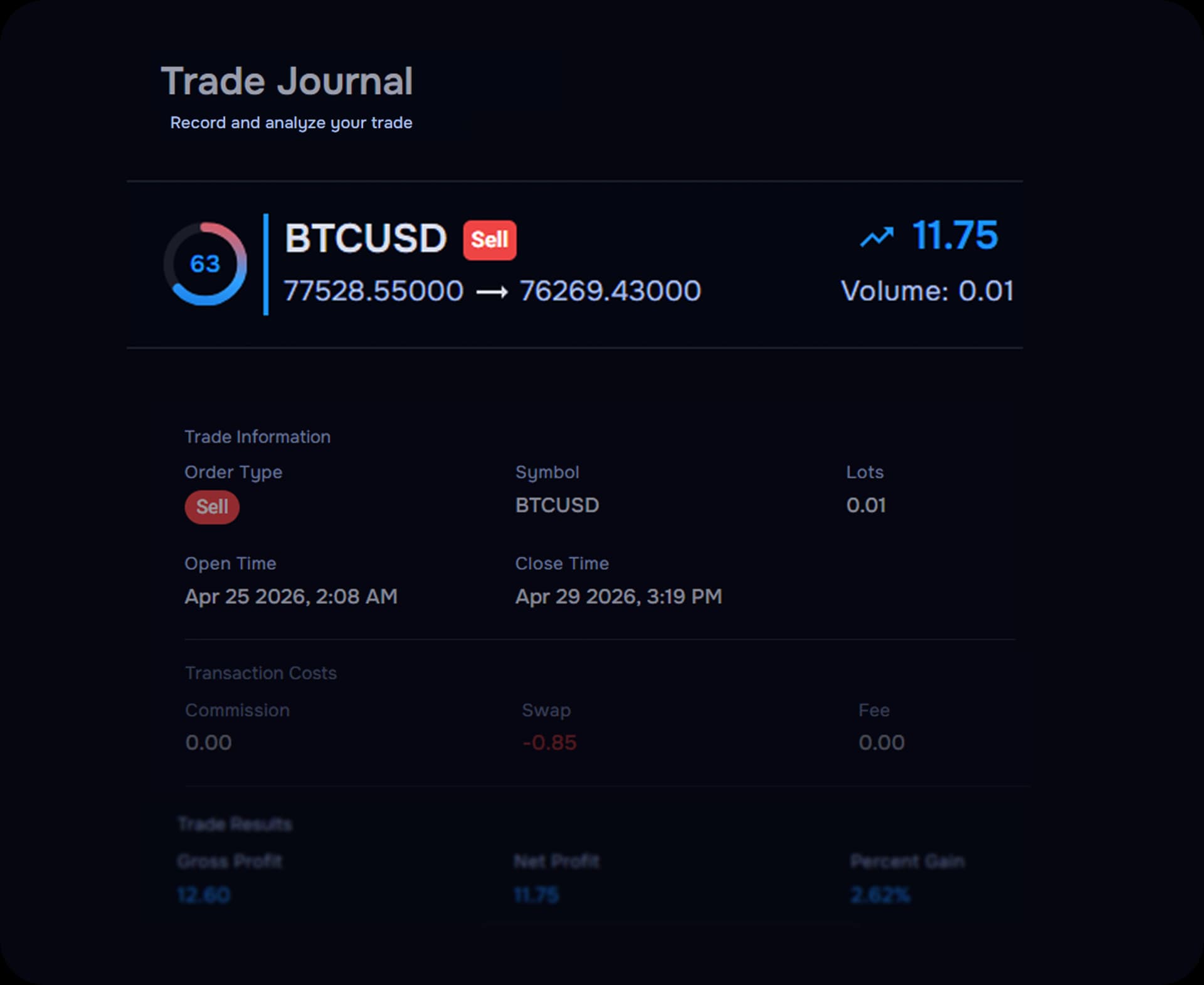
TraderWaves combines the recorded trade, the financial result, and the context you add after the fact. Review what was traded, buy or sell direction, entry and exit, position size, holding time, recorded fees, net result, and your strategy, mistake, and emotional tags.
Tools built around the way crypto traders review performance
JOURNAL AND PORTFOLIO
Review the trades you make. Track the assets you hold.
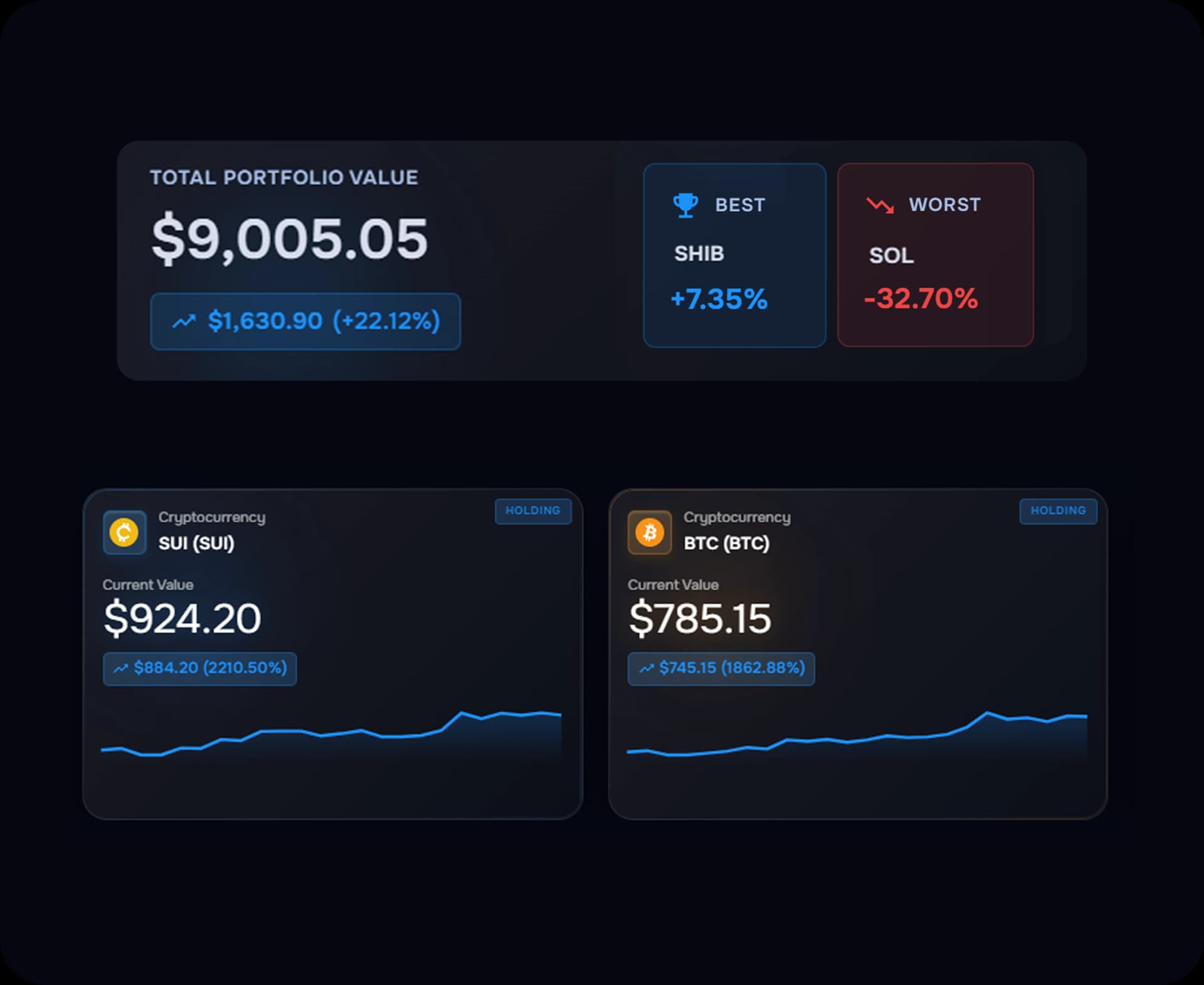
The trading journal reviews completed trading decisions and their outcomes. The crypto portfolio viewer monitors holdings, allocation, cost basis, and unrealised performance. Together, they give you two different views of your crypto activity.
- Journal: active trade results, tags, notes, and recorded fees
- Portfolio viewer: holdings, allocation, and unrealised performance
- Use both when you trade and hold, without mixing the two views
24/7 AWARENESS
The market keeps moving. You do not have to keep watching.
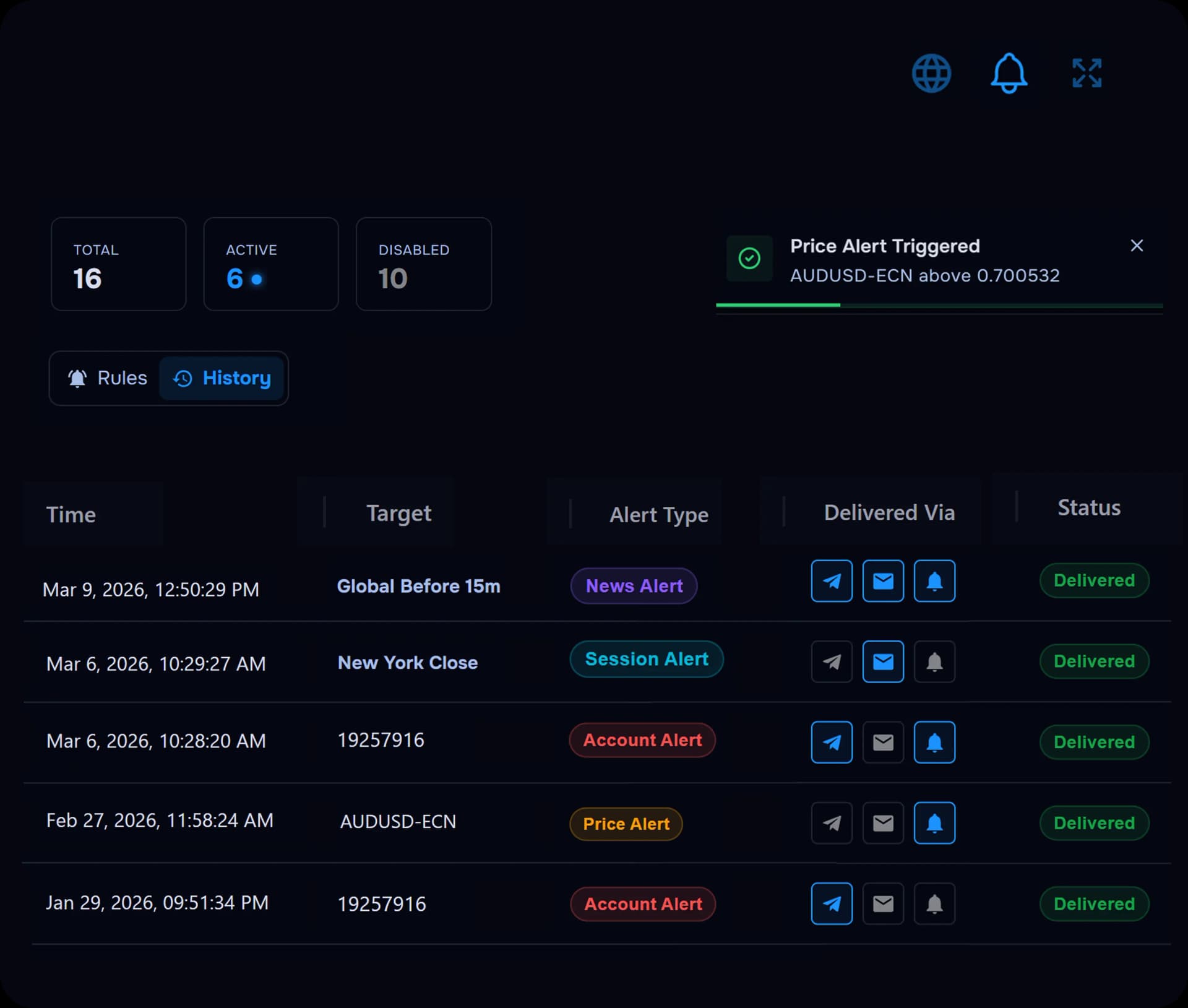
Set alerts for the moves and account changes that matter while you focus on execution and review.
- Price alerts and trade activity notifications
- Balance, drawdown, and profit target alerts
- One-time and recurring alert rules
TRADE CONTEXT
Record the reason behind every crypto trade
Add tags, ratings, notes, and screenshots so each trade carries the context exchange history cannot provide on its own.
- Symbol, direction, entry, exit, holding time, and net profit
- Recorded fees alongside gross and net results
- Strategy Tags, Mistake Tags, and Custom Tags such as FOMO or weekend trade
- Star Rating, Emotional State, notes, and screenshots
From recorded trade to clearer next step
- 1
Connect or import
Link a supported exchange or add trades manually.
- 2
Add journal context
Tag behaviour, add notes, and attach screenshots after each trade.
- 3
Review performance
Filter by symbol, time, holding duration, fees, and tags.
- 4
Ask WaveAI
Ask questions grounded in your own recorded journal data.
AI TRADING COACH
Ask your crypto trading data what keeps happening
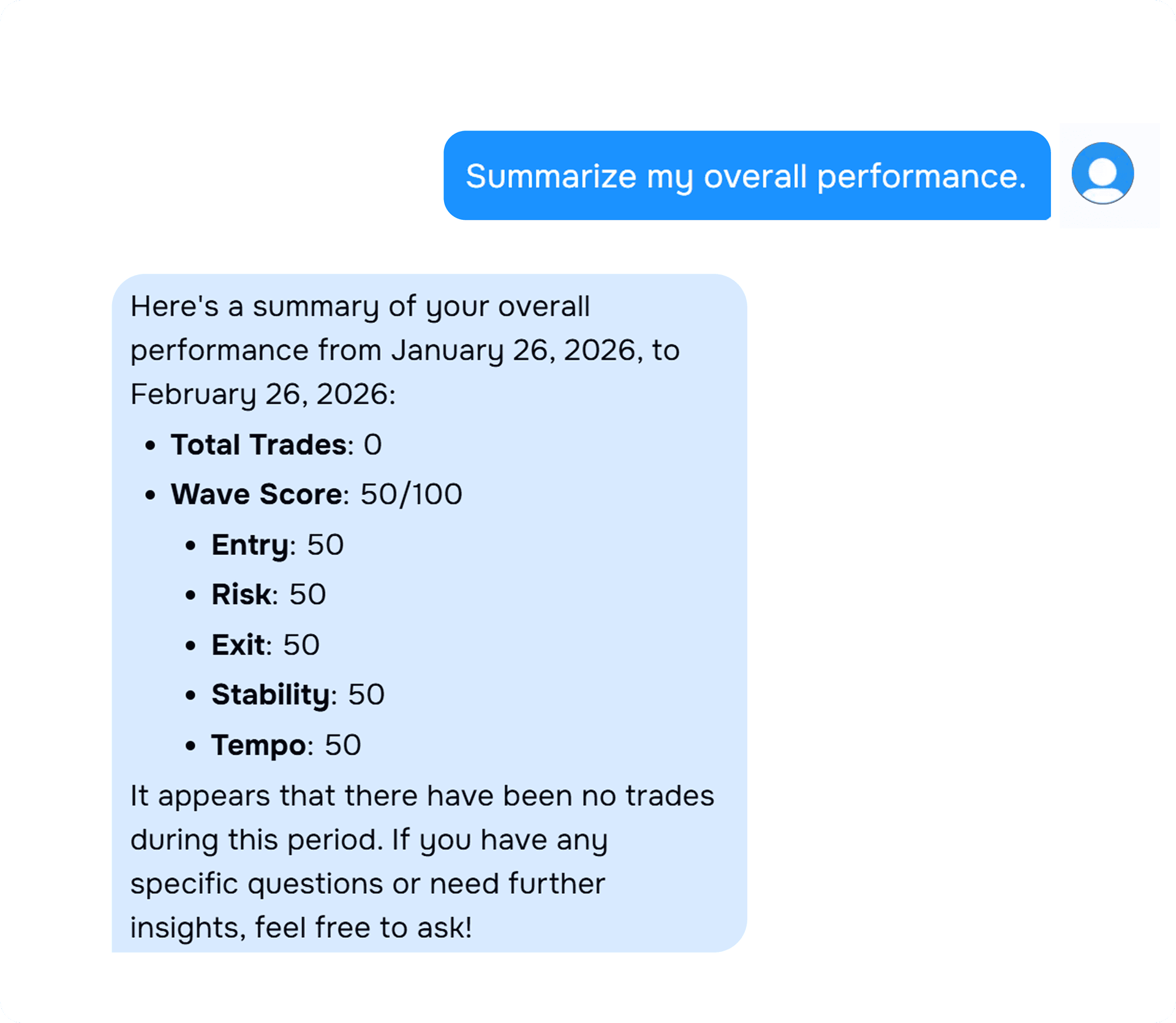
WaveAI works from your own recorded trades, tags, notes, and screenshots. It does not predict prices or execute trades.
- Which crypto symbols produce my strongest net results?
- Are my weekend trades profitable?
- At what time of day do I lose the most?
- Which strategy tags perform best?
- How much are recorded fees reducing my profit?
Connect the crypto exchanges you already use
Automatic imports are available on popular exchanges including Binance, Bybit, and Coinbase. Manual entry remains available. View all supported brokers and platforms


FAQs
Crypto trading journal FAQ
Quick answers about the best crypto trading journal workflow in TraderWaves.
What is a crypto trading journal?
A crypto trading journal records active trading decisions with execution details, fees, net profit, and review context such as tags and notes.
How is the journal different from the crypto portfolio viewer?
The journal reviews individual trades and recorded results. The portfolio viewer tracks holdings, allocation, cost basis, and unrealised performance.
Which platforms and exchanges connect for crypto journaling?
TraderWaves supports MetaTrader 4, MetaTrader 5, cTrader, MatchTrader, TradeLocker, Binance, Bitunix, Bybit, DXtrade, Tradovate, Interactive Brokers, Coinbase, and Kraken through the connection guides.
Can I review crypto trades by time and symbol?
Yes. Symbol, Open Time, Close Time, and Hold Time are recorded on each trade for filtering and review.
Can WaveAI predict crypto prices?
No. WaveAI analyses your own recorded journal data. It does not predict prices or provide financial advice.
Is the crypto journal free?
Yes. TraderWaves offers a free forever plan with journal access and no credit card required.
Build a clearer picture of every crypto trade
Free forever plan. No credit card required.
Also explore the main trade journal, trade analytics, and supported platforms.