Analytics Dashboard Features
Trade with Data
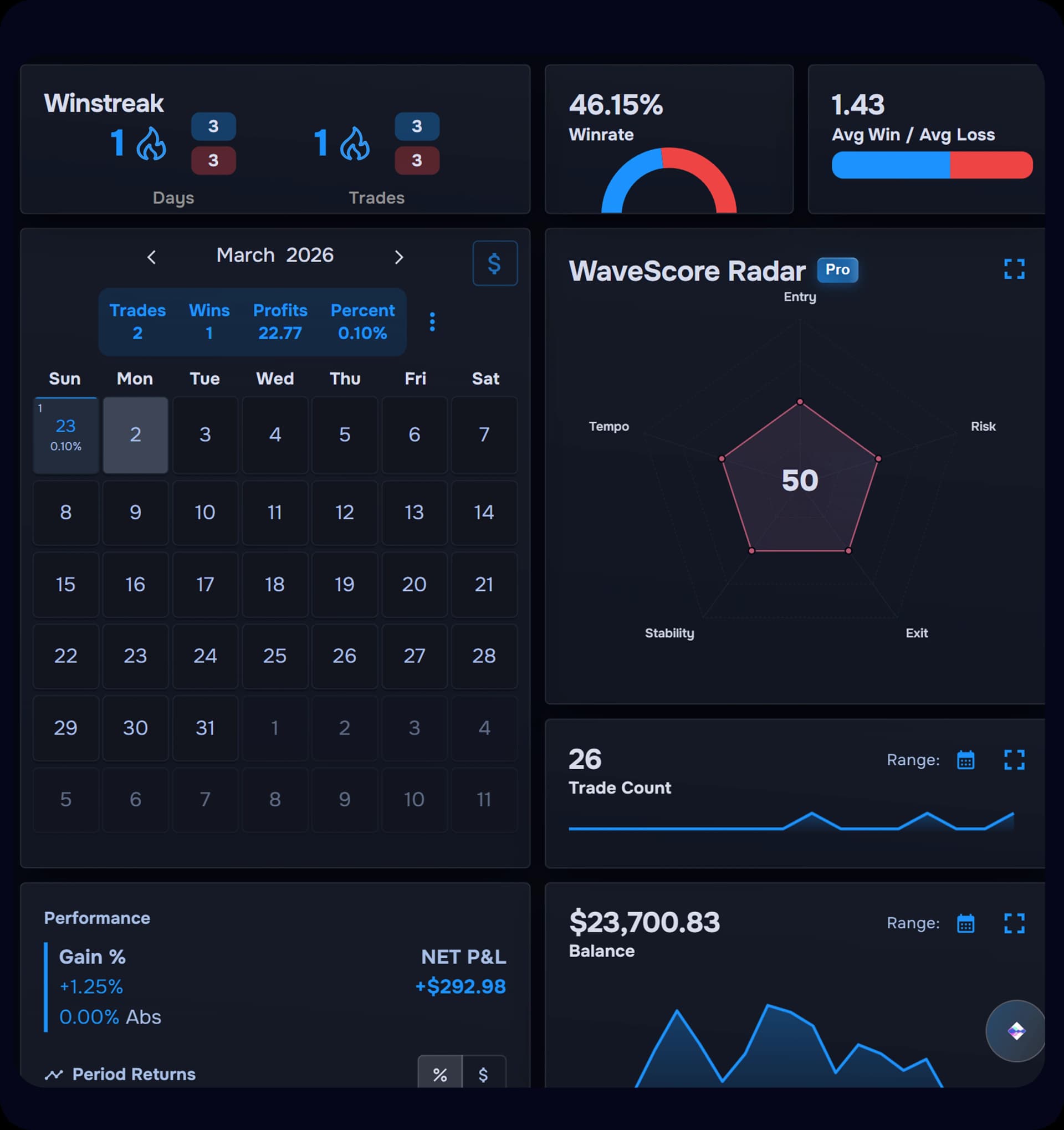
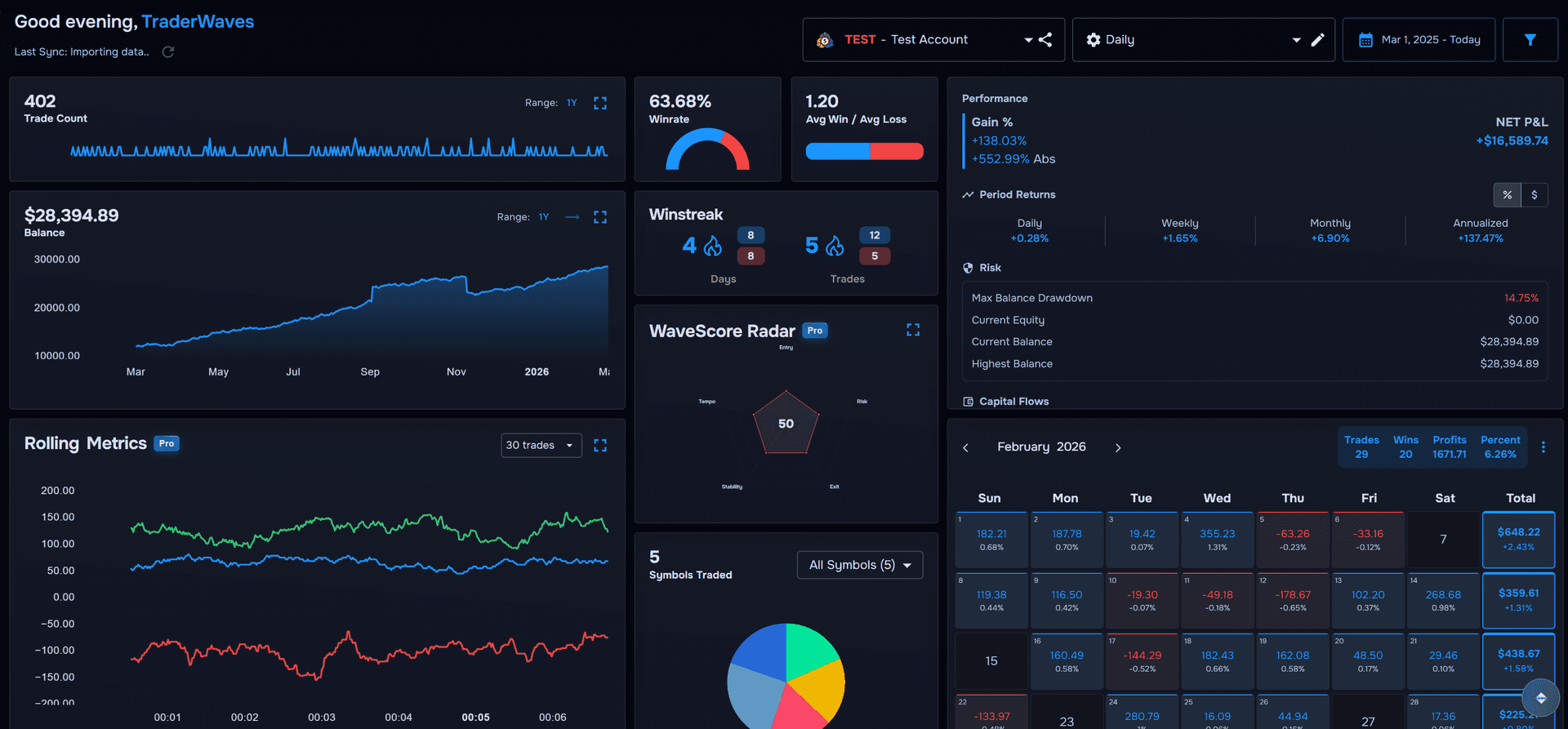
An all-in-one trade analytics tool designed to elevate your trading. Customize your dashboard with drag-and-drop widgets. Use real-time trade analytics software and advanced filtering to refine your strategy and trade with confidence.
Works For Any Trading Style
Your Trading Problems, Solved
We built TraderWaves to tackle the issues traders face every day so you can focus on improving, not just surviving.
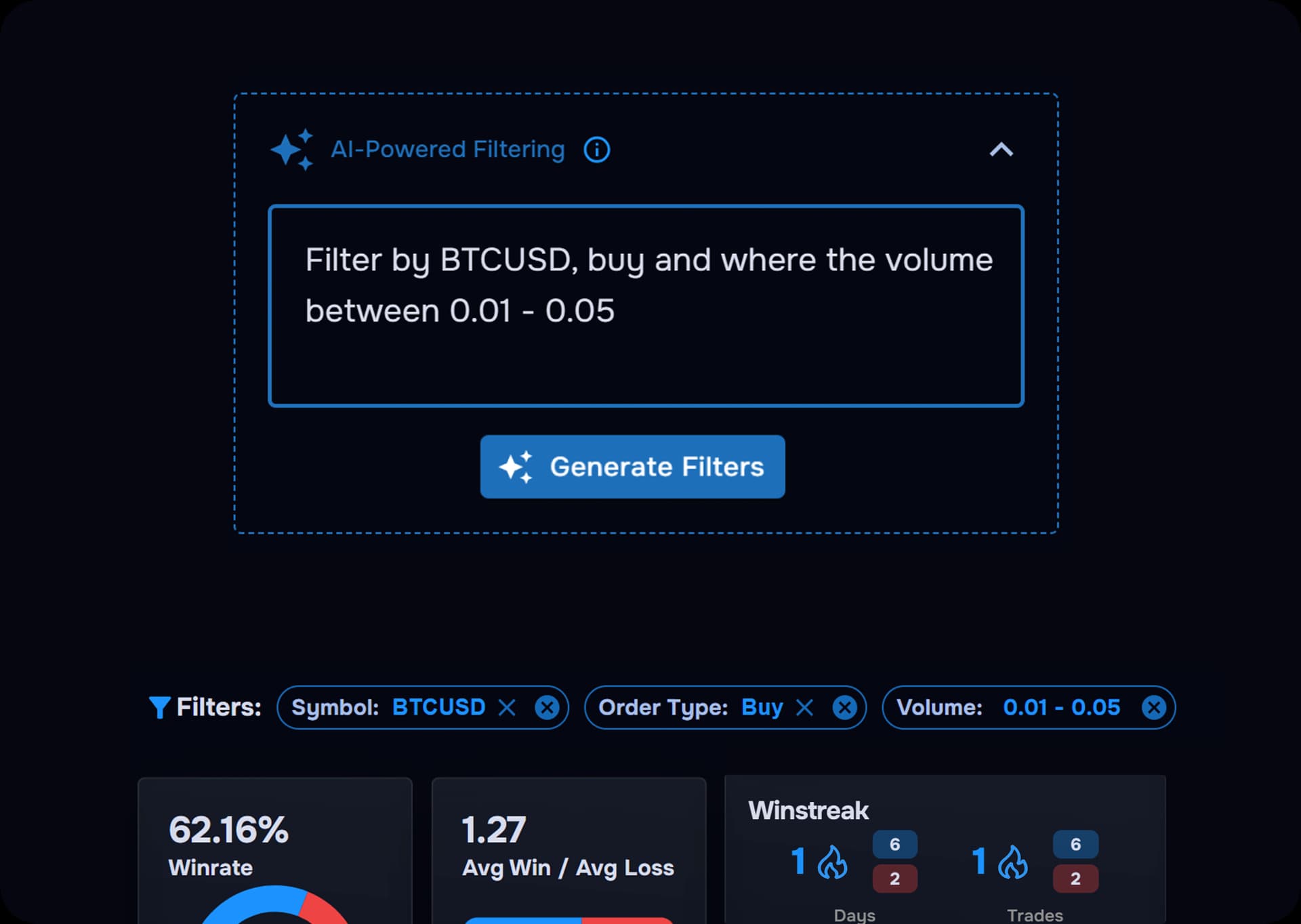
Smart Performance Filtering
Spreadsheets can't filter like TraderWaves can. With AI-powered filtering, just type what you want to see — whether it's specific trade metrics, certain market conditions, or which strategy is actually performing. Instantly surface the patterns that matter and turn raw data into clear, actionable insight.
View details+
- Type what you want — filter by trade metrics, market conditions, or strategy performance.
- AI-powered search — instantly surface the patterns that matter.
- Turn raw data into clear, actionable insight.
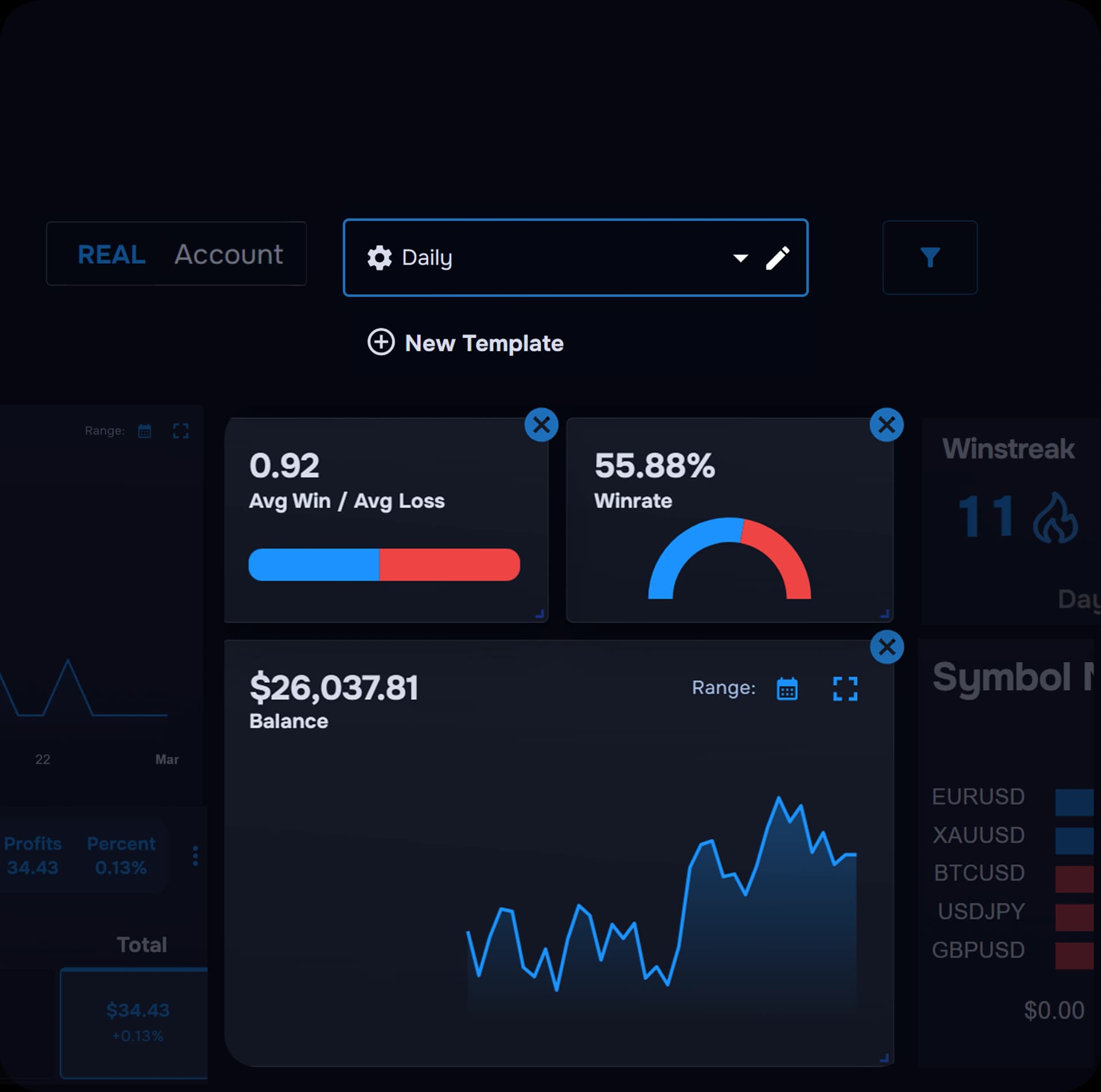
Custom Metrics, Real Progress
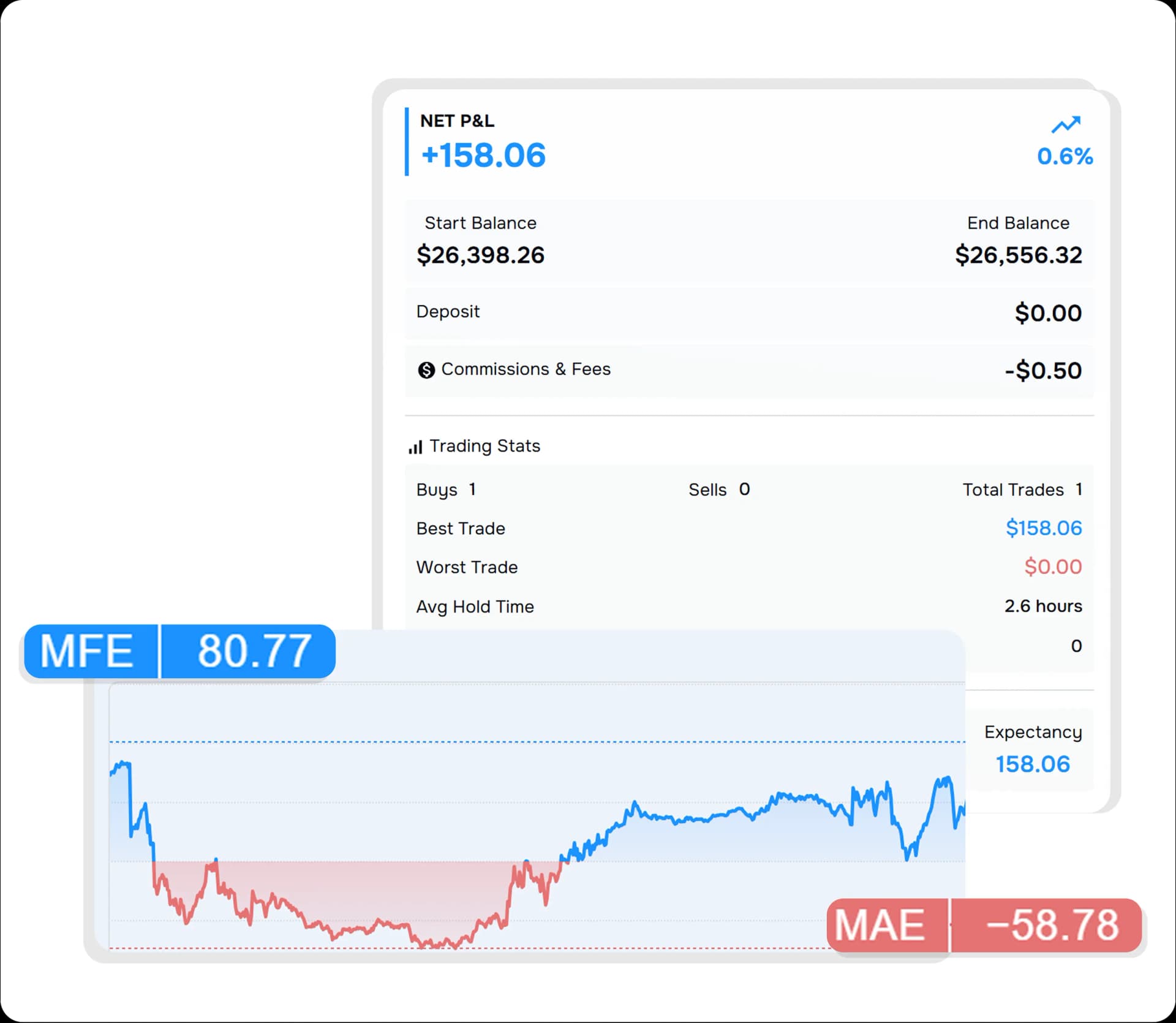
If your account isn’t growing, you might be tracking the wrong things. With personalised dashboards, you can focus in on the exact metrics that reveal what’s working (and what’s not).
View details+
- Unlimited templates — Create dashboards tailored to different strategies, styles, or market conditions.
- Personalised widgets — Track only the metrics that align with your goals—like risk, R:R, or trade duration.
- Drag, drop, resize — Shape your workspace around what drives results, not distractions.
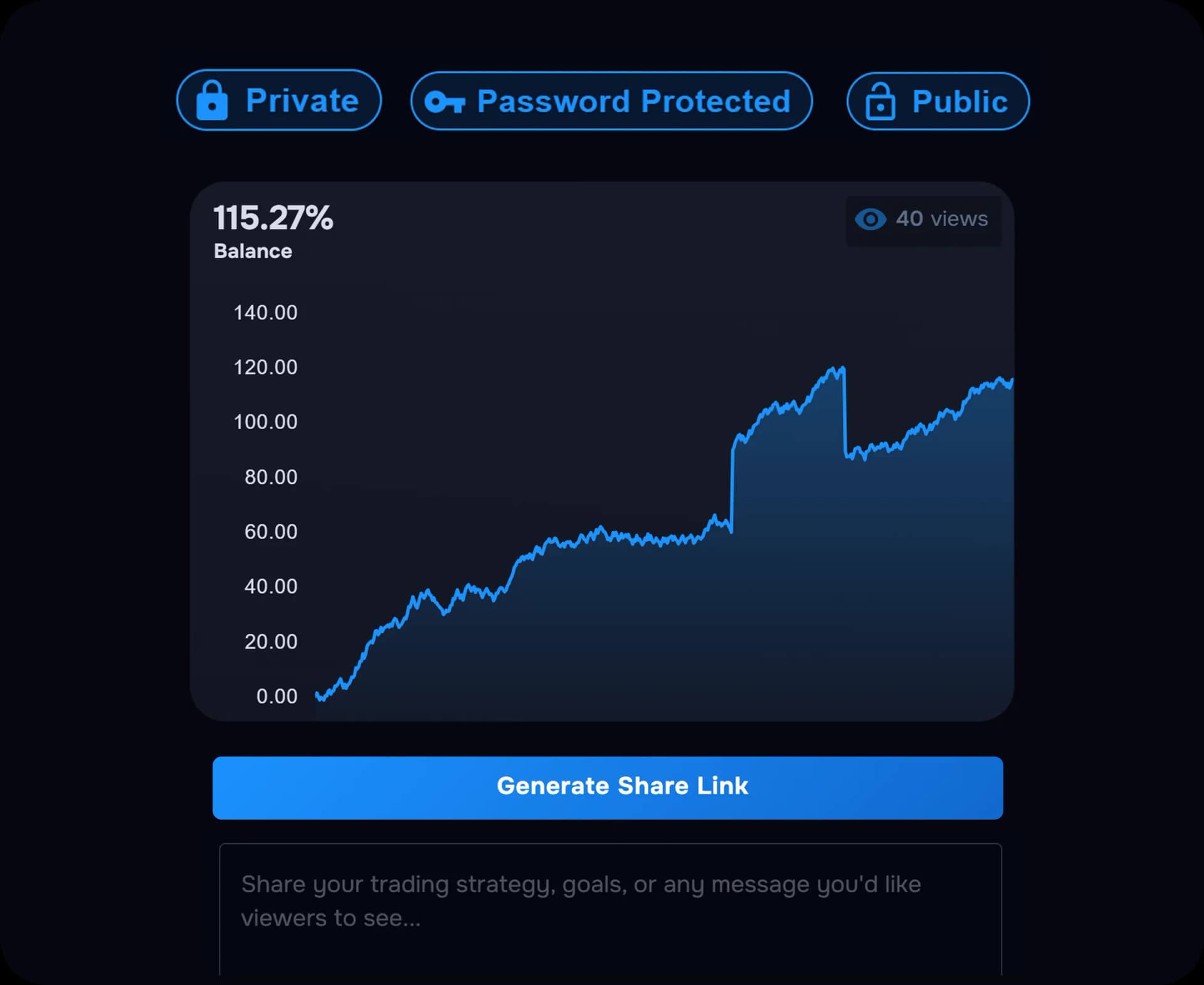
Flex your profits
Create a shareable analytics page that highlights your results, track record, and strategy insights, whether you're sharing with mentors for feedback or showing off your profits.
View details+
- Encrypted account security — Protect your account and trading data with securely encrypted passwords.
- Custom performance display — Adjust time periods, switch between full or simplified layouts, and highlight percentage growth or profit.
- Shareable performance views — Let others explore your results through profit, balance, or yearly performance charts.
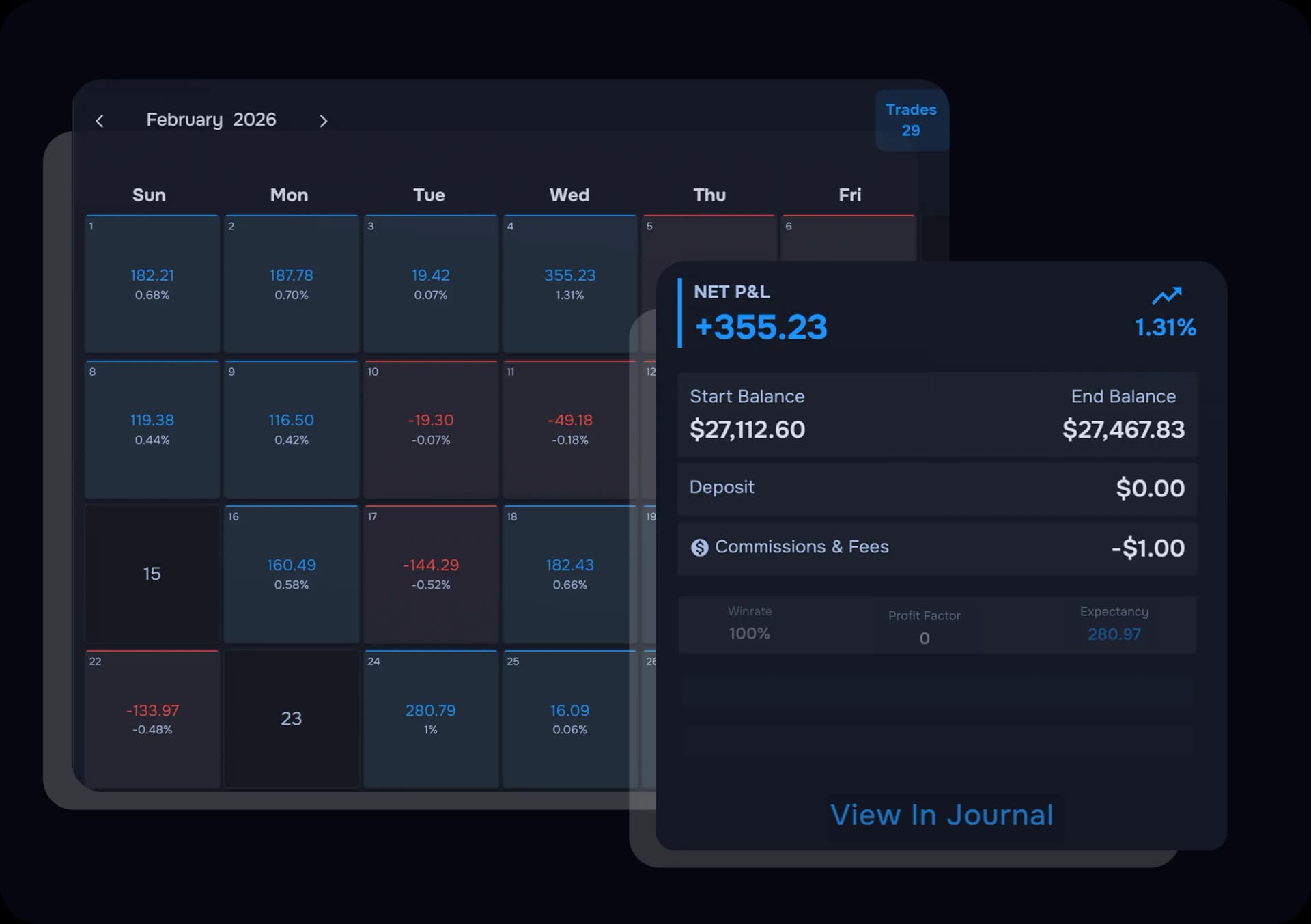
Turn Daily Data Into Discipline
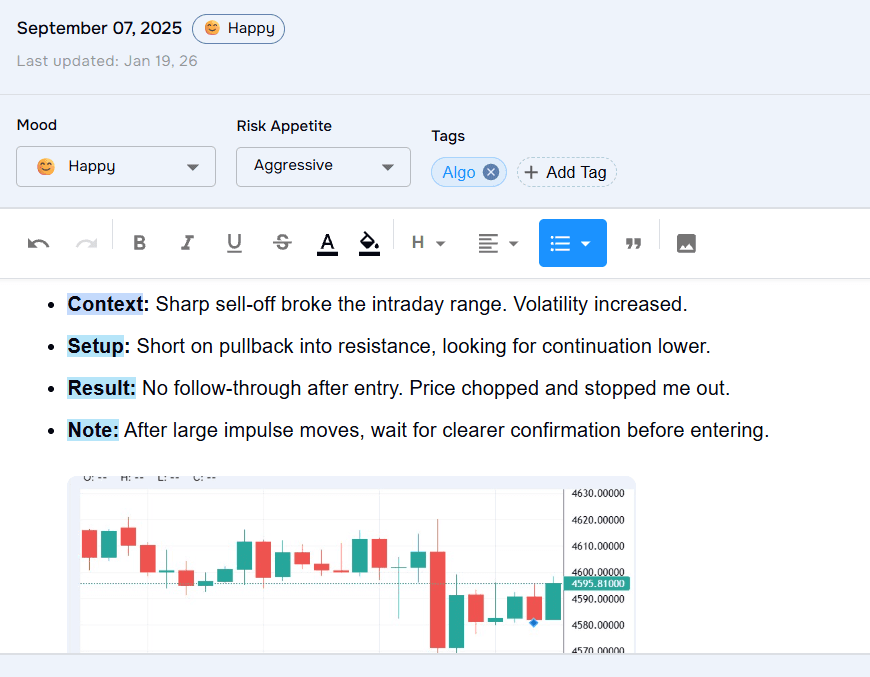
Build more consistent habits by reflecting on your trading days. The Profit Calendar helps you monitor performance, spot patterns, and reflect on sessions.
View details+
- Visual profit calendar — Spot your strongest days, toughest sessions, and long-term trends at a glance.
- Daily trade breakdowns — Explore P&L, session details, and trade entries to discover which days set you up for success.
- Effortless journaling — Quickly tag trades and log your mindset without interrupting your trading rhythm.
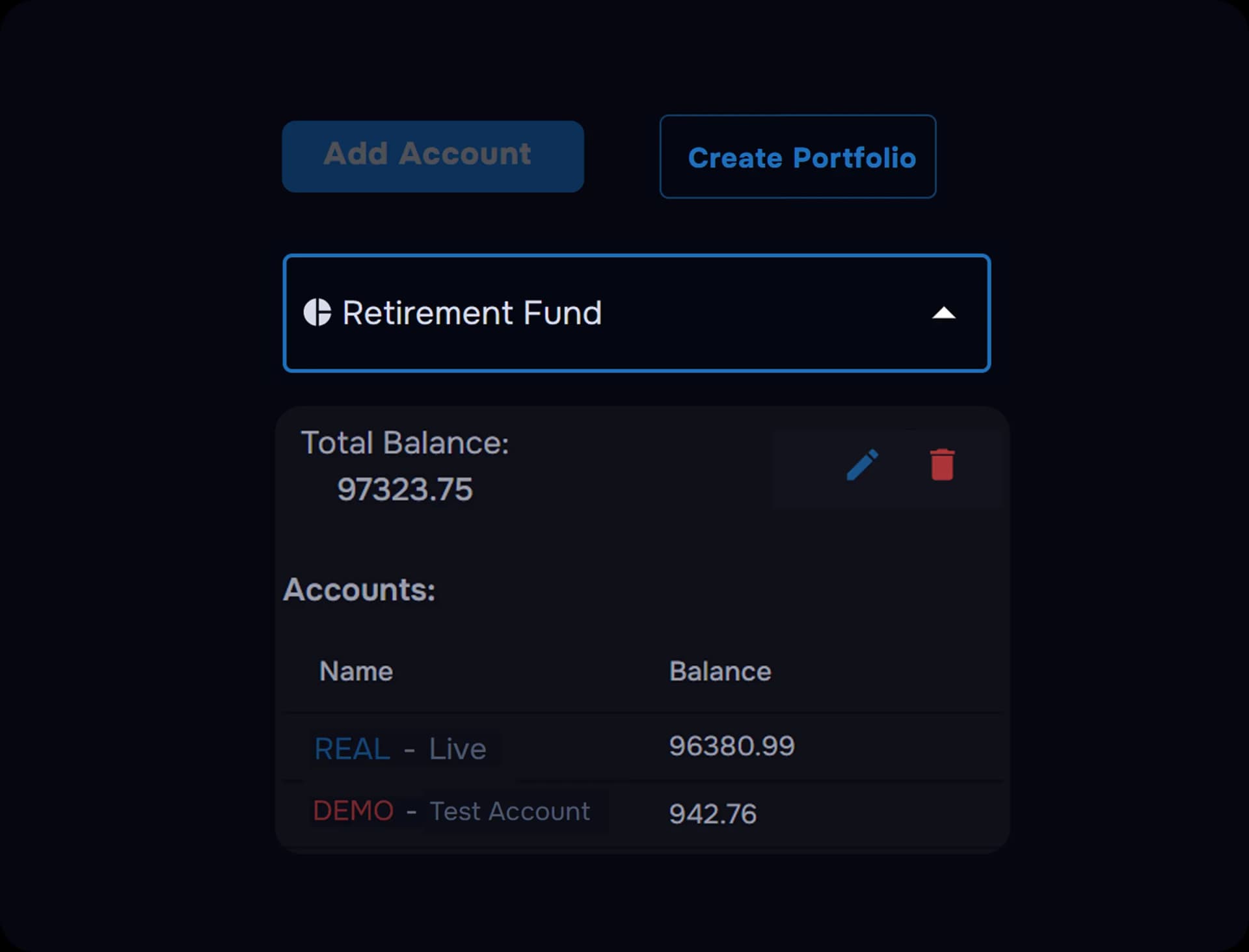
From Scattered to Synced in Seconds
Track every trade with a single click and transform messy trading activity into clear, actionable insights. Generate detailed reports, analyze your strategies, and gain the confidence that comes from truly understanding your performance.
View details+
- Portfolio-wide tracking — Monitor multiple accounts and different platforms within one unified view.
- Automated trade syncing — No spreadsheets, no manual data entry. All your trades are imported in seconds
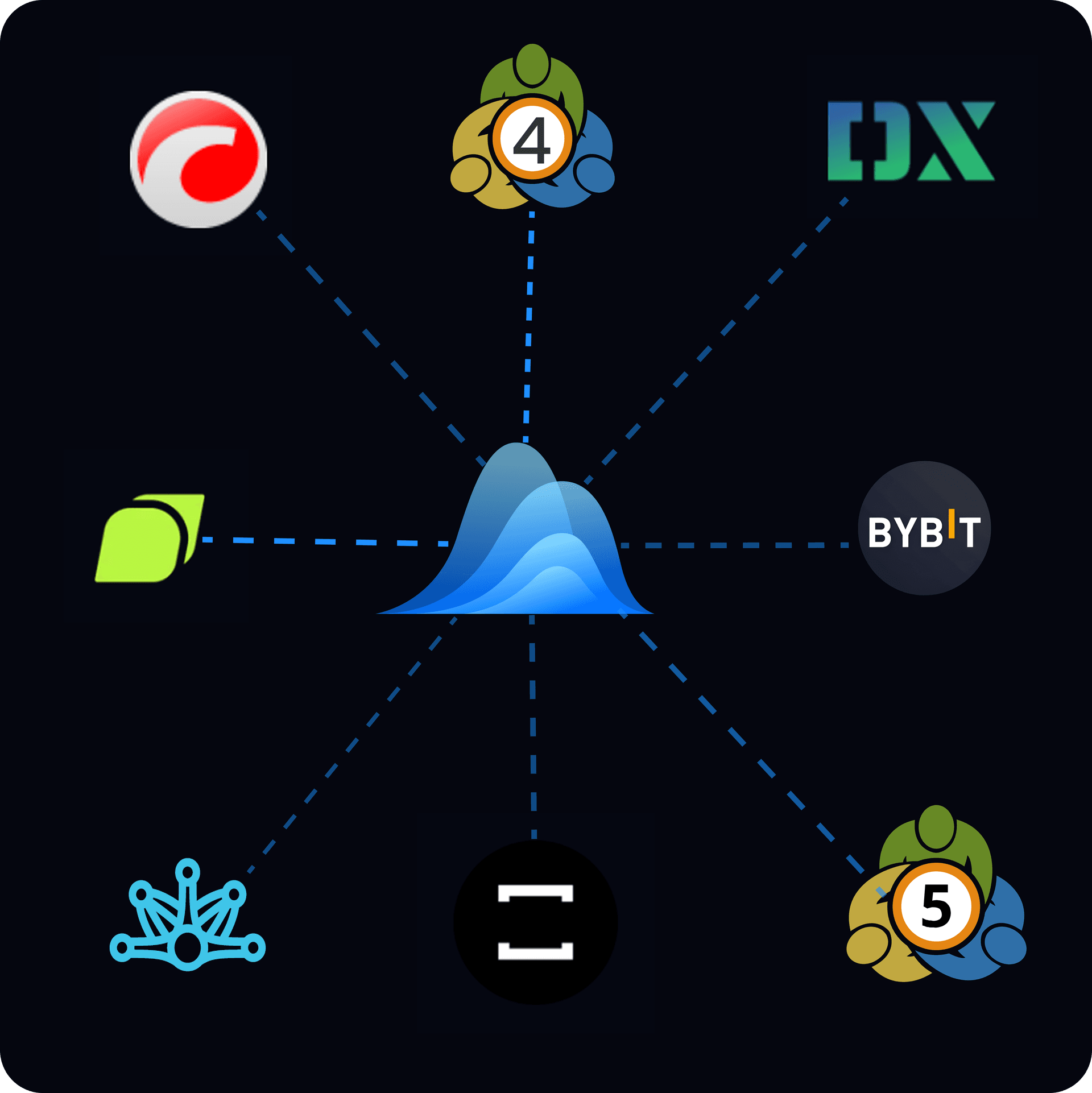
- Full broker compatibility — Supports all MT5 and DxTrade brokers, with more platform integrations on the way.
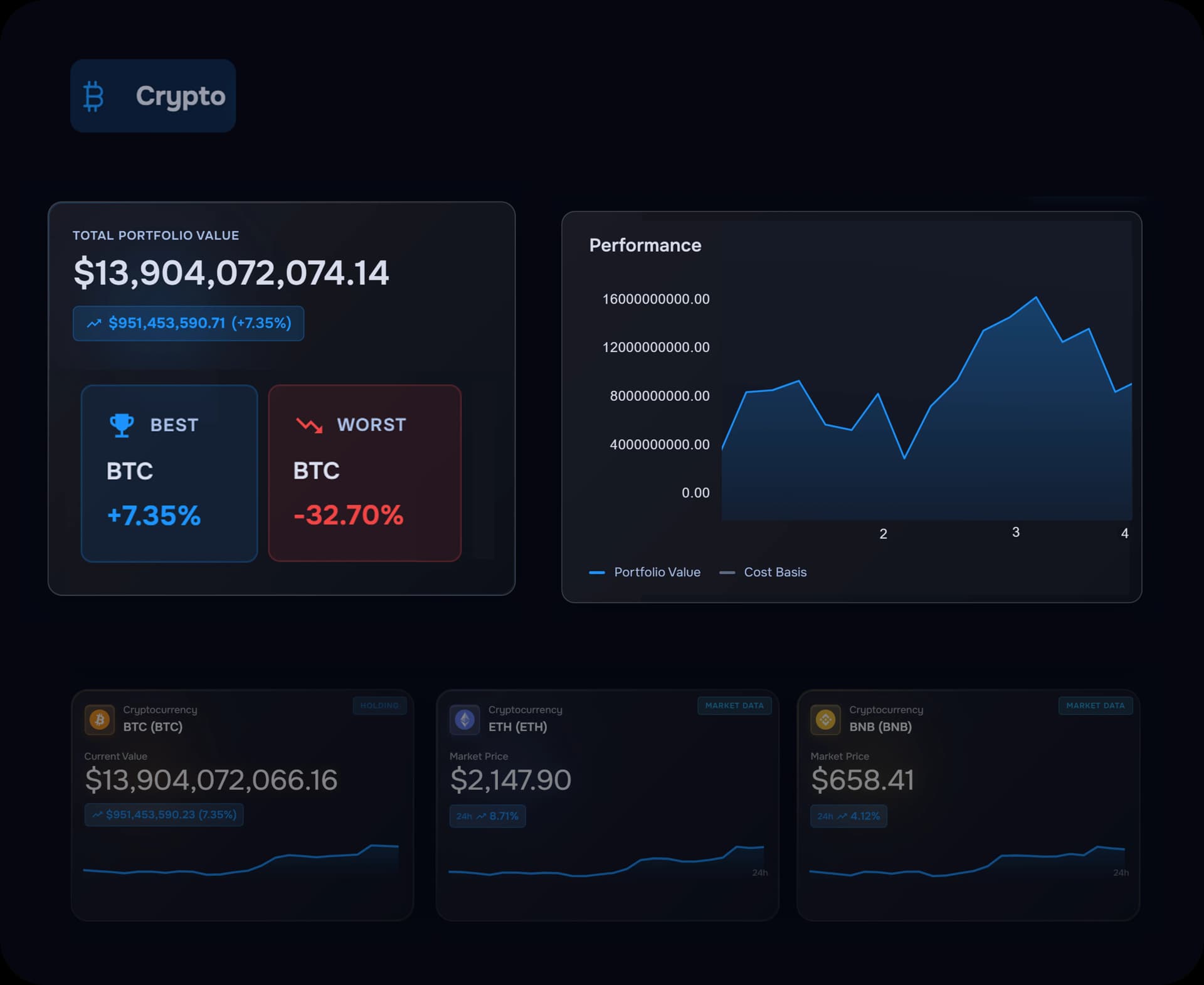
Beyond the dashboard
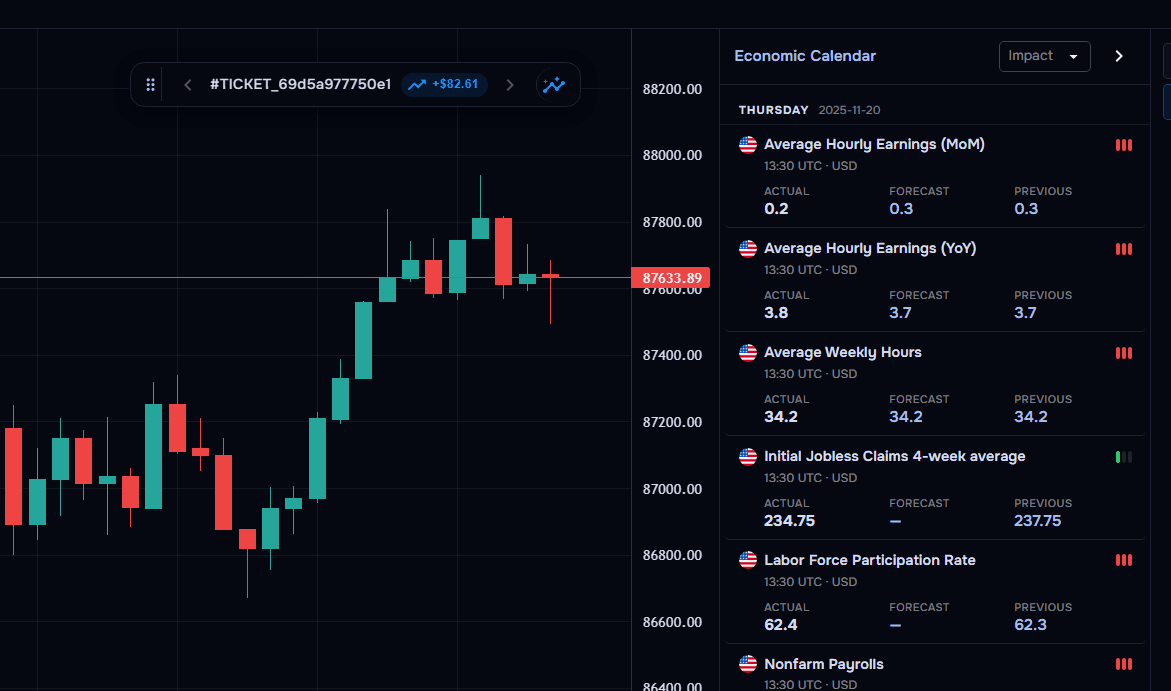
TraderWaves goes further than trade tracking. Connect your accounts, analyze markets with built-in tools, and manage your trading activity from one unified workspace.
View details+
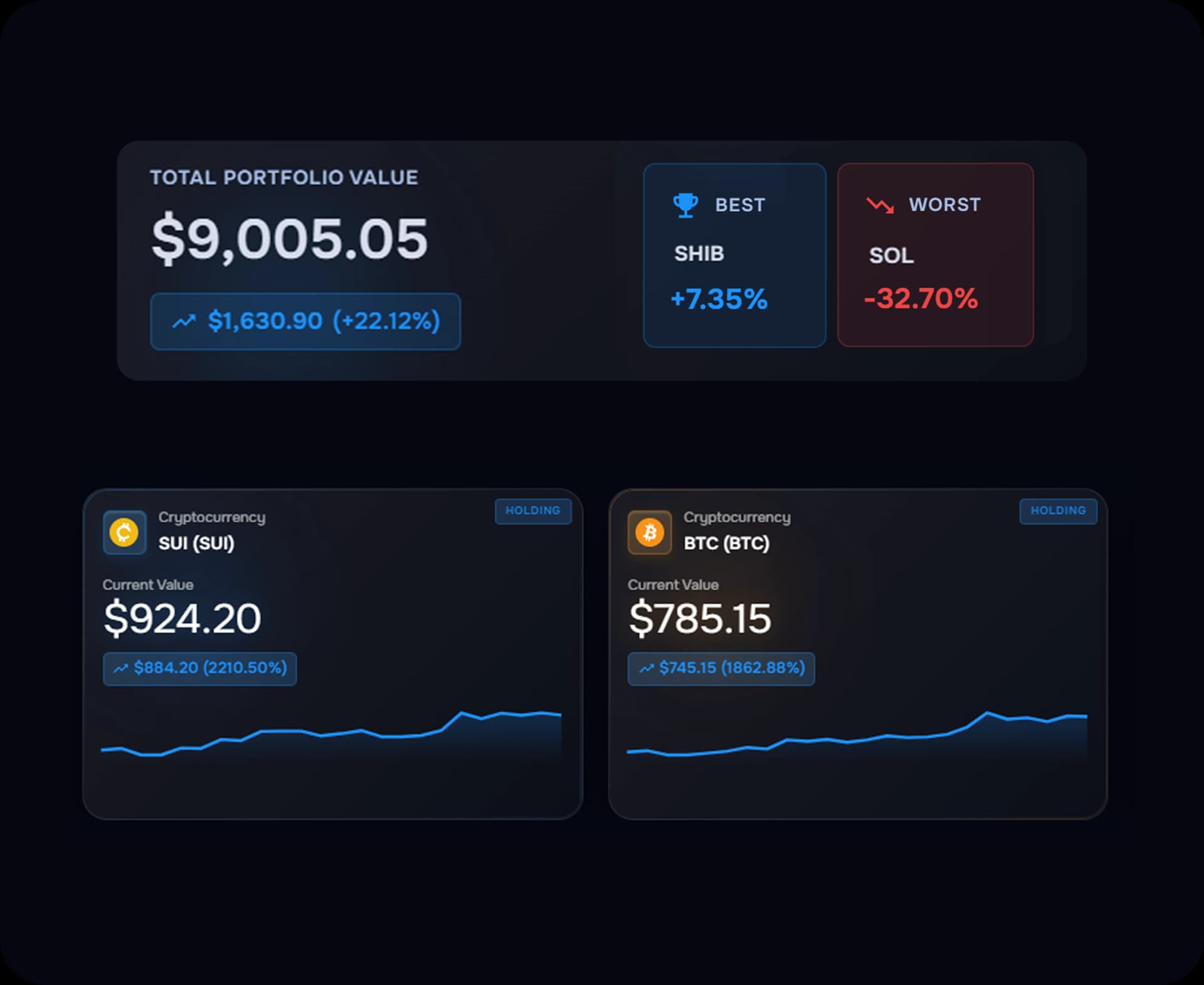
- Crypto wallet integration — Connect and track your crypto holdings alongside traditional accounts.
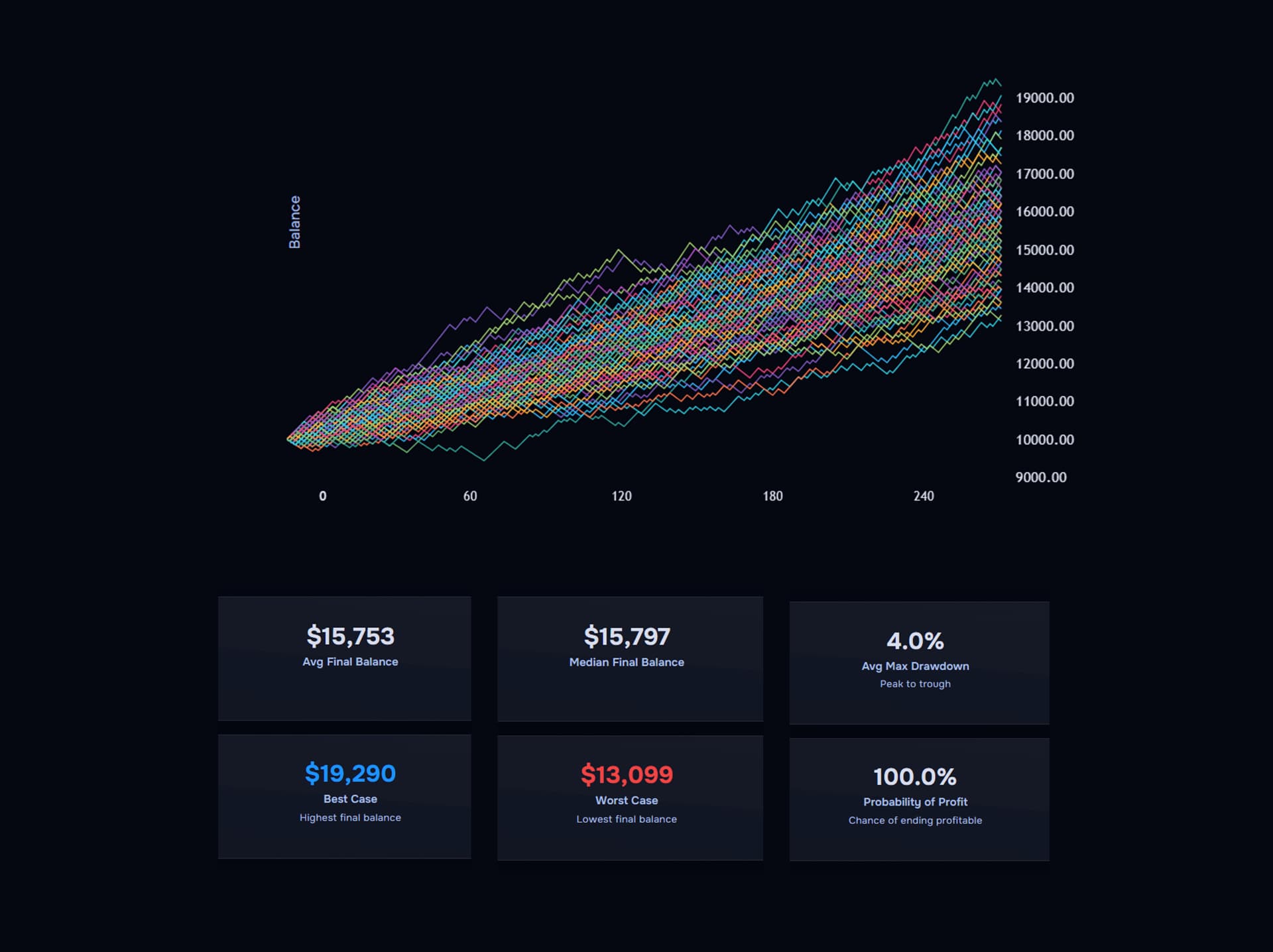
- Charts and calculators — Advanced tools for analysis and planning.
- Unified view — Everything in one place.
Clarity in three steps
How it works
Clarity, edges, and risk discipline in one view
Performance Clarity
Spot strengths and leaks instantly with clean charts.
Edge Discovery
Slice results by setup, session, and market regime to find edges.
Risk Discipline
Track drawdowns and alert on risk drift before it compounds.
Custom Metrics, Real Progress
Personalize dashboards and widgets around the signals that move your P&L.
Filter to Find Winning Setups
Break down trades by strategy, session, and hold time to see what stays consistent.
Stay Accountable Every Session
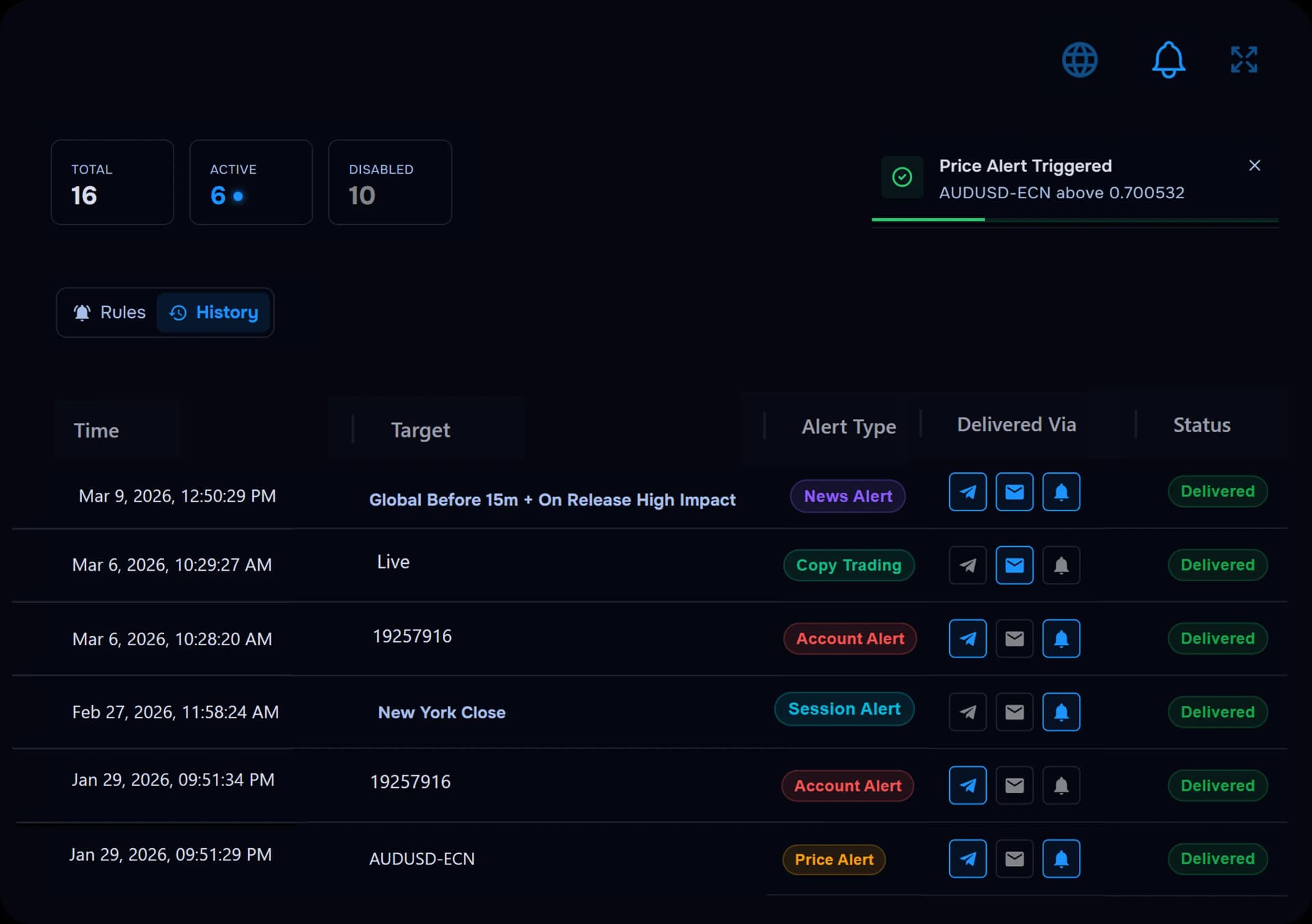
Use profit calendars and alerts to review streaks and correct risk drift early.
Connect your broker seamlessly
Sync trades from the platforms you already use—MT4/MT5, DxTrade, and more.















Frequently Asked Questions
Clear answers to common questions about trading analytics.
How do I use advanced filters to analyze best-performing trades?
TraderWaves lets you filter trades by date, symbol, hold time, and entry/exit strategy. This helps you find your most profitable trades and spot patterns in what works best. Using these insights, you can refine your strategy for better results.
How do I use a P&L calendar to monitor profitability trends?
The P&L calendar shows your daily, weekly, and monthly profits and losses. It highlights your best trading days and tracks win/loss streaks. This helps you see patterns in your performance and adjust your approach.
How do I optimize trading strategies using detailed trade analytics?
TraderWaves provides insights on win/loss ratios, risk-reward, and execution quality. By reviewing past trades, you can see which strategies work best. Customizable dashboards let you track key metrics to improve your results with trade performance analytics. To take your optimization even further, you can also explore our algorithmic trading tools designed to help you build and refine strategies, all in one place.
How do I track my trades in real-time without manual input?
TraderWaves connects to multiple brokers and syncs your trades automatically. Your data updates in real-time, so you don’t need to enter trades manually. This saves time and ensures accurate tracking.
Analysing Today, Winning Tomorrow
Dive deeper into your trades and track your performance like a pro with the help of trader analytics.